
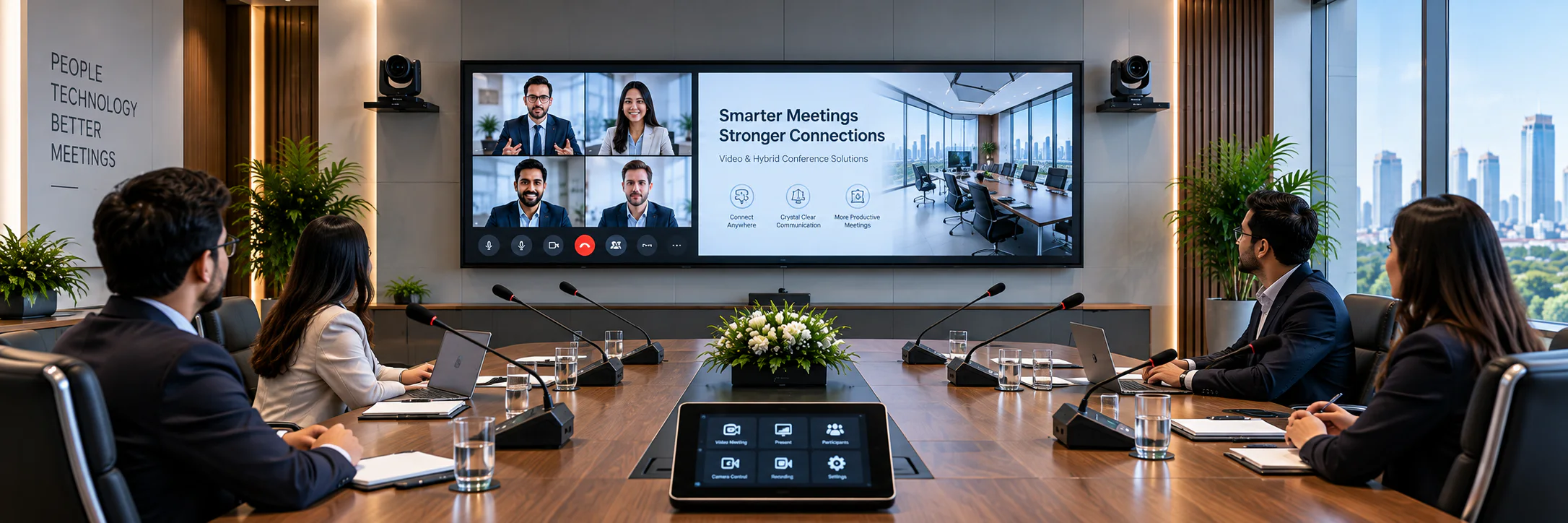
Connect in-room and remote participants
Video Conference System Price in Bangladesh 2026
Plan camera framing, two-way room audio and displays around the meeting platform and the exact equipment it supports.
System overview
Integrated Video and Hybrid Conference Rooms
A video and hybrid conference system combines room audio, cameras, displays and collaboration software so in-room and remote participants can communicate naturally within the same meeting.
Successful hybrid rooms require balanced microphone pickup, clear loudspeaker coverage, suitable camera framing, dependable content sharing and straightforward controls that users can operate without technical support at every meeting.
Remote collaboration
Connect offices, clients and teams through professional video meeting platforms.
Clear room audio
Combine suitable microphones, DSP and speakers for two-way communication.
Professional video
Use PTZ or auto-tracking cameras for clear participant views and speaker framing.
Simple operation
Coordinate displays, content sharing and meeting controls for everyday users.
Video and Hybrid Conference System Products
Compare PTZ cameras, video bars, speakerphones and video-room equipment. A compatible DSP, display or discussion system may also be needed, but these are selected for the final room design rather than listed as standalone video products.
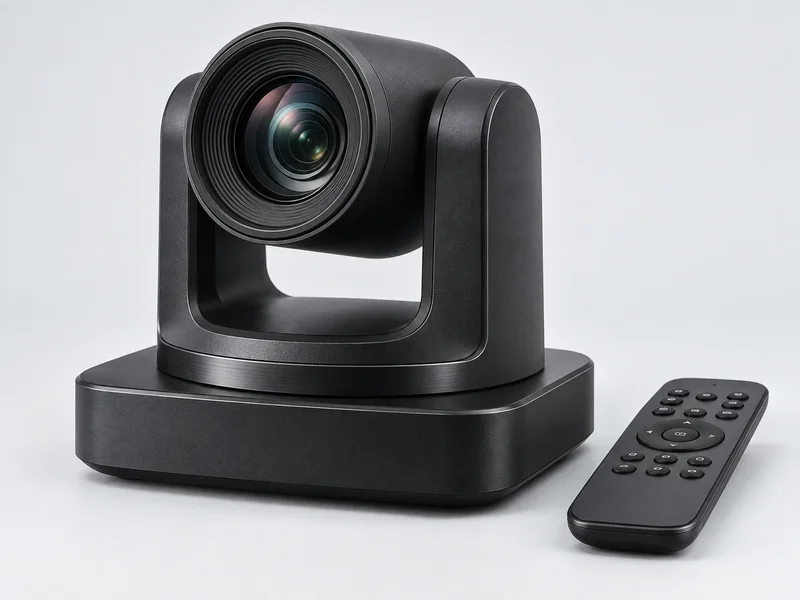
SPON LCS-2871-20 HD Conference PTZ Camera
Request quotation
- Full HD 1920 × 1080 video at up to 60 fps
- 20x optical zoom with autofocus
- Quiet motorized pan and tilt movement
- 2D and 3D image-noise reduction
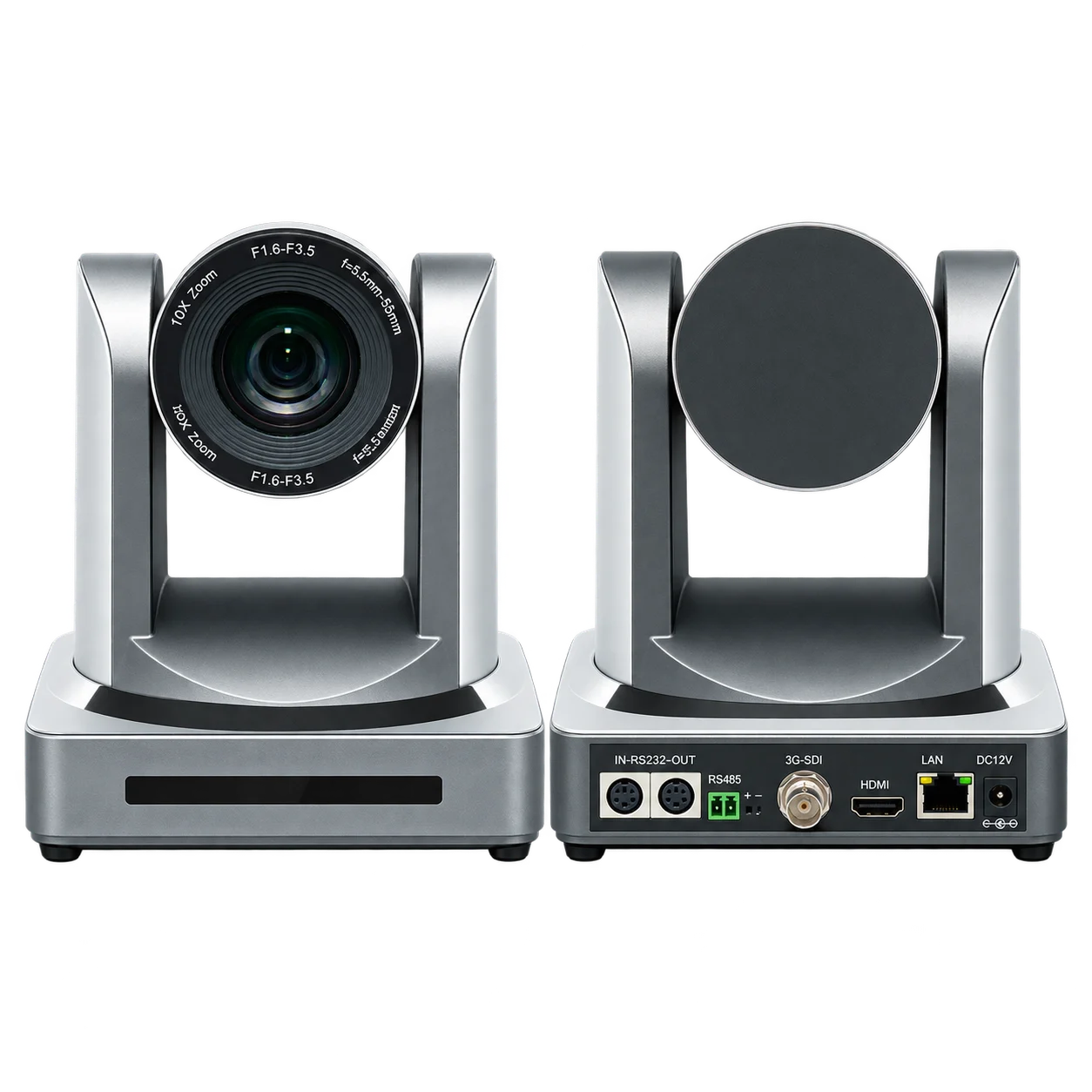
Synoveta SV-HD08 High-Definition PTZ Conference Camera
On request
- 1/2.8-inch CMOS sensor.
- Around 2.07 million effective pixels, 16:9.
- 10x optical zoom lens.
- Supports YPbPr, HDMI, HD-SDI and VBS image transmission simultaneously.
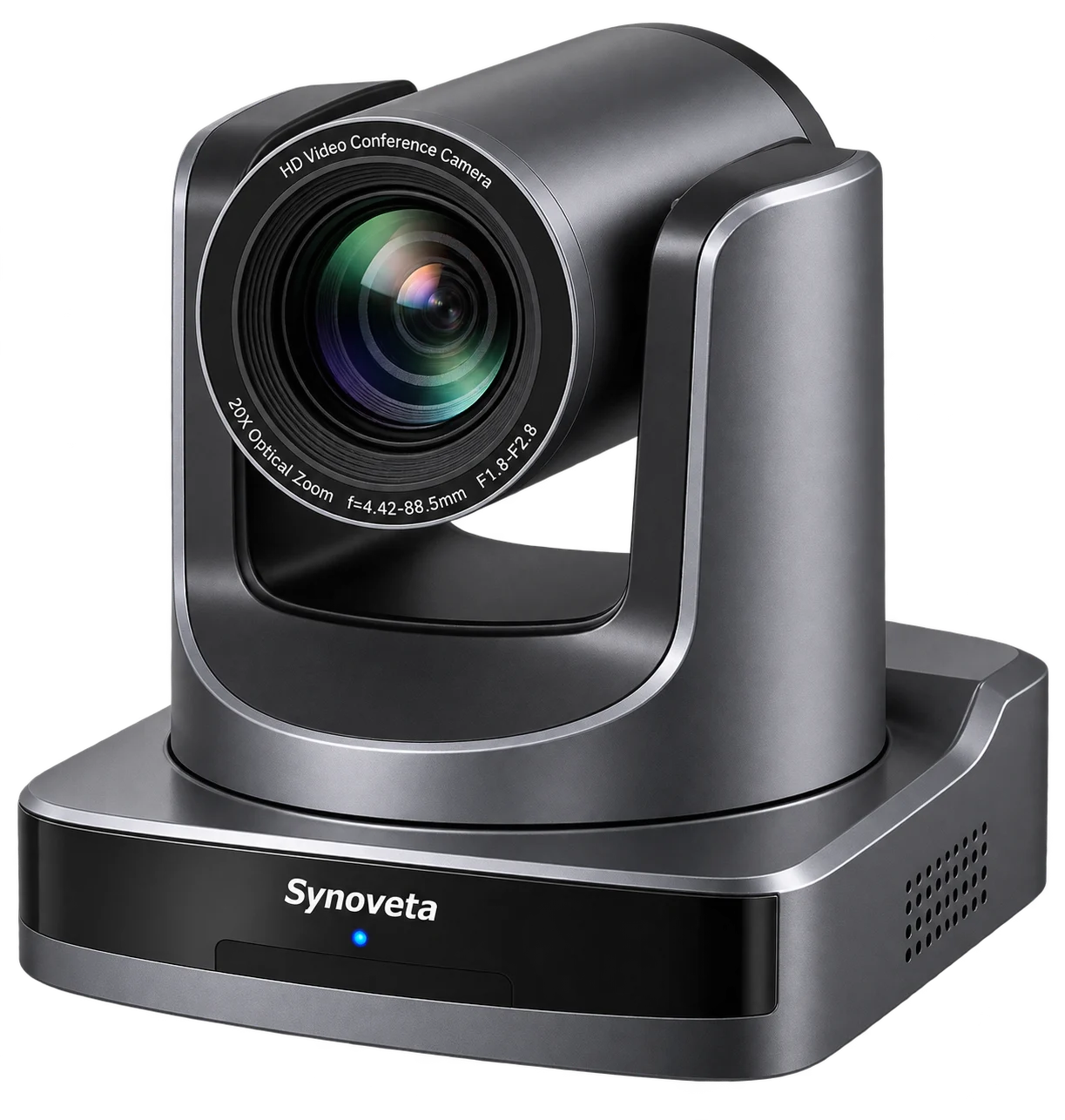
Synoveta SV-101SXJ HD PTZ Video Conference Camera
On request
- Full HD 1920 × 1080 imaging.
- 1/2.8-inch 2.07 MP CMOS sensor.
- 20x optical zoom.
- Lens: f=4.42–88.5 mm, F1.8–F2.8.
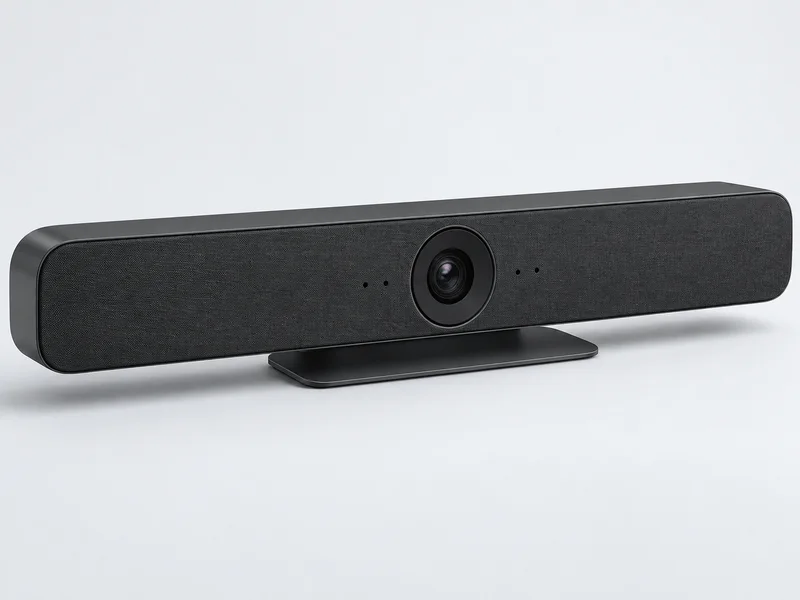
Logitech Rally Bar Huddle 4K Conference Camera
On request
- 4K digital PTZ camera with 4x HD digital zoom
- Six-microphone adaptive beamforming array
- Integrated full-range speaker and privacy shutter
- Designed for huddle and small meeting rooms
Logitech MeetUp 2 Video Conference Camera
On request
- 4K camera with 120-degree diagonal field of view
- 4x HD digital zoom and digital PTZ framing
- Integrated microphone array and 55mm speaker
- USB-C, HDMI, Ethernet, Wi-Fi and Bluetooth connectivity
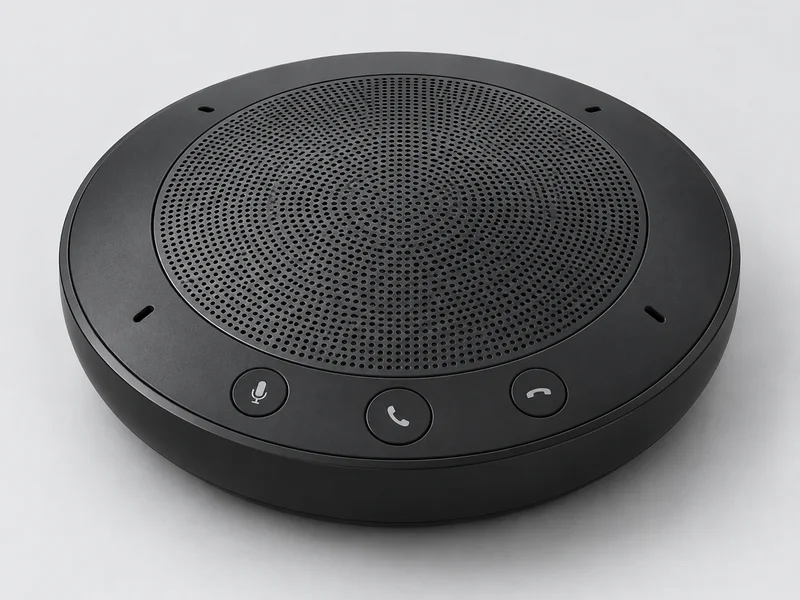
Jabra Speak2 75 Full-Duplex Speakerphone
On request
- Advanced full-duplex conference audio
- Full-range 65mm speaker for clear voice playback
- 360-degree omnidirectional microphone coverage
- Up to 32 hours of battery life
EMEET OfficeCore M3 Conference Speakerphone
On request
- Four-microphone omnidirectional array
- USB-C, Bluetooth 5.0 and 3.5mm connectivity
- Full-duplex audio with noise cancellation
- Designed for meetings with up to 12 people
BenQ DVY32 4K UHD Conference Camera
On request
- 4K UHD video at 30fps
- 120-degree field of view with 5x digital zoom
- AI auto framing and digital pan and tilt
- USB 3.0 plug-and-play operation
Video and Hybrid Conference System Price in Bangladesh
Compare video and hybrid conference system prices by PTZ camera quantity, optical zoom, DSP echo cancellation, microphones and displays. Final cost depends on room size, collaboration platform and Zoom or Microsoft Teams integration requirements.
| Product model | Brand | Type | Availability | Details | Price in BD |
|---|---|---|---|---|---|
| SPON LCS-2871-20 HD Conference PTZ Camera | SPON | HD conference PTZ camera | Contact for availability | View | Request quotation |
| Synoveta SV-HD08 High-Definition PTZ Conference Camera | Synoveta | PTZ Conference Camera | Contact for availability | View | On request |
| Synoveta SV-101SXJ HD PTZ Video Conference Camera | Synoveta | PTZ Conference Camera | Contact for availability | View | On request |
| Logitech Rally Bar Huddle 4K Conference Camera | Logitech | Video Bar | Contact for availability | View | On request |
| Logitech MeetUp 2 Video Conference Camera | Logitech | BYOD | Contact for availability | View | On request |
| Jabra Speak2 75 Full-Duplex Speakerphone | Jabra | Portable | Contact for availability | View | On request |
| EMEET OfficeCore M3 Conference Speakerphone | EMEET | Zoom Certified | Contact for availability | View | On request |
| BenQ DVY32 4K UHD Conference Camera | BenQ | Auto Framing | Contact for availability | View | On request |
| Logitech PTZ Pro 2 ConferenceCam | Logitech | USB | Contact for availability | View | On request |
| Cisco Room Bar BYOD Video Conferencing Bar | Cisco | RoomOS | Contact for availability | View | Project-based quotation |
| EMEET 12-14 Person Audio & Video Conference Package | EMEET | Speakerphone | Contact for availability | View | On request |
Video and Hybrid Conference System Components
A hybrid room combines camera framing, near-end microphones, far-end speakers, a display and a supported collaboration path. Larger rooms may need separate DSP processing and acoustic echo cancellation. Verify the exact platform and interfaces before ordering.
PTZ Conference Camera
A PTZ conference camera captures participants with suitable field of view, optical zoom and preset positions. Compatible speaker tracking can recall camera views from active conference microphones during hybrid meetings.
Conference Microphones
Conference microphones capture clear near-end speech for remote participants, recordings and live streams. Microphone type and quantity should match the table layout, participant positions and room-acoustic conditions.
DSP Audio Processor
A DSP audio processor manages acoustic echo cancellation, automatic mixing, noise control, equalization and signal routing. Correct tuning prevents remote participants from hearing echo while maintaining natural local discussion.
Meeting Room Display
The room display presents remote participants, shared content and the selected meeting platform interface. Screen size, viewing distance, resolution and single- or dual-display workflow should be planned from the seating layout.
Conference Room Speakers
Room speakers reproduce intelligible far-end speech at a comfortable level without creating microphone feedback. Speaker quantity, placement and DSP tuning should provide even coverage across every participant position.
Room Collaboration Device
The collaboration device connects cameras, microphones, DSP audio, displays and the selected Zoom, Microsoft Teams or bring-your-own-device workflow. Simple control is essential for reliable everyday meeting-room use.
How to Plan a Video Conference Room
Plan a video conference room as one integrated audio, camera, display and collaboration system. Matching every component to the room size and meeting platform produces clearer calls and simpler everyday operation.
Start with room size
Match camera field of view, zoom and microphone coverage to seating distance.
Choose the platform
Confirm Zoom, Teams, Google Meet or bring-your-own-device requirements.
Control echo and noise
Use suitable DSP, microphone placement and loudspeaker design for clean calls.
Simplify user control
Plan easy meeting start, source selection, camera presets and content sharing.
Planning a Video and Hybrid Conference System Project
Use this sample room scope to prepare a useful request for quotation in Bangladesh. It is an illustration, not a fixed package or compatibility promise.
Example BOQ: 12-seat hybrid boardroom
- Camera or video bar suited to the room depth
- Microphones, loudspeakers and echo control
- Display and meeting-room connection path
- Platform setup, acoustic tuning and call testing
Compatibility checks before ordering
- Zoom, Teams or laptop-led workflow supported by the selected hardware
- Camera field of view, speaker framing and display visibility
- Microphone pickup, DSP echo cancellation and network readiness
What affects project price?
Camera coverage, DSP and microphone design, display size, platform hardware and installation complexity.
Share your seating plan, room dimensions and existing equipment so the final BOQ can list supported models, quantities and installation scope.
Request a room BOQWhere Video and Hybrid Conference System Is Used
Video and hybrid conference systems connect in-room participants with remote teams through integrated cameras, audio, displays and collaboration platforms. They support corporate meetings, government coordination, distance learning and professional training across multiple locations.
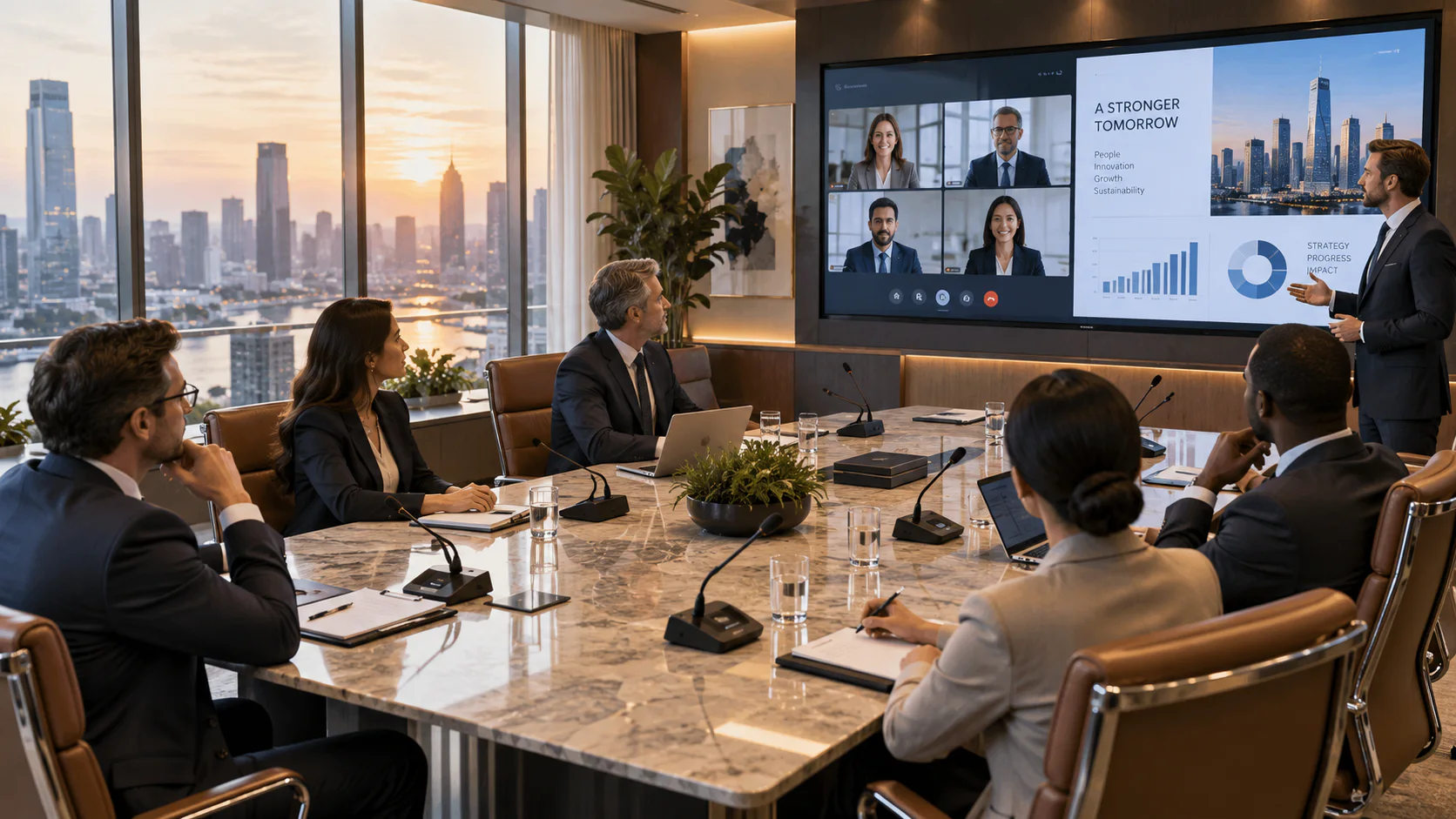
Corporate boardrooms
Connect head office, branches, clients and remote teams through integrated room audio, video and content sharing.
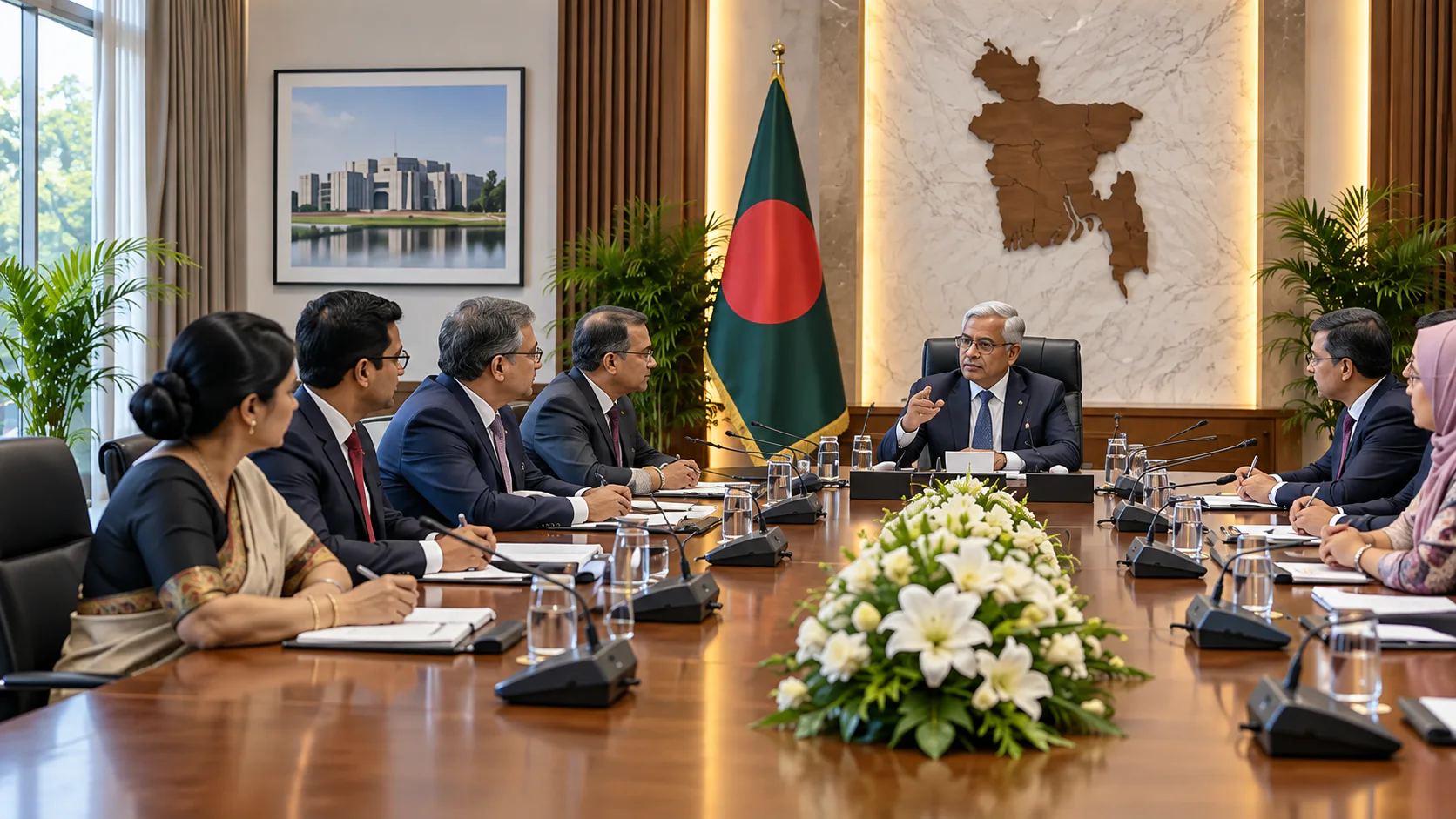
Government meeting rooms
Support secure administrative reviews, inter-office coordination and multi-location public-sector meetings.
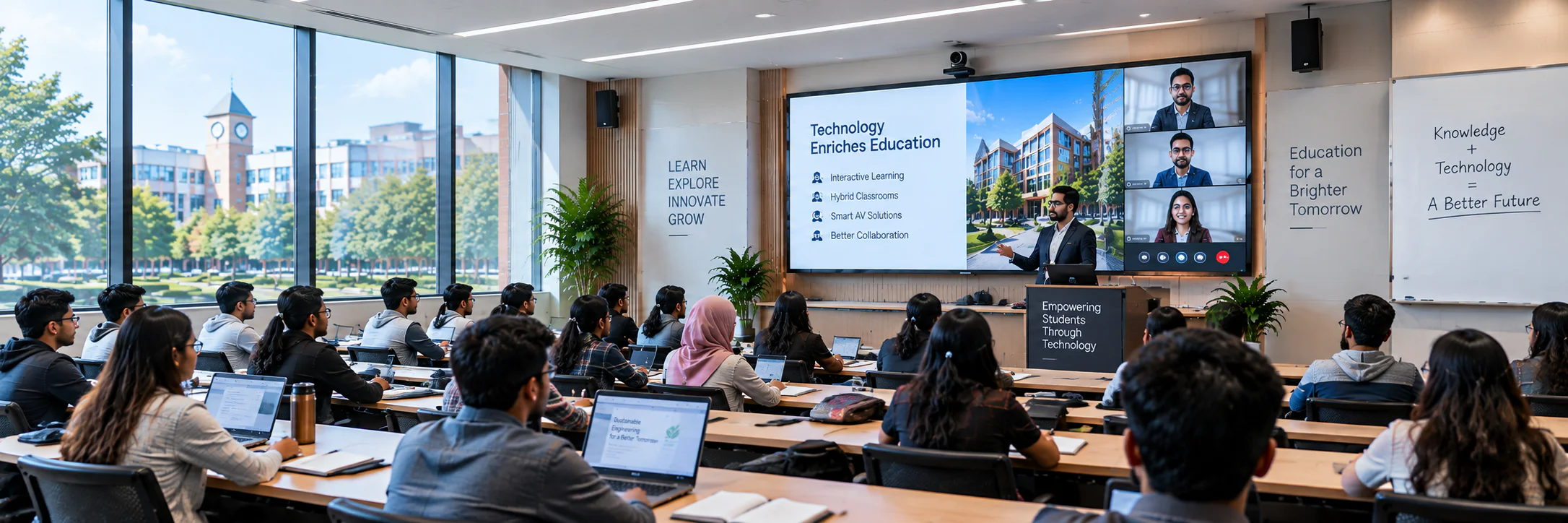
Education and training
Enable distance learning, virtual lectures, thesis defence sessions and professional training across locations.
Video and Hybrid Conference System FAQ
Find answers about video conference system prices, PTZ cameras, DSP audio, room displays and Zoom or Teams integration in Bangladesh. These FAQs help buyers define the complete hybrid meeting-room scope before requesting a project BOQ.
1How is the price of a video and hybrid conference system calculated?
The project price depends on PTZ camera quantity and optical zoom, microphones, DSP echo cancellation, speakers, displays, collaboration or switching devices, room control, cabling and installation. Room size and the selected Zoom or Microsoft Teams workflow determine the final equipment scope.
2Can a video and hybrid conference room be expanded later?
Yes, if the initial design includes sufficient DSP channels, camera inputs, USB or network connectivity, display outputs and control capacity. Additional cameras, microphones or displays must remain compatible with the collaboration platform and signal-routing design.
3Does Renex Digital configure PTZ cameras and hybrid meeting audio?
Yes. Integration can include PTZ framing and presets, active-speaker tracking, microphone and DSP tuning, acoustic echo cancellation, speaker levels, display routing and end-to-end Zoom or Microsoft Teams call testing.
4What should be checked before planning a video conference room?
Confirm room dimensions, participant positions, meeting platform, camera field of view, optical zoom, microphone pickup, speaker coverage, display visibility, network readiness and the connection method for users' laptops or a dedicated room system.
5Should a meeting room use a video bar or separate cameras and microphones?
A video bar can simplify a small room, while larger or deeper rooms may need separate PTZ cameras, microphones, DSP and speakers. Decide from seating distance, camera framing and the meeting platform rather than the device type alone.
6How will remote attendees hear questions from every seat?
Test microphone pickup at the nearest and farthest seats, then check DSP echo control and speaker levels during a two-way call. A room that sounds clear locally may still have weak or echoing audio for remote participants.
7Can an existing display be reused for hybrid meetings?
It may be reusable if its size, resolution, inputs and viewing distance suit the room. Check whether remote faces and shared content must be shown together or on separate displays before finalizing the video design.
8Is active-speaker camera tracking essential for a hybrid room?
No. Fixed or manually selected camera views can work in smaller rooms. Tracking is useful when many speakers sit far apart, provided the microphones, controller and camera support a tested integration path.
Planning a Video and Hybrid Conference System Project?
Share your room size, participant quantity and required features for a suitable system recommendation and project quotation.
Request a Room BOQ