
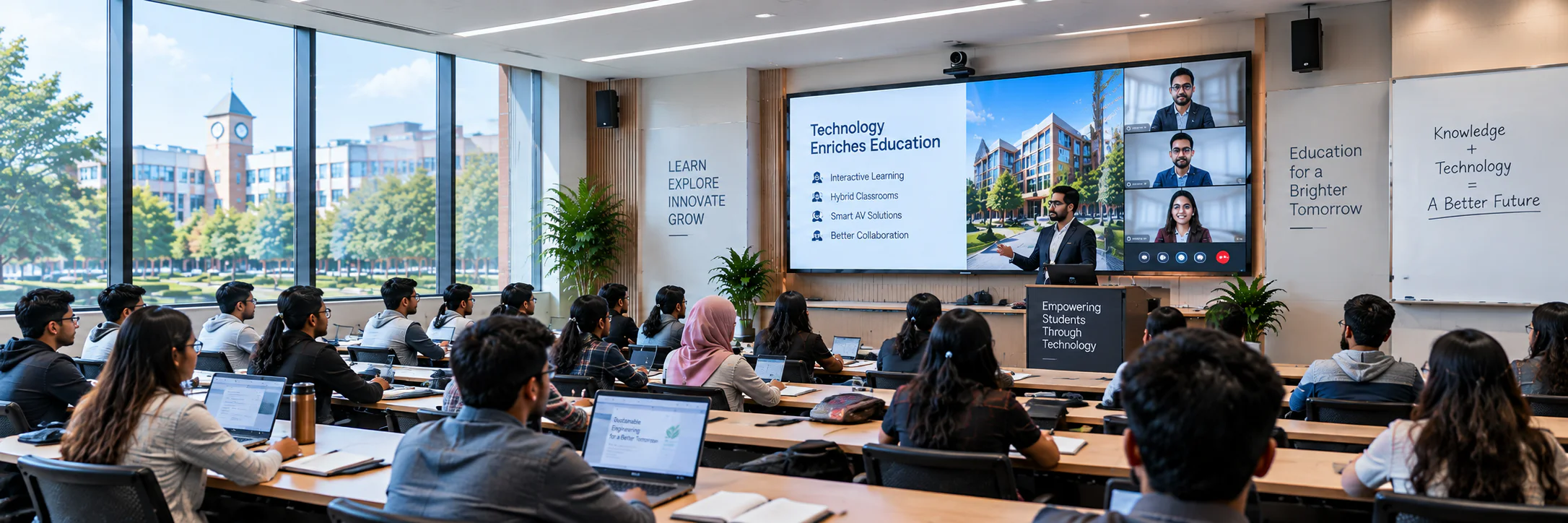
Education Conference System in Bangladesh
Flexible communication and hybrid-learning technology for universities, colleges, training centres and academic meeting spaces.
Education Conference Room Requirements
Education environments need conference technology that works for faculty meetings, seminars, thesis presentations, training sessions and remote learning. The design must be simple for instructors while delivering clear voice, readable content and reliable recording.
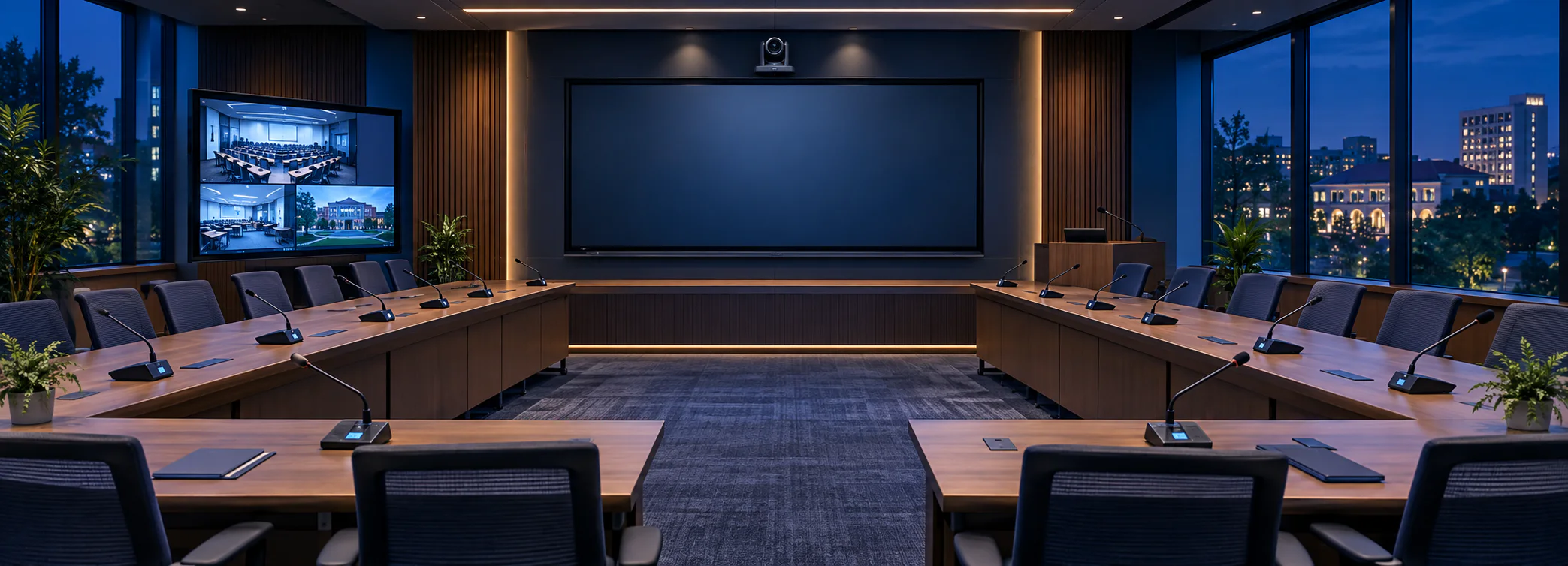
We plan room-specific solutions using participant microphones, presenter audio, PTZ cameras, interactive displays, lecture capture and online meeting integration for both academic and administrative use.
Clearer Communication
For better decisions
Higher Productivity
More efficient meetings
Connected Education
Technology for teaching and learning

Where It Is Used
Plan a conference system for the meeting spaces and workflows common in education organizations.
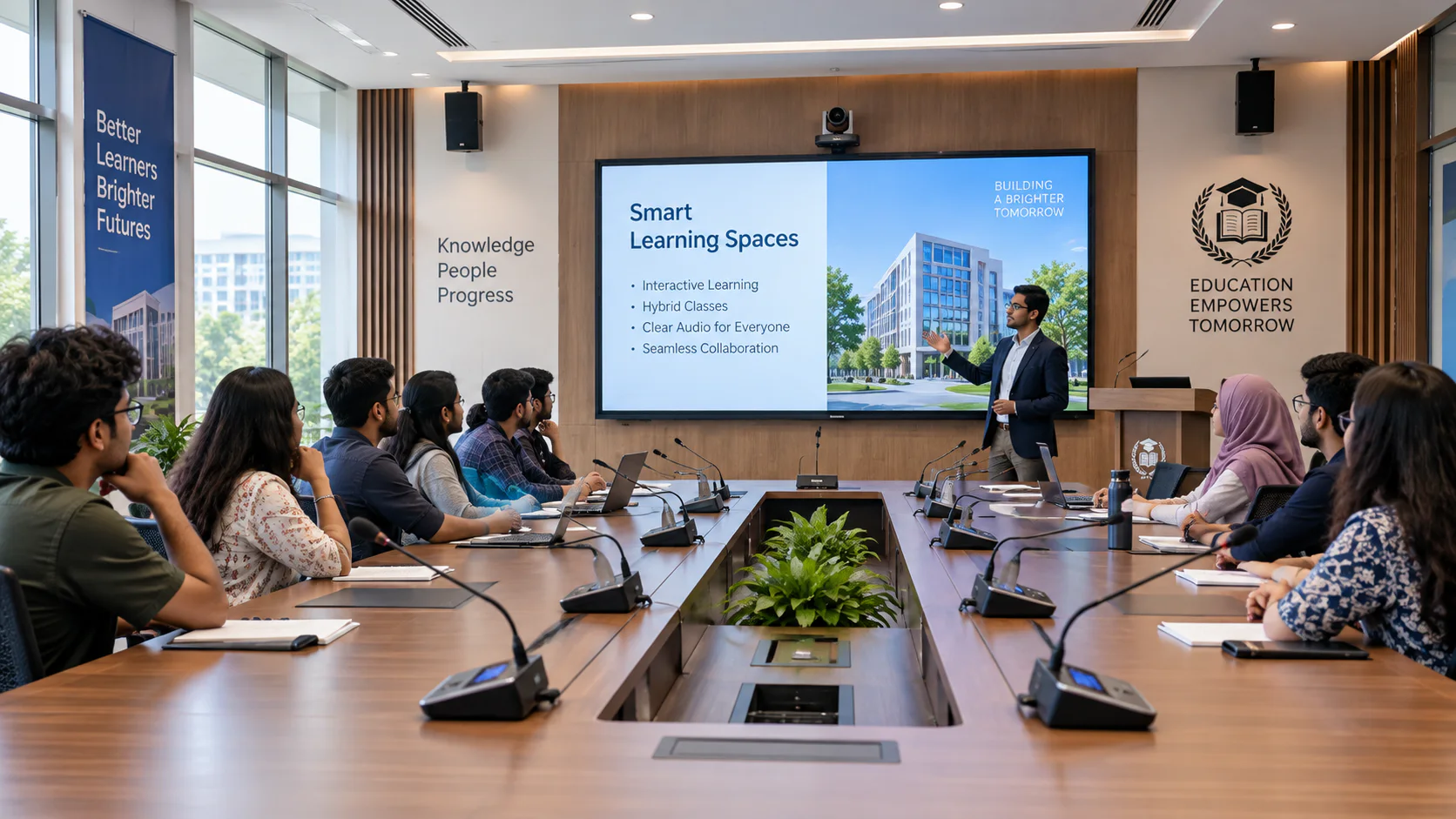
Senate & Faculty Rooms
Structured discussion for academic leadership and faculty
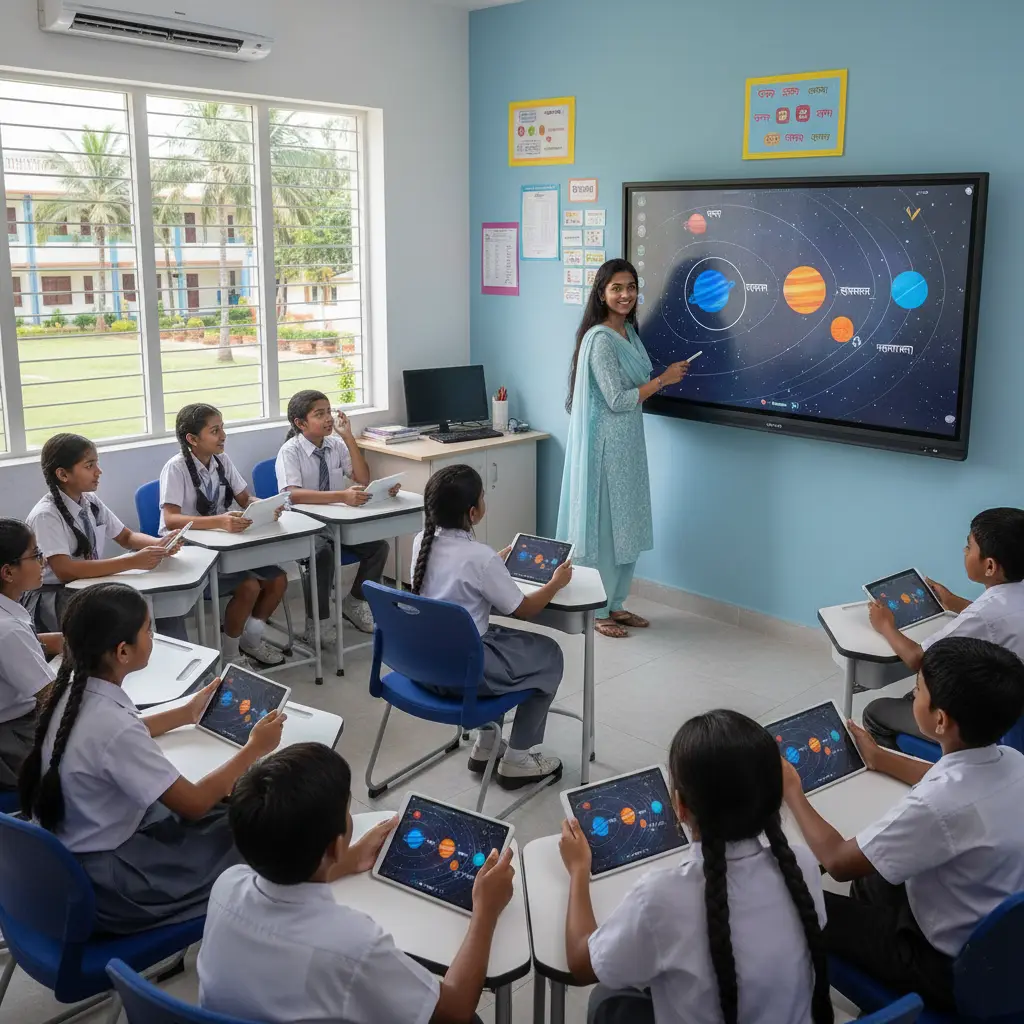
Hybrid Classrooms
Interactive learning for in-room and remote students
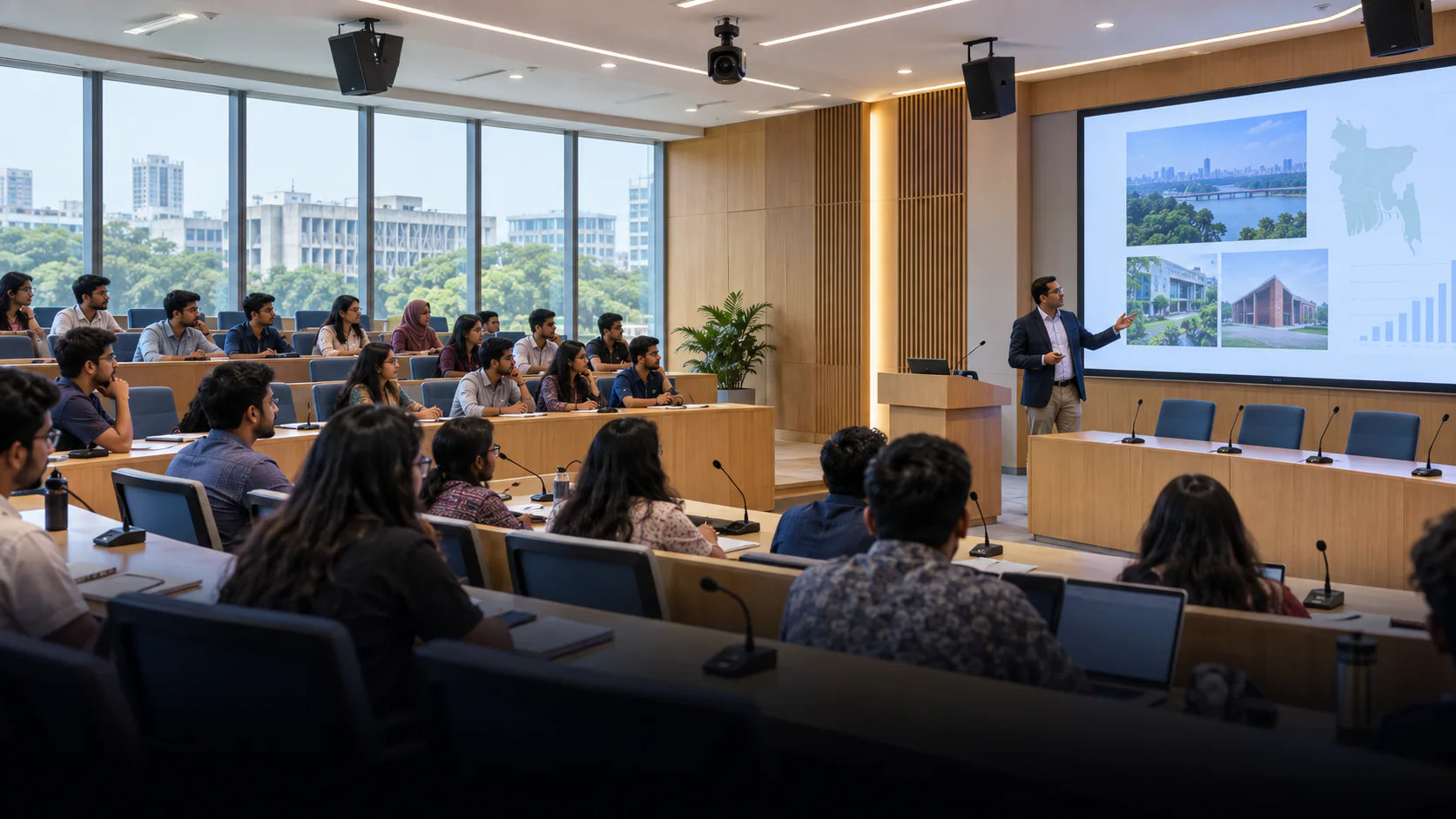
Lecture & Seminar Halls
Clear presentations and participation in larger spaces
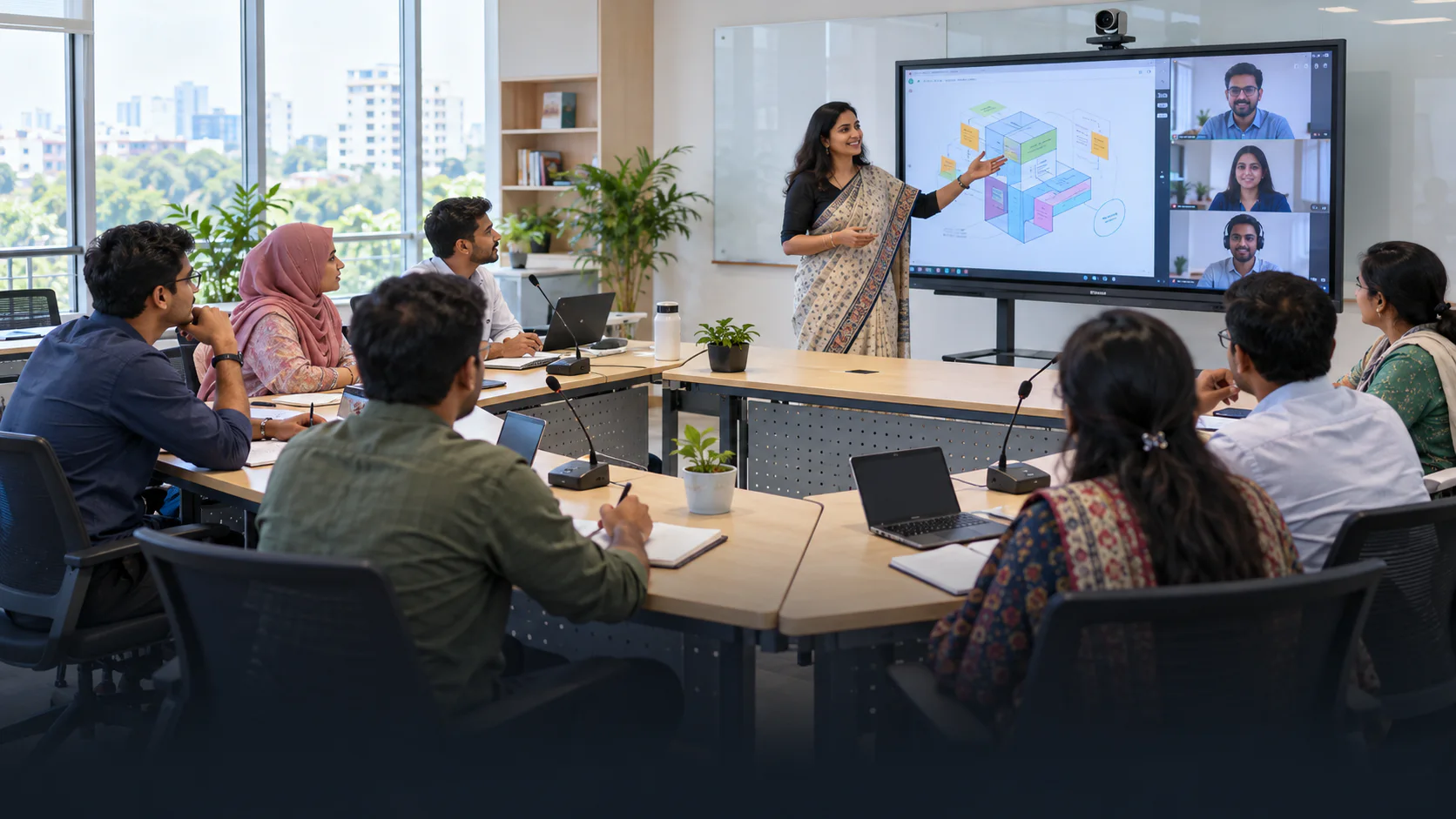
Training Centres
Flexible collaboration for professional learning
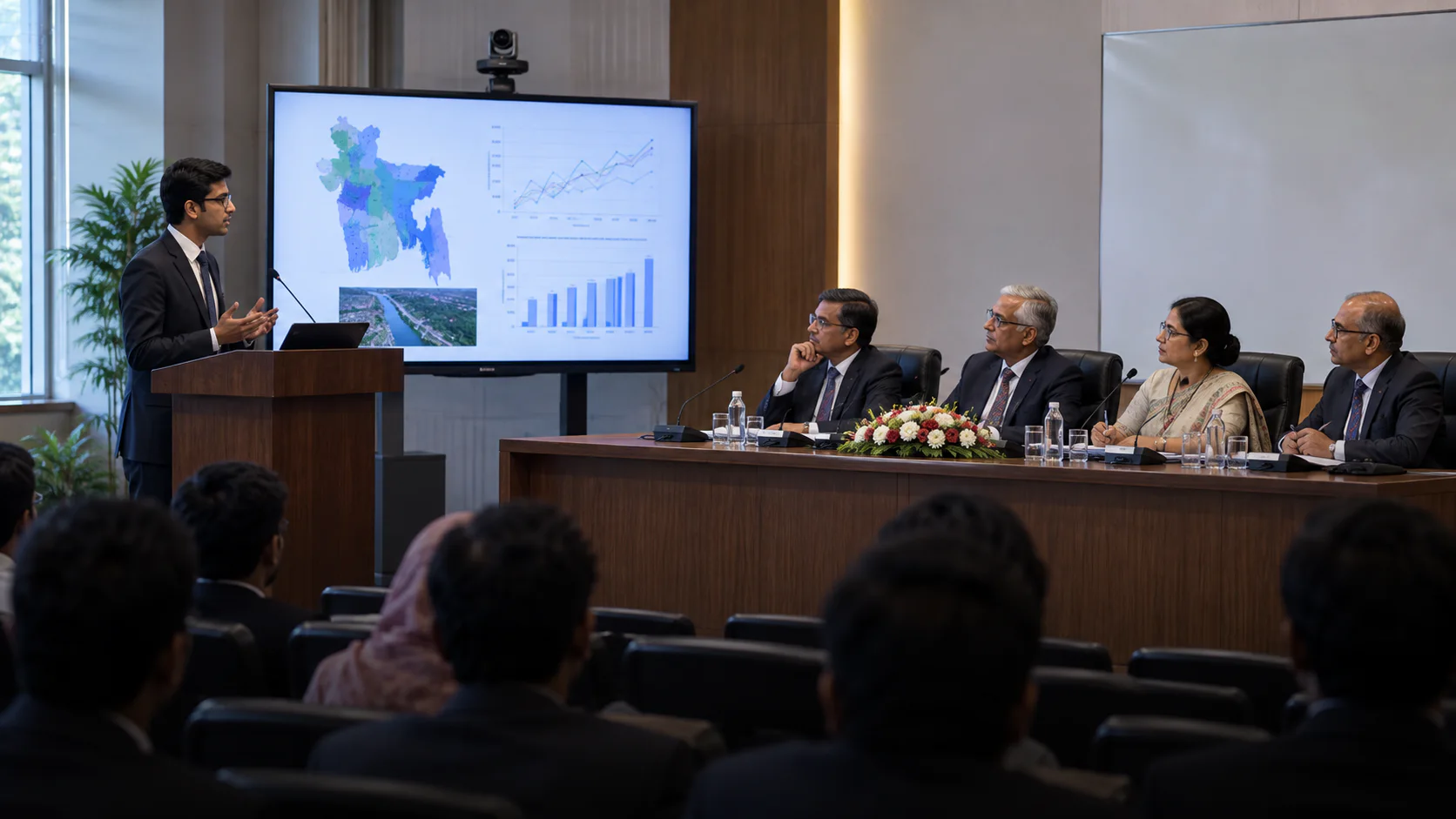
Thesis Defence Rooms
Professional presentation and faculty evaluation
How Education Conference Rooms Work
Academic rooms may host faculty decisions, teaching, thesis defence and remote participation on different days.
- 01
Select the room mode
The facilitator chooses a discussion, presentation or hybrid teaching setup before participants arrive.
- 02
Capture voices and content
Chairperson or instructor audio, participant questions and display content remain clear for the room and any remote attendees.
- 03
Share approved material
Recording or lecture capture follows the institution's access and storage rules, with simple controls for the next session.
Recommended AV Setup for Education Conference Rooms
Example: Faculty meeting or thesis defence room. A committee table needs moderated discussion; a teaching room may instead prioritize presenter movement, audience questions and content display.
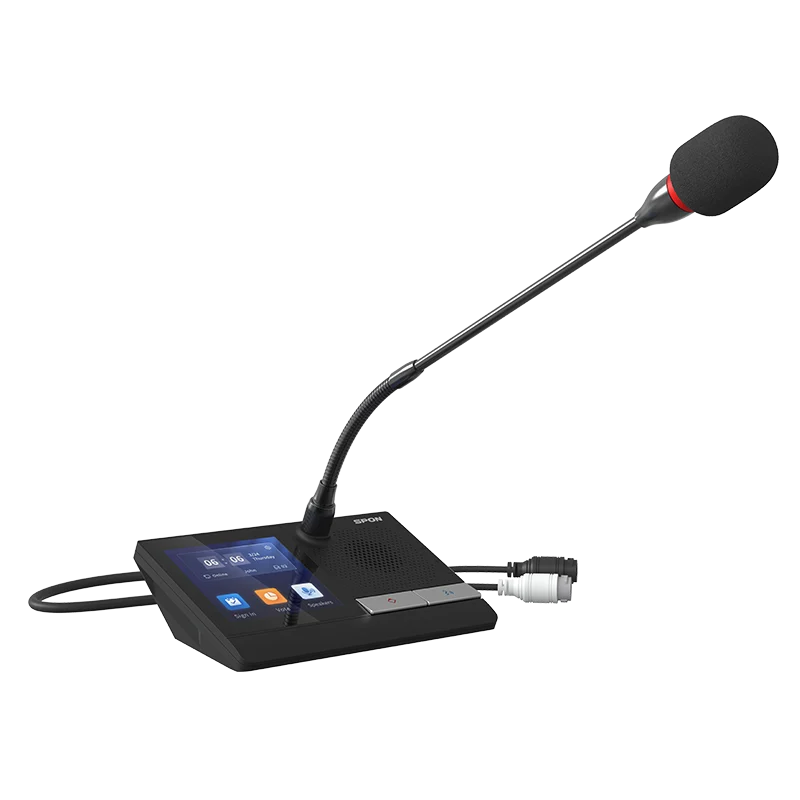
- Committee discussionA compatible controller and chairperson/delegate positions for formal academic meetings.
- Teaching audioPresenter and audience microphones with speaker coverage sized for the actual room.
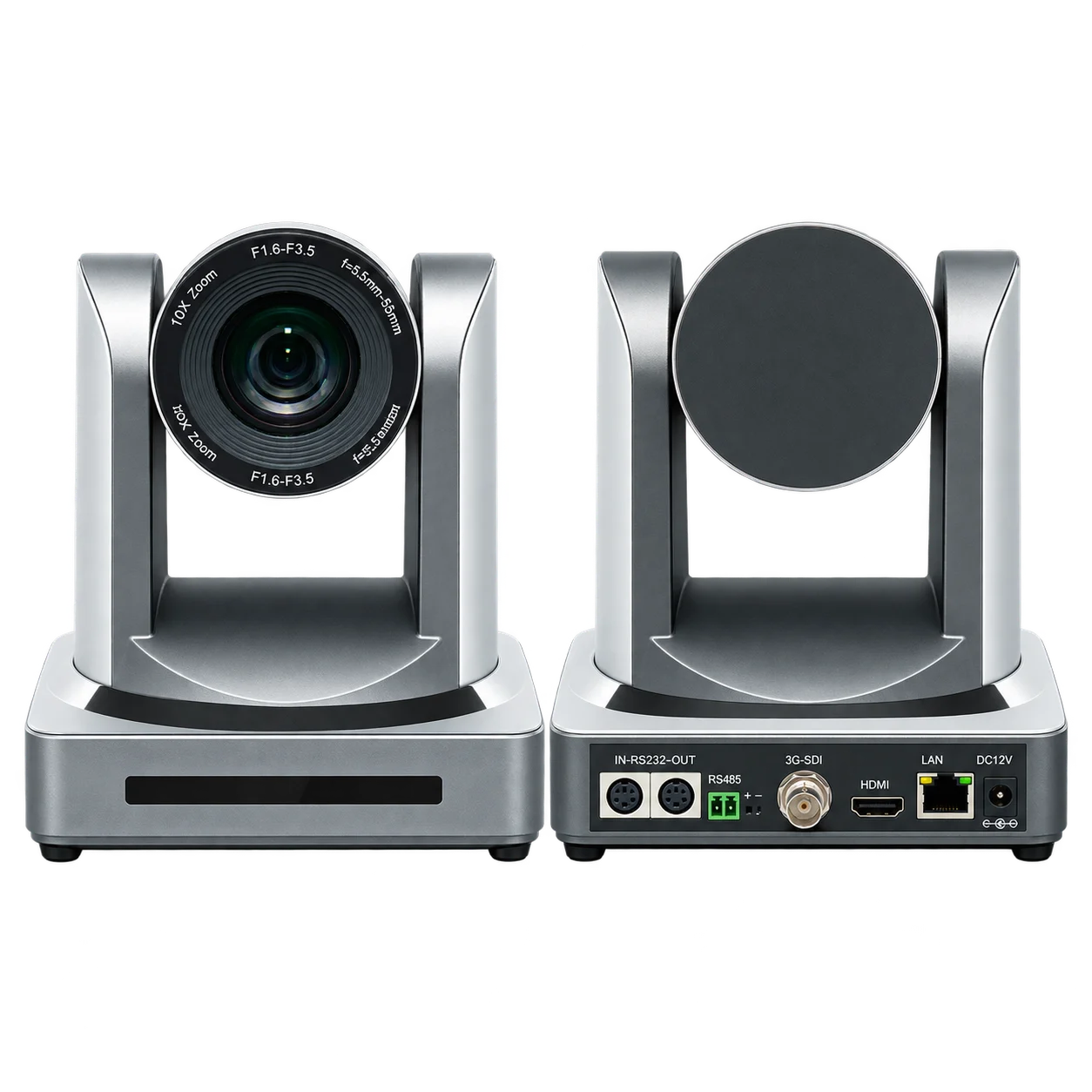
- Visual contentA readable display and camera framing for slides, speakers and remote participants.
- Capture and accessOptional recording connected to the approved learning or archive workflow.
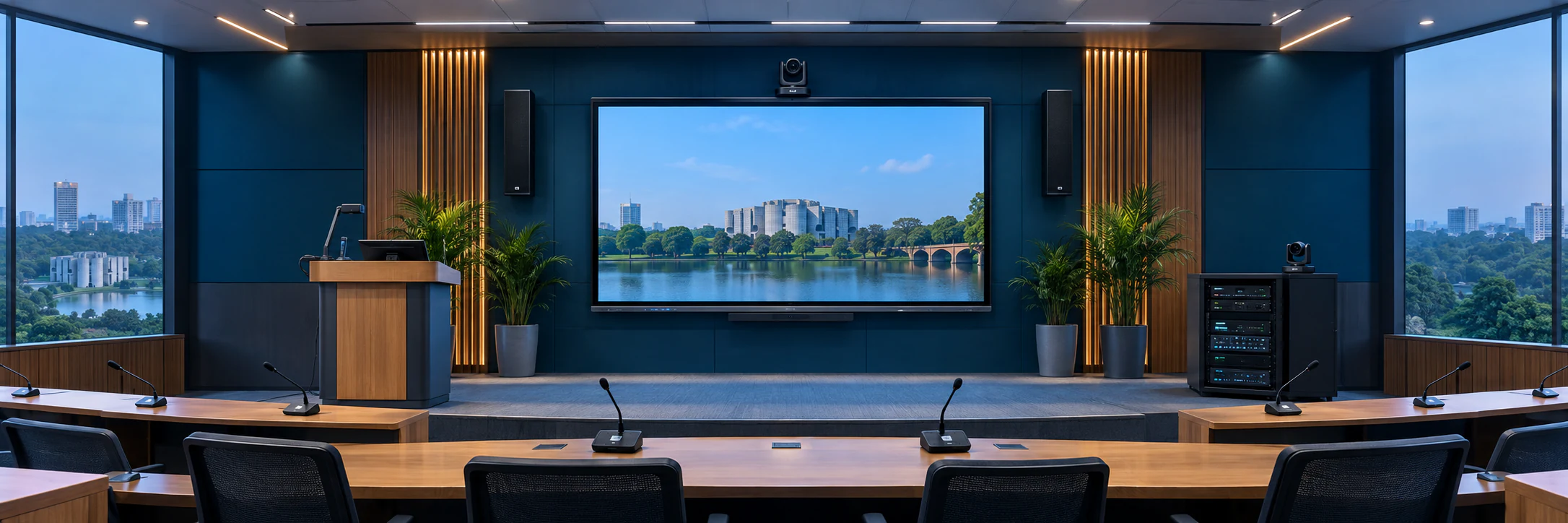
Planning a Education Conference Room
Use these room-specific considerations to define the equipment list, installation work and handover requirements before requesting a project BOQ.
Teaching and discussion flexibility
The room can support presentations, moderated discussion, remote lectures and group collaboration without requiring separate systems for each activity.
Clear content and voice capture
Display visibility, camera framing and microphone coverage are planned around the seating arrangement so in-room and remote learners receive consistent information.
Easy operation and support
Simple controls, documented presets and user training help faculty and technical teams operate the room confidently across changing schedules.
Conference Equipment to Compare for Education Rooms
Browse catalog examples by equipment role. They are not a pre-approved package; confirm the selected model, series compatibility and room requirements before requesting a BOQ.
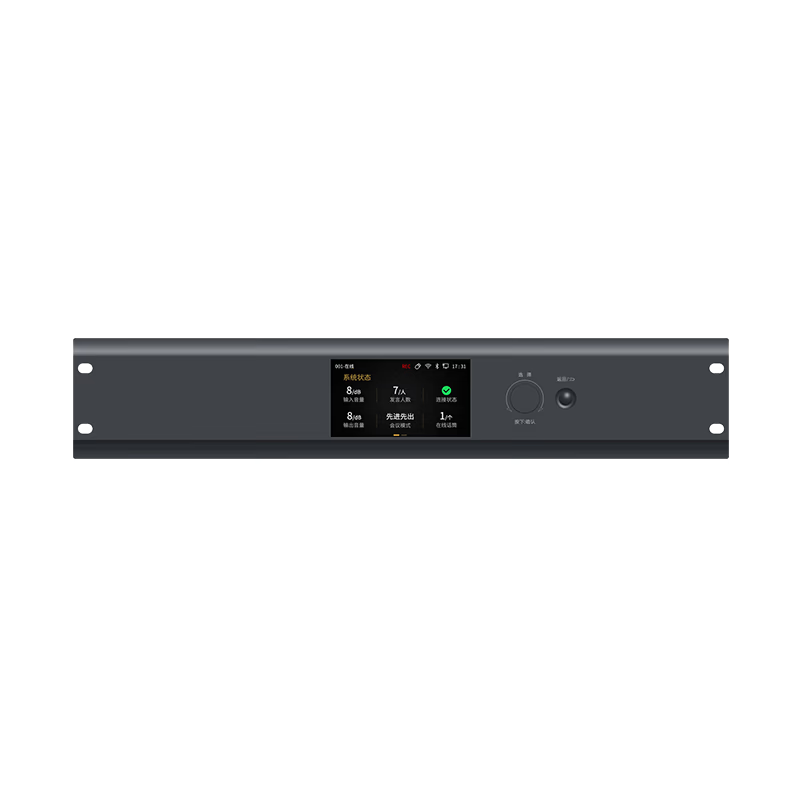
Built for Connected Learning
Interactive Hybrid Learning
Engaging presentations, clear classroom audio and seamless remote participation.
Structured Classroom Discussion
Give instructors simple control while every participant is heard clearly.
Lecture Auto-Tracking
Keep remote learners focused on the active instructor or speaker.
Lecture Recording & Archive
Capture classes, seminars and academic sessions for later access.
Hybrid Learning Integration
Connect classroom audio, video and online learning platforms.
Education Conference Room FAQ
Practical answers for planning education conference rooms, choosing compatible equipment and defining the installation scope.
1Can a conference system be used for hybrid classes?
Yes. Microphones, cameras, displays and a conferencing interface can be integrated for interactive classes with both in-room and remote participants.
2Can lectures and academic meetings be recorded?
Yes. The solution can include audio or video recording and can be planned around the institution's storage and publishing workflow.
3What system is suitable for a university senate room?
A digital discussion system with chairman control, delegate microphones, recording and optional voting or camera tracking is commonly suitable, subject to room assessment.
4Can the system connect to an interactive display?
Yes. Conference audio, cameras and content sources can be integrated with an interactive display for presentation, annotation and remote collaboration.
5Does a thesis defence room need chairman and delegate units?
They are useful when multiple examiners need managed speaking positions. A small presentation-led room may use a simpler microphone arrangement; decide from the seating plan and moderation workflow.
6How should remote students hear in-room questions?
Audience microphone coverage, DSP echo control and the meeting platform's audio path should be tested from both the room and a remote participant device before handover.
7Can one education room serve both faculty meetings and hybrid classes?
It can if the microphone layout, display, camera and controls support both modes. Document simple presets or operating steps so instructors and administrators can switch without rewiring the room.
8Who should control access to recorded lectures?
The institution should define consent, storage, publishing and retention rules. The AV system can then route recordings to the approved workflow rather than making all sessions available by default.
Planning an Education Conference Room?
Share your meeting room size, participant count and requirements. Our team will recommend the right solution for your organization.