
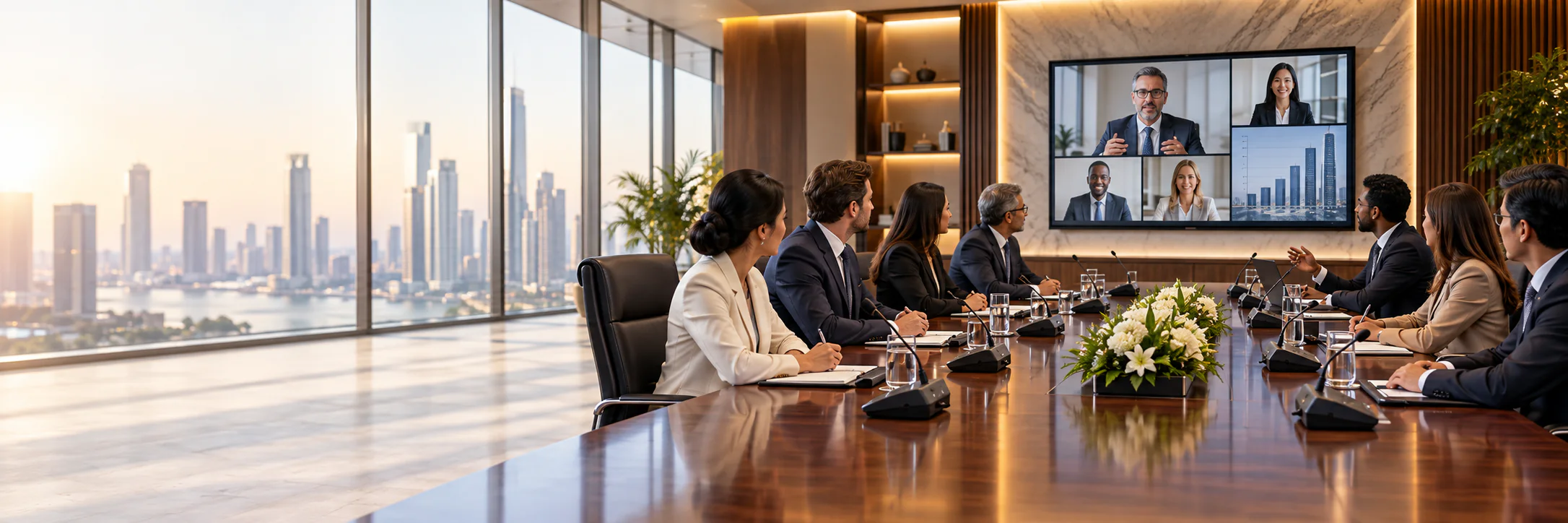
Corporate Conference Room Solutions in Bangladesh
Professional boardroom audio, video and collaboration systems designed for focused decisions and effortless hybrid meetings.
Corporate Conference Room Requirements
A corporate conference room should let participants start meetings quickly, hear every speaker clearly and collaborate with remote teams without technical friction. We align the solution with room size, table layout, preferred meeting platform and everyday user workflow.
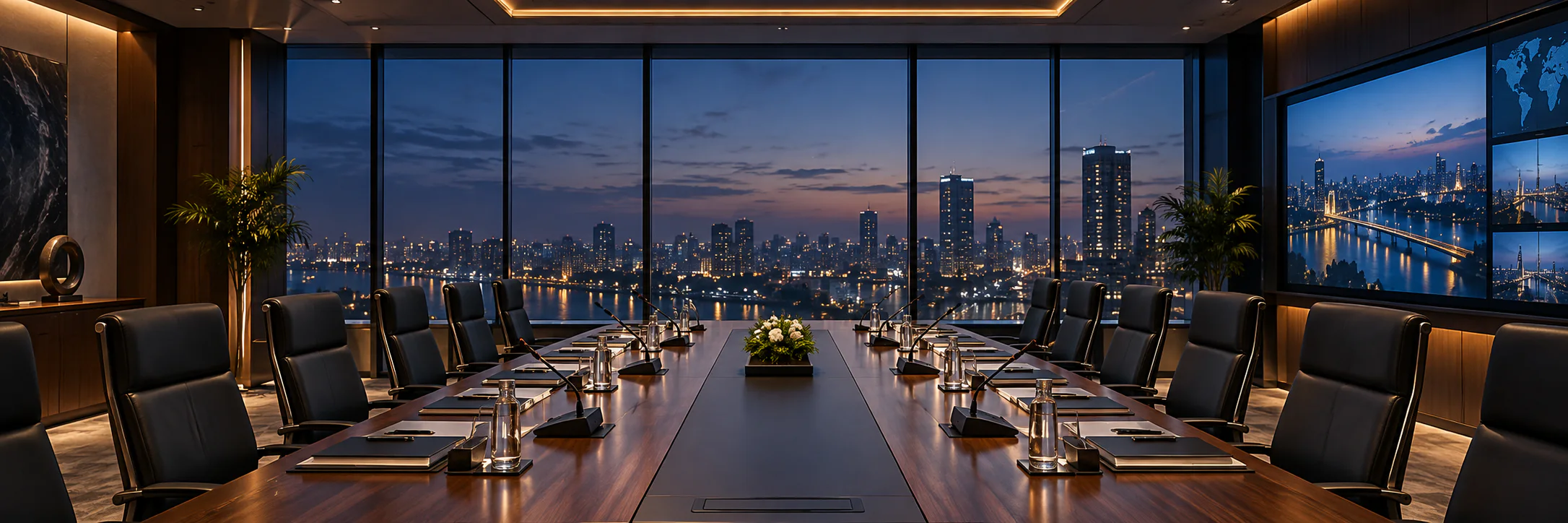
The result can combine discreet discussion microphones, DSP audio, PTZ cameras, interactive displays, wireless presentation and one-touch Zoom or Microsoft Teams integration in a unified room experience.
Clearer Communication
For better decisions
Higher Productivity
More efficient meetings
Modern Workplace
Technology for connected teams
Where It Is Used
Plan a conference system for the meeting spaces and workflows common in corporate organizations.

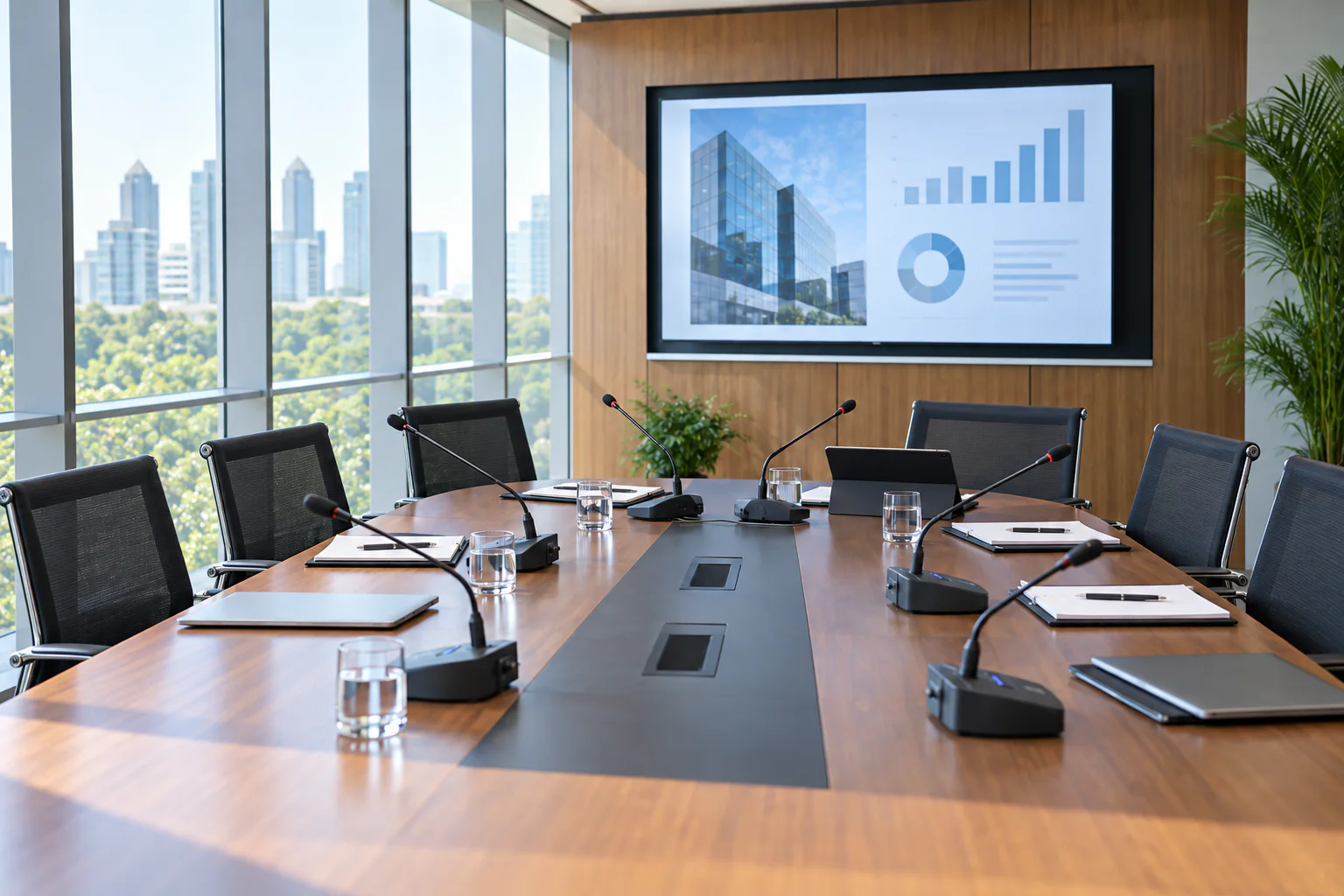
Executive Boardrooms
Premium collaboration for leadership and board meetings

Training & Strategy Rooms
Flexible spaces for workshops and planning sessions
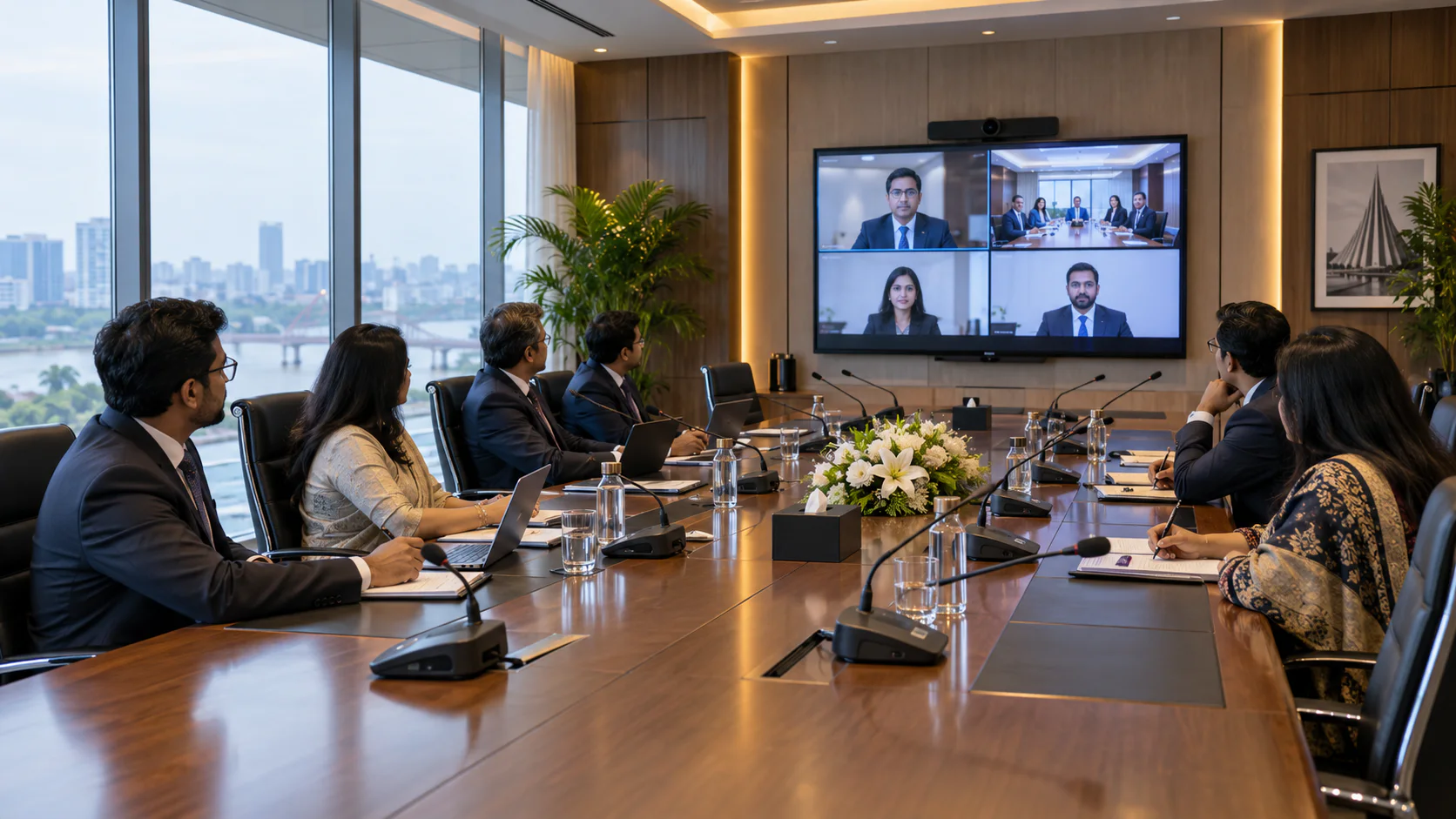
Hybrid Collaboration Spaces
Connected meetings for office and remote teams
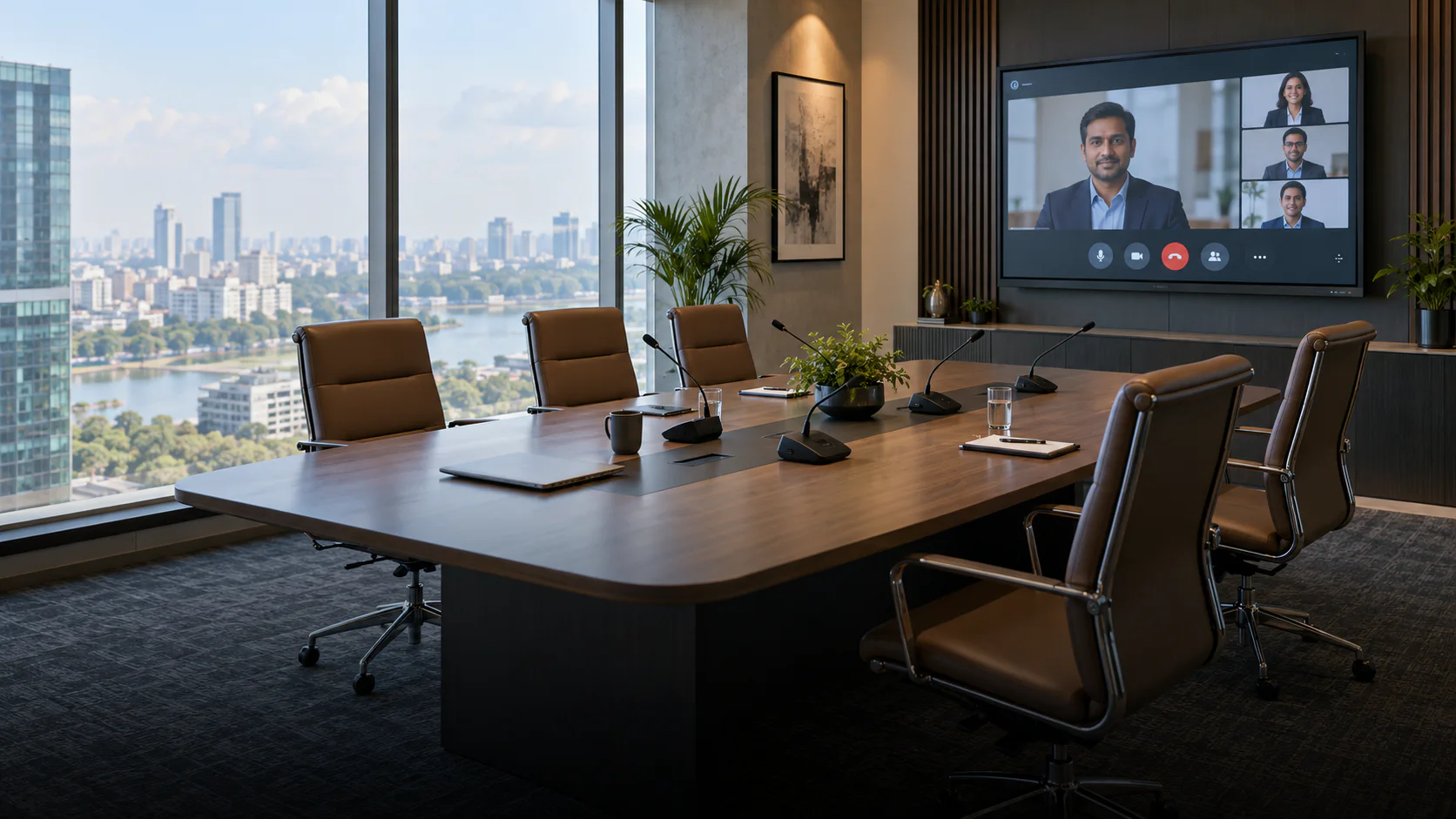
Regional Office Meetings
Reliable communication across distributed offices
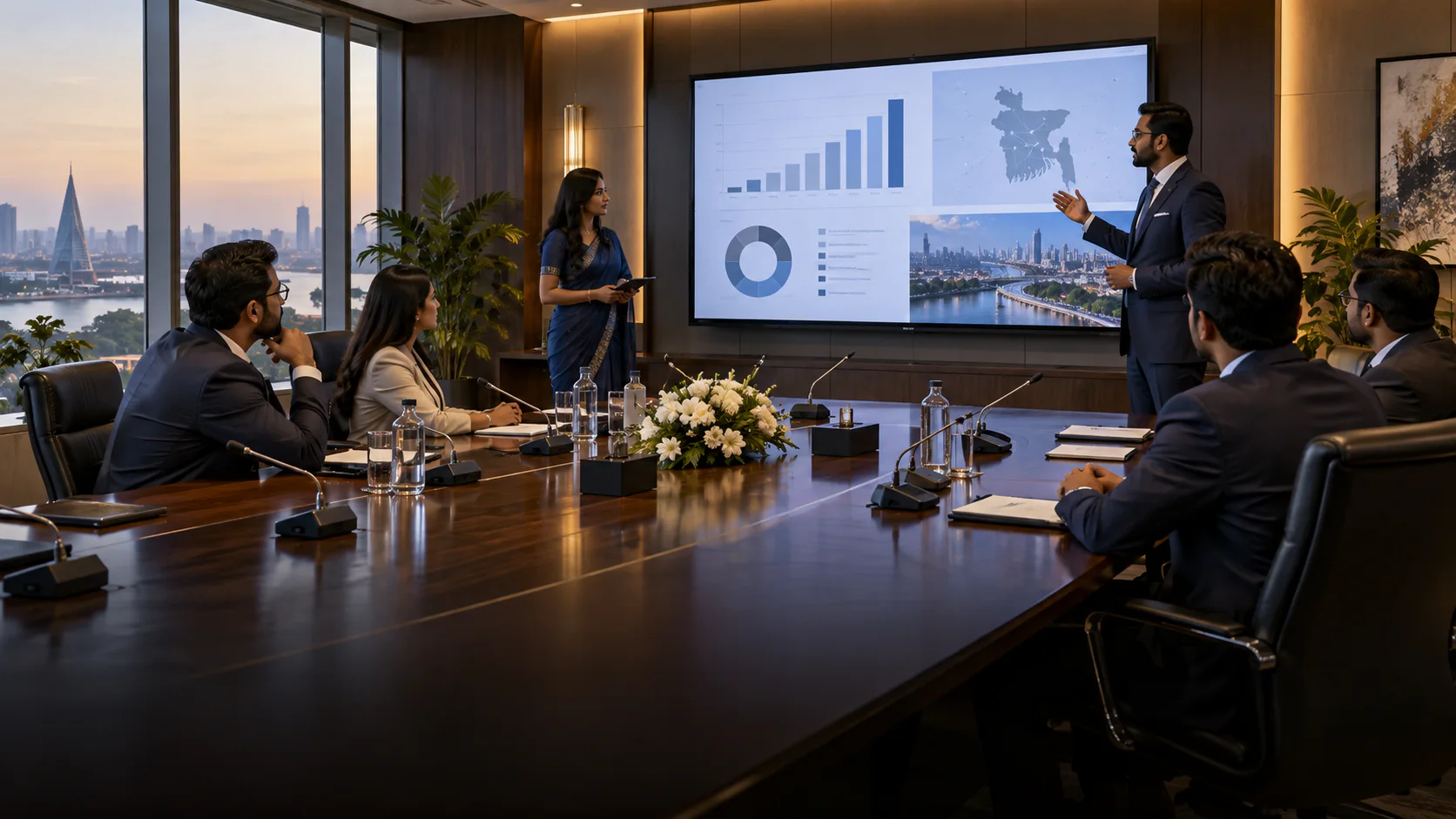
Client Presentation Rooms
Professional presentations and customer discussions
How Corporate Conference Rooms Work
An executive room should move smoothly between in-person discussion, presentation and remote collaboration.
- 01
Start the meeting
Users select the room source or connect an approved laptop, then confirm the display, camera and microphone path before participants join.
- 02
Discuss and present
Boardroom microphones capture each seat while DSP and speakers support intelligible two-way audio and content sharing.
- 03
End and reset
The room returns to a known state so the next team can begin without troubleshooting inputs, volume or camera presets.
Recommended AV Setup for Corporate Conference Rooms
Example: Executive boardroom with local and hybrid meetings. Choose the meeting platform and laptop policy first; room controls, camera framing and echo cancellation follow from that workflow.
- Boardroom speechWired or wireless discussion microphones selected for seating permanence and table design.
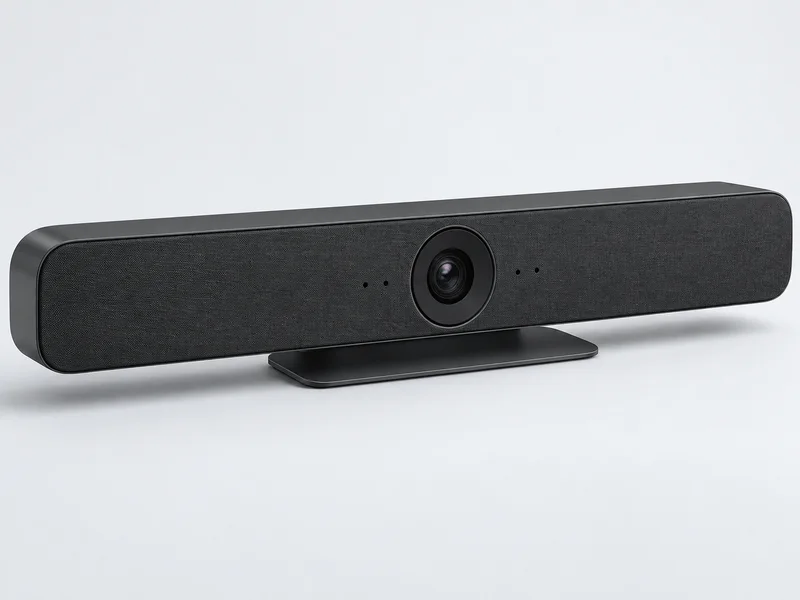
- Hybrid call pathA supported room bar or camera, DSP echo control and speaker coverage for remote participation.
- PresentationDisplay visibility and approved laptop or wireless content-sharing connections at the seats that need them.
- Simple operationClearly labeled input choices and tested start/end presets for routine users.
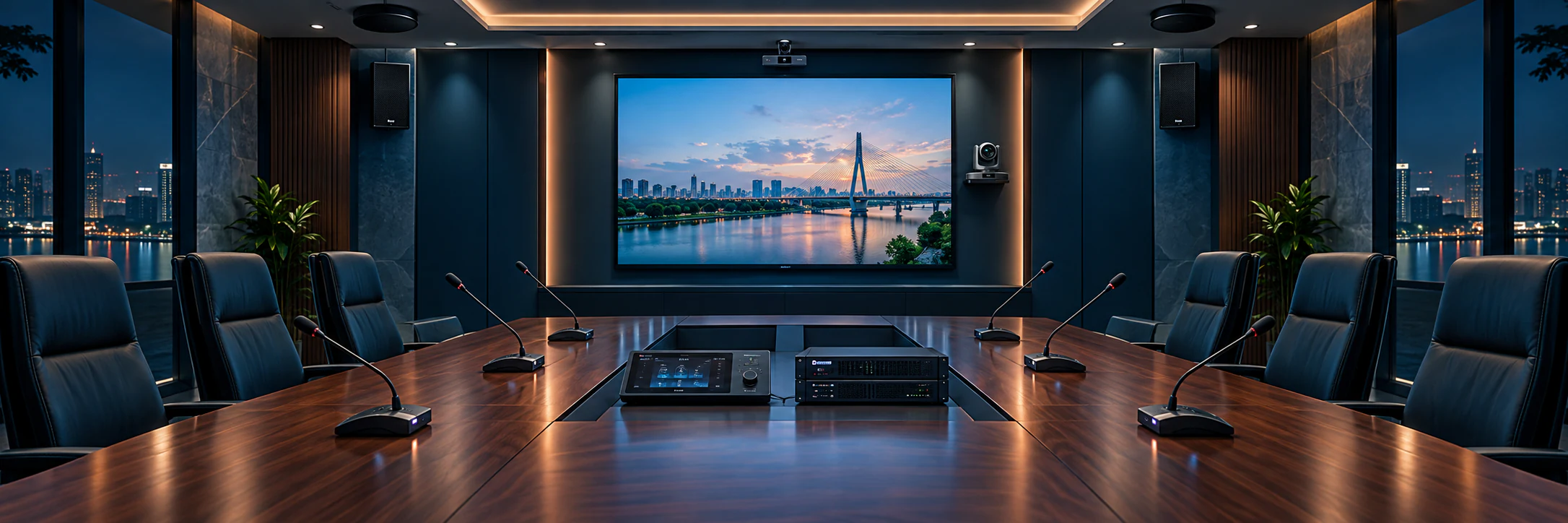
Planning a Corporate Conference Room
Use these room-specific considerations to define the equipment list, installation work and handover requirements before requesting a project BOQ.
Fast, familiar meeting workflow
Sources, displays, cameras and audio are organized so staff can launch an in-room or hybrid meeting with minimal setup time.
Clear audio for every seat
Microphone placement, DSP tuning and speaker coverage are planned together to improve speech clarity and control echo during video calls.
Scalable room design
The system can support future participants, additional displays, room-control functions and evolving collaboration platforms without unnecessary replacement.
Conference Equipment to Compare for Corporate Rooms
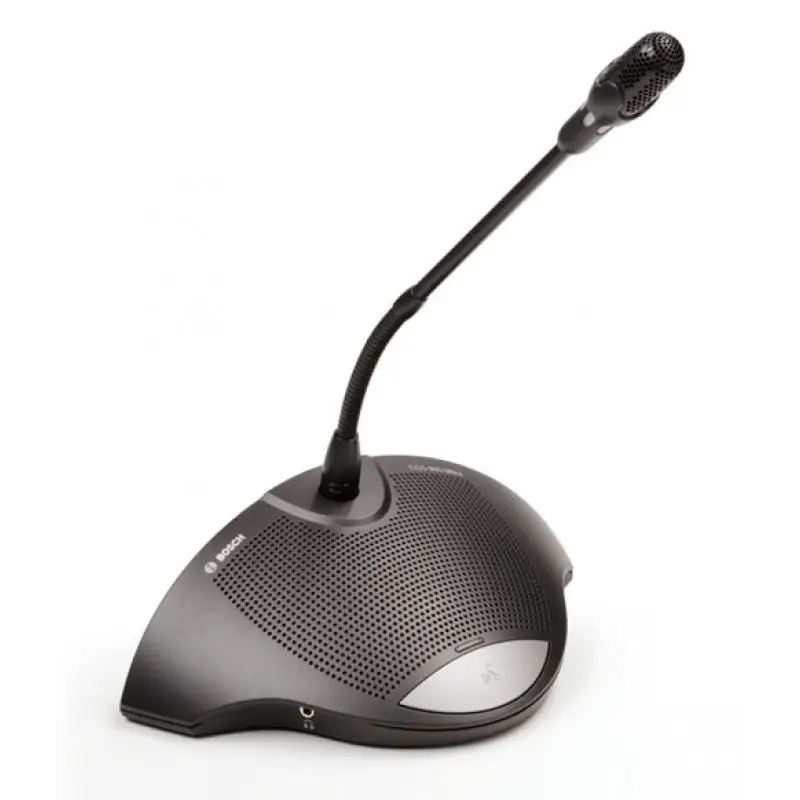
Browse catalog examples by equipment role. They are not a pre-approved package; confirm the selected model, series compatibility and room requirements before requesting a BOQ.
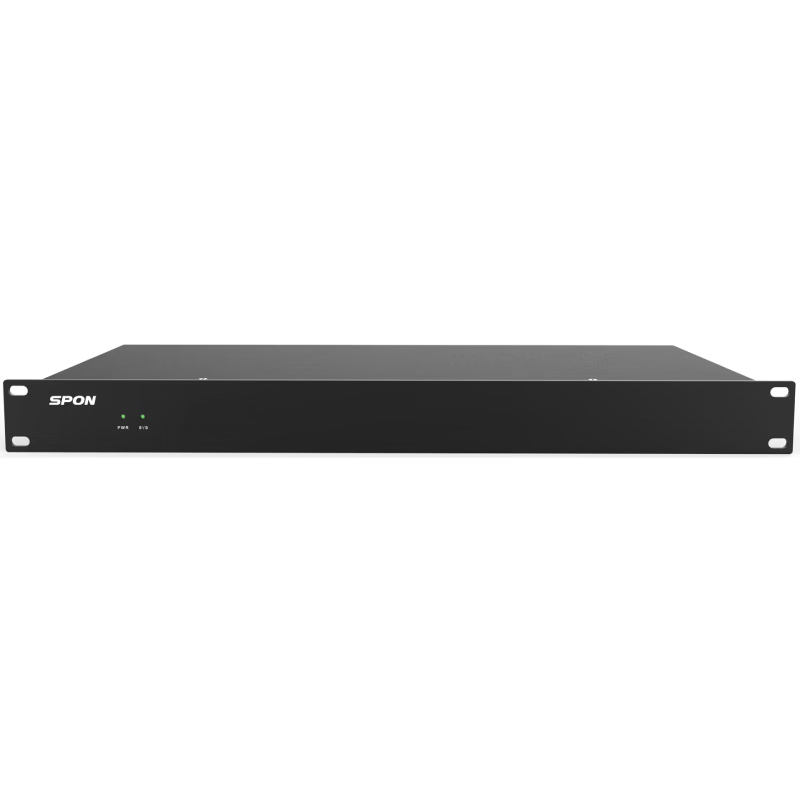
Built for Corporate Collaboration
Effortless Hybrid Collaboration
Clear audio, intelligent video and one-touch content sharing for productive meetings.

Boardroom Microphone Control
Manage executive discussions with clear, discreet microphone control.
Speaker-Tracking Video
Keep remote participants focused on the active speaker automatically.
Meeting Recording
Capture important discussions for review and documentation.
Hybrid Platform Integration
Connect Zoom, Microsoft Teams and BYOD workflows in one room.
Corporate Conference Room FAQ
Practical answers for planning corporate conference rooms, choosing compatible equipment and defining the installation scope.
1What equipment does a corporate boardroom need?
A typical boardroom uses microphones, DSP audio, speakers, one or more displays, PTZ cameras and a conferencing interface. The final equipment depends on room size and workflow.
2Can one room support both Zoom and Microsoft Teams?
Yes. A BYOD or room-compute design can be planned to support multiple collaboration platforms while using the same room cameras, microphones and displays.
3Is a wired or wireless microphone system better for offices?
Wired systems suit permanent boardrooms, while wireless systems provide cleaner tables and more flexibility for rooms with changing layouts.
4Do you provide installation and staff training?
Yes. The project scope can include installation, programming, acoustic tuning, commissioning and practical training for administrators and room users.
5Should every corporate seat have its own microphone?
Not always. A formal boardroom may need individual discussion units, while a smaller collaborative room can use shared pickup. The choice depends on table length, room acoustics and meeting control needs.
6What should be tested before a hybrid boardroom handover?
Test local and remote speech in both directions, camera framing, content sharing, platform sign-in, user controls and the room's start/end routine with the intended devices.
7Is a video bar enough for a long executive boardroom?
A video bar may suit a compact room, but a long table can need separate microphones, PTZ camera views, DSP and speakers. Check pickup and framing from the farthest seat before selecting the architecture.
8Can a corporate room keep its existing display?
Yes, if the display is large enough for the seating distance and supports the planned content and video inputs. The existing unit should be checked for resolution, connection reliability and mounting before reuse.
Planning a Corporate Conference Room?
Share your meeting room size, participant count and requirements. Our team will recommend the right solution for your organization.