BOQ and Tender Support
Specification mapping, compliance sheet support and model selection aligned with procurement requirements.

Home / Tech Systems / Interactive Flat Panel
Smart Classroom & Meeting Display
Supply and installation of interactive flat panel display in Bangladesh. BOQ and tender support, compliance sheet and after-sales service.
Updated: 08 Feb 2026 | Bangladesh Nationwide Service
Ideal for small meeting rooms, principal rooms, huddle spacesand training rooms with 20–30 participants. Recommended where space is limited or the conference table is compact.
The most popular choice for school, college and coaching classroomswith 30–60 students. When wall-mounted at the correct height, content remains clearly visible even from the back rows.
Best suited for auditoriums, large training halls andflagship boardrooms where maximum screen impact and long-distance readability are essential.
Select a brand below to view that brand's interactive flat panel price range and basic specifications in the grid.
Below are some popular interactive flat panel models and price range for Bangladesh market. Final price depends on quantity, project location, OPS PC configuration and installation scope.
 Product
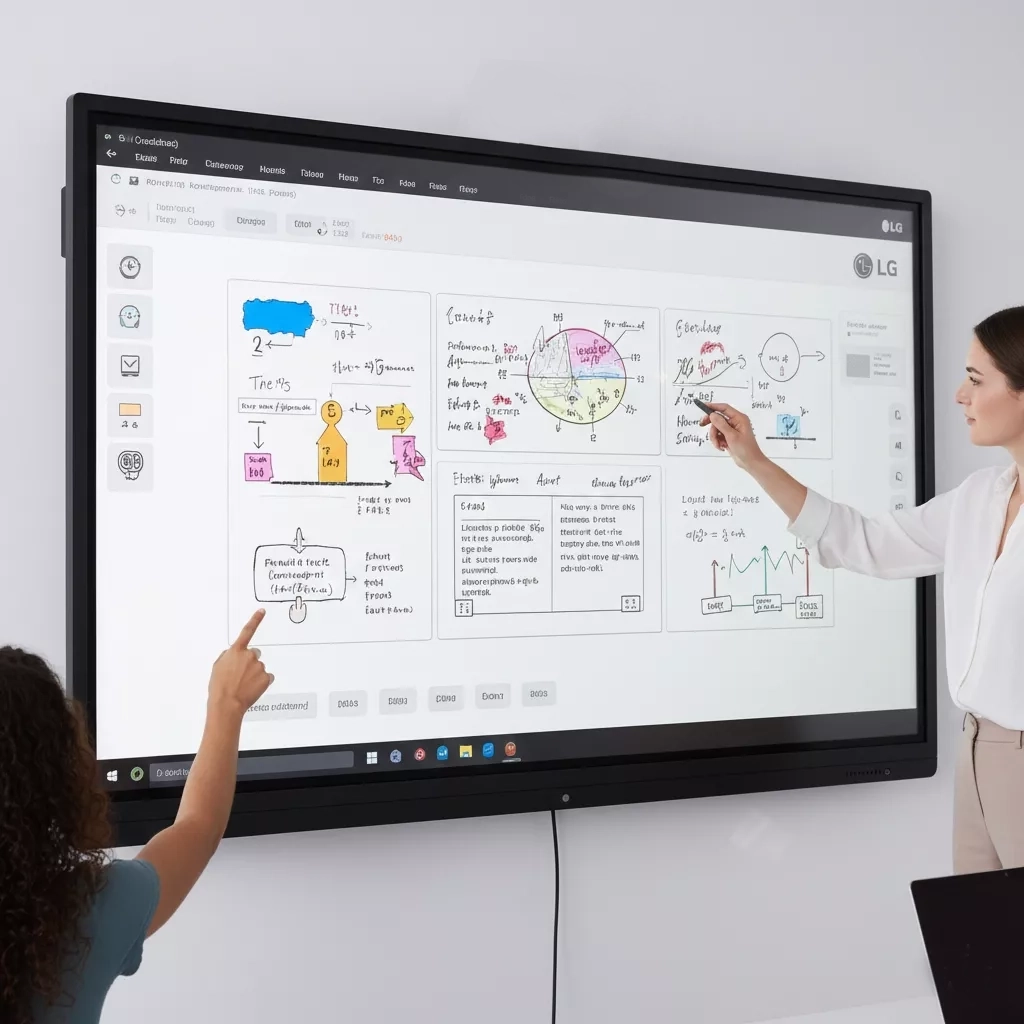
LG 65-inch Interactive Flat Panel – CreateBoard TR3DK Series
 Product
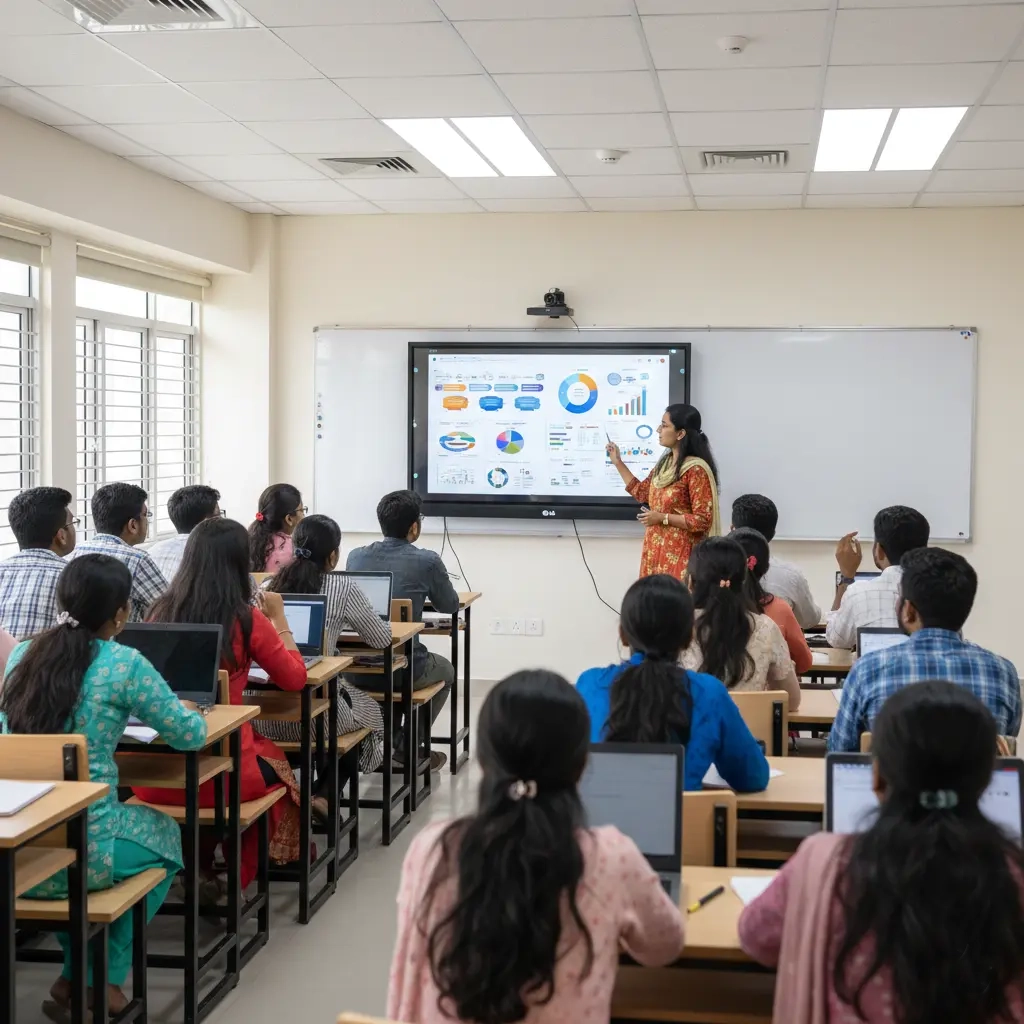
LG 75-inch Interactive Flat Panel – CreateBoard TR3DK Series
 Product
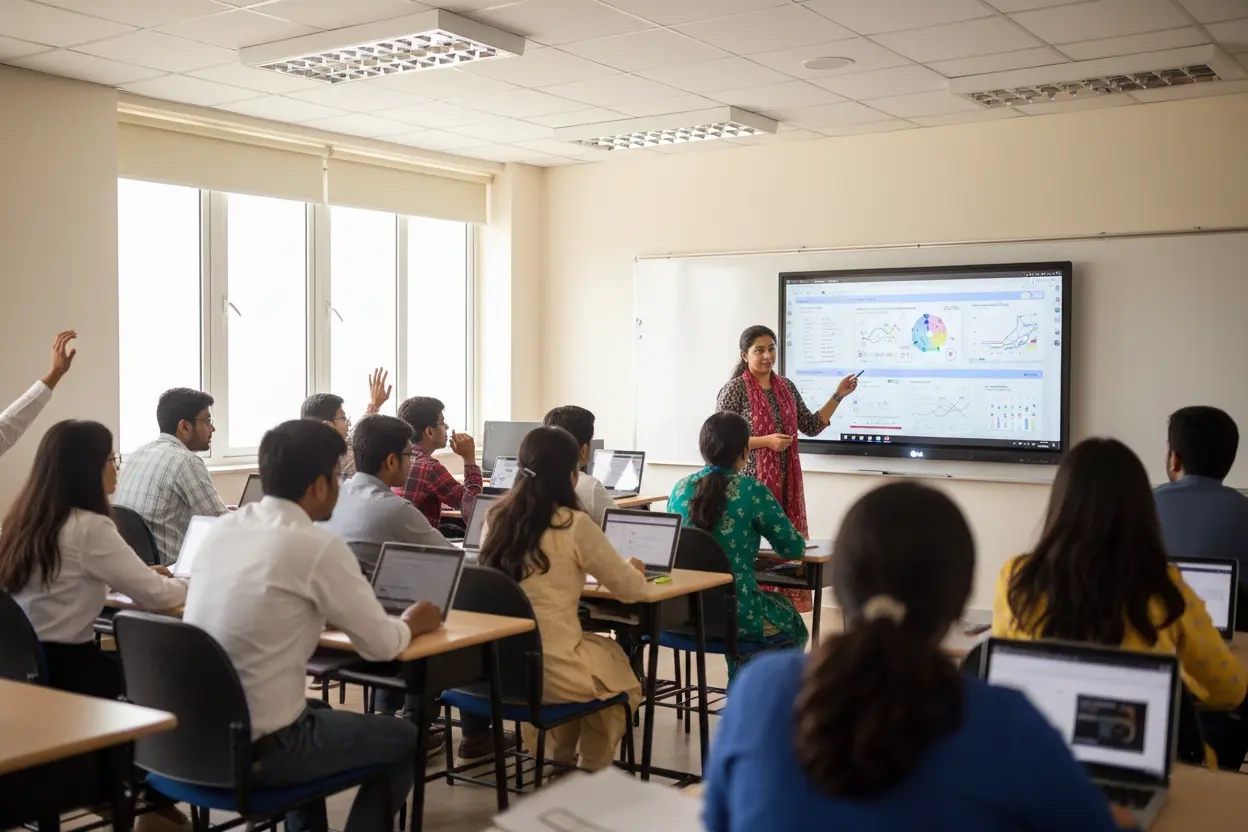
LG 86-inch Interactive Flat Panel – CreateBoard TR3DK Series
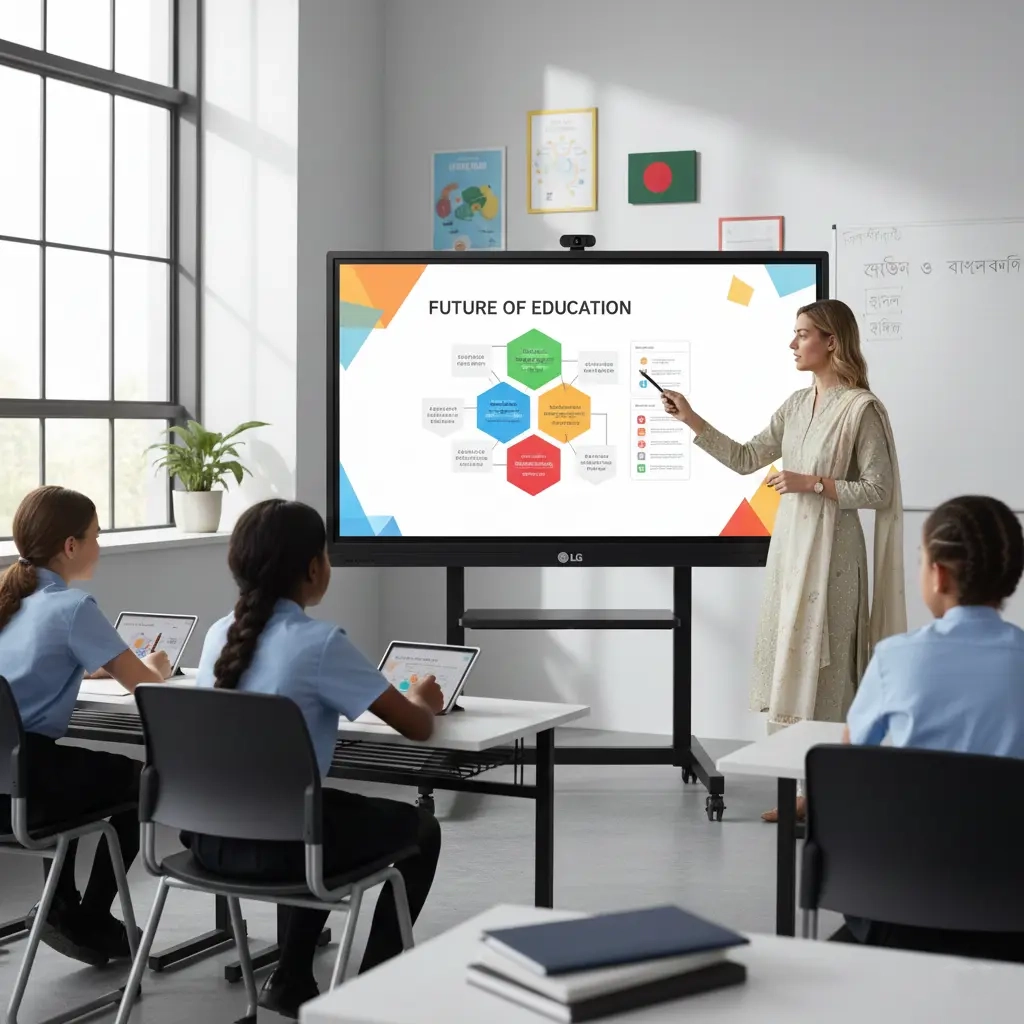 Product
LG 96-inch Interactive Flat Panel – CreateBoard Ultra Series
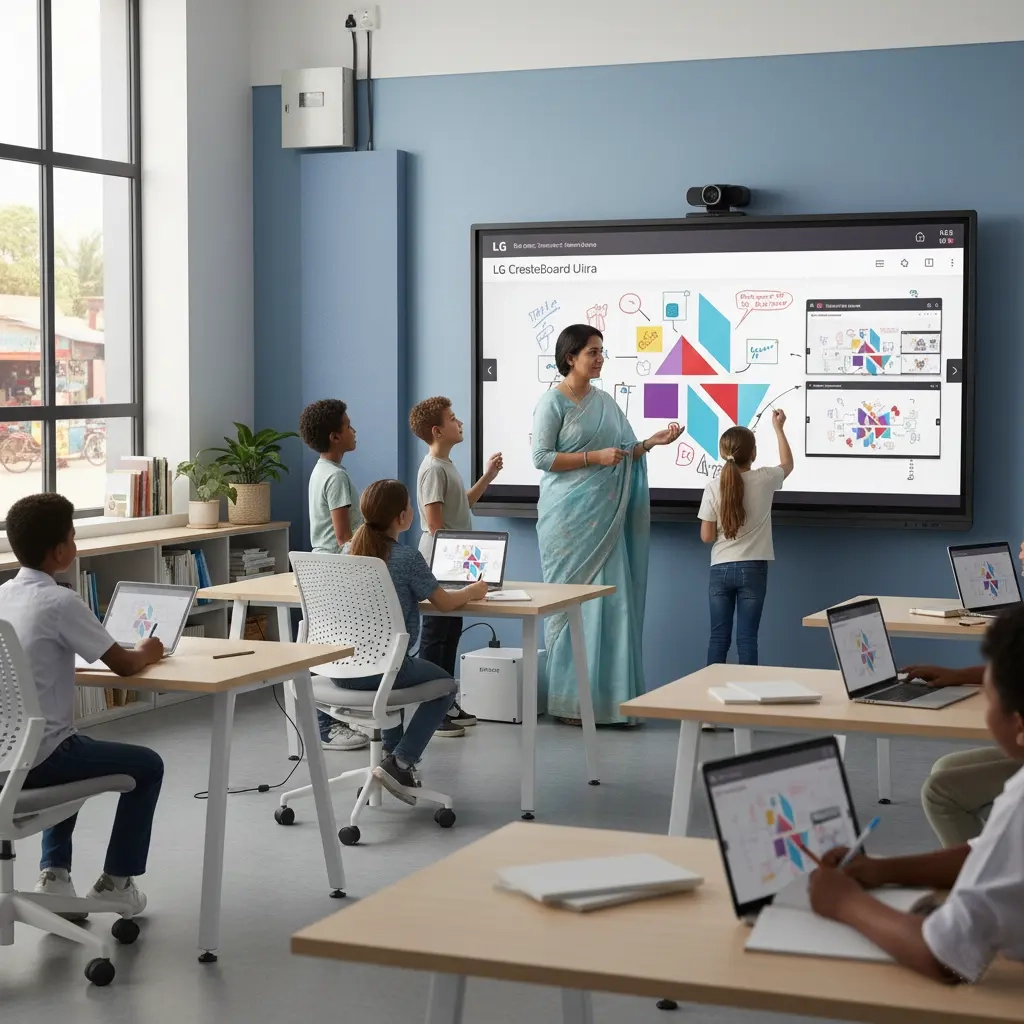 Product
LG 110-inch Interactive Flat Panel – CreateBoard Ultra Series
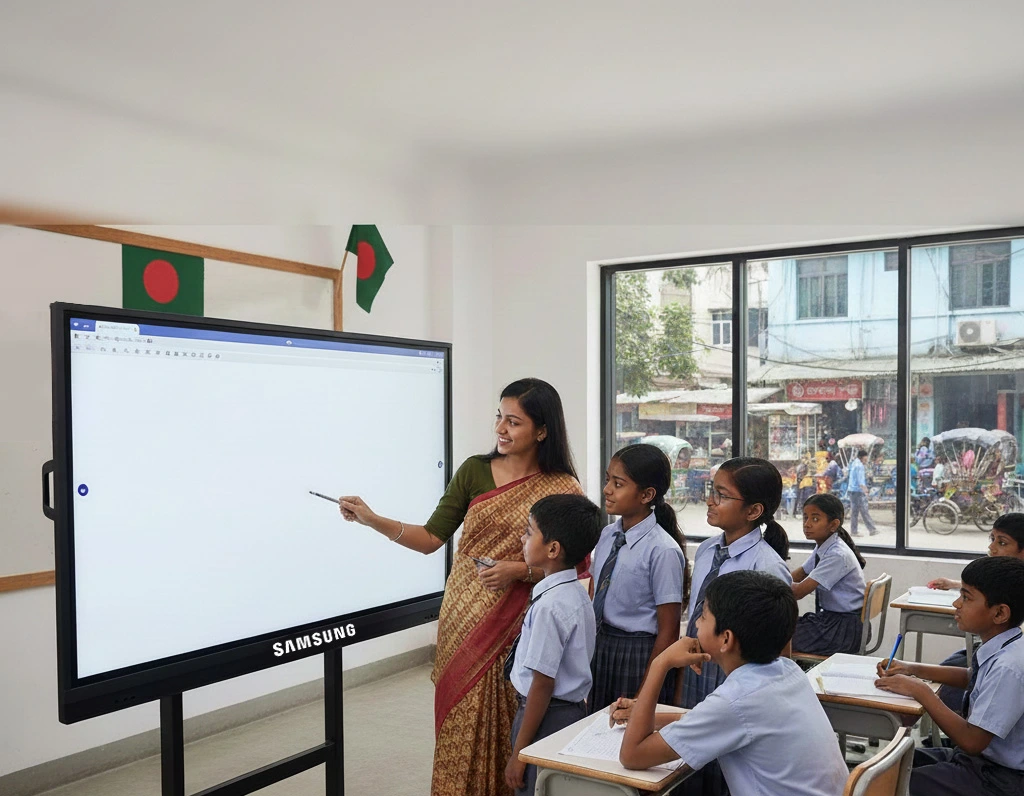 Product
Samsung 65-inch Interactive Flat Panel – Flip Pro Series
Samsung 75-inch Interactive Flat Panel – Flip Pro Series
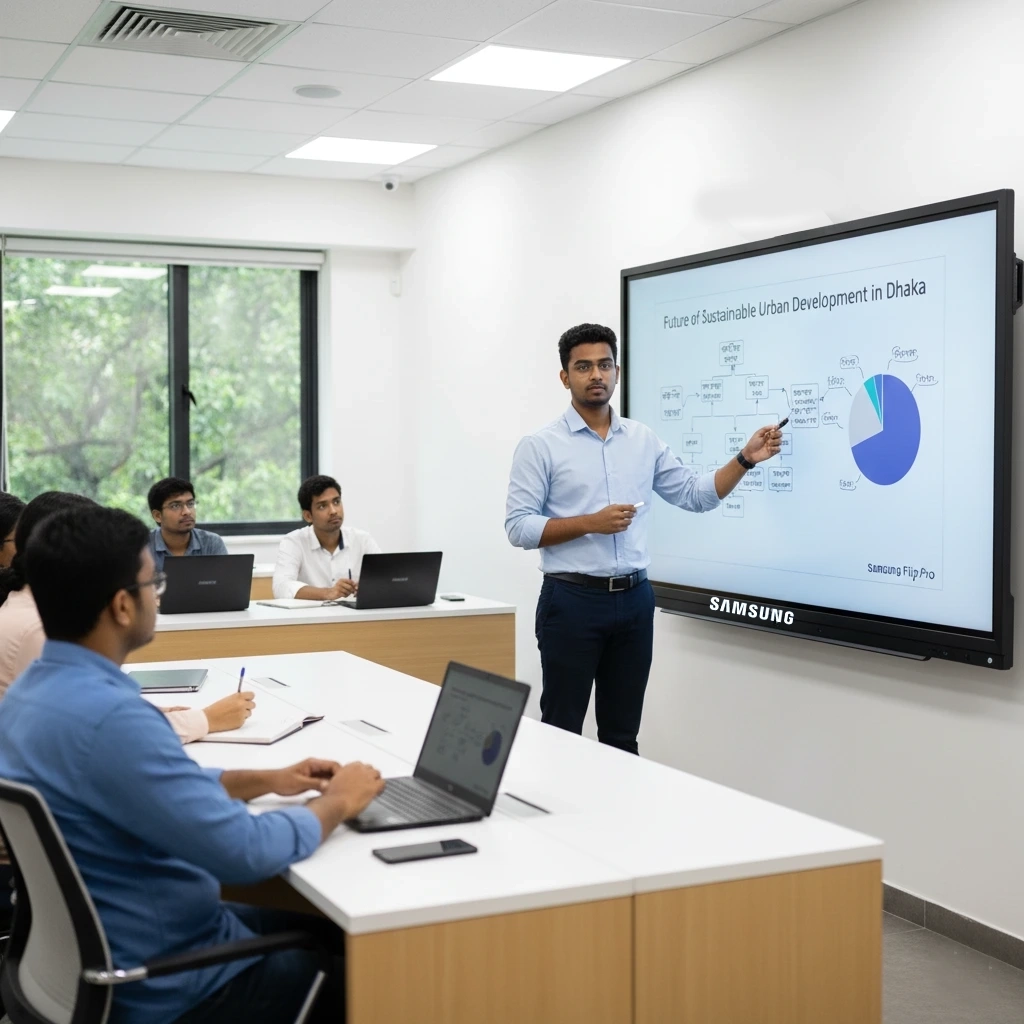 Product
Samsung 86-inch Interactive Flat Panel – Flip Pro WMB
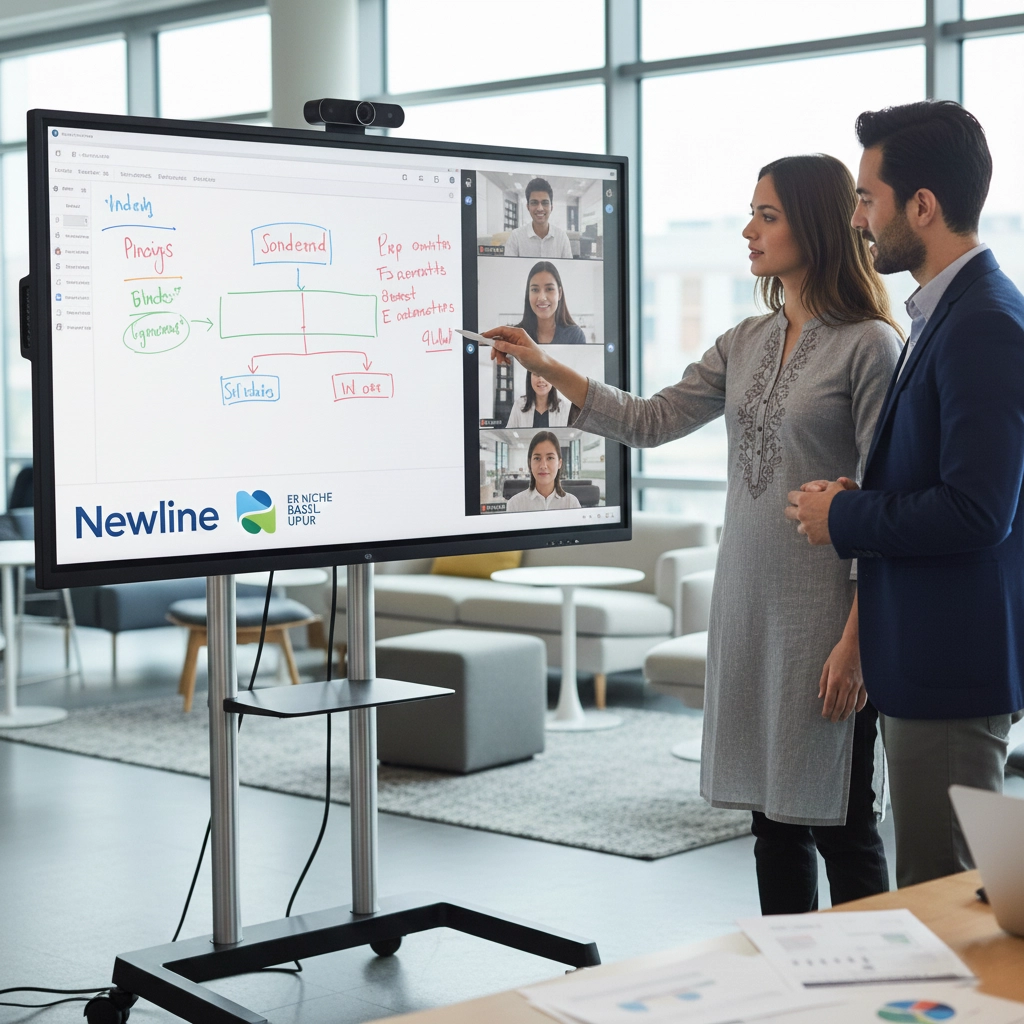 Product
Newline 65-inch Interactive Flat Panel – 4K Android
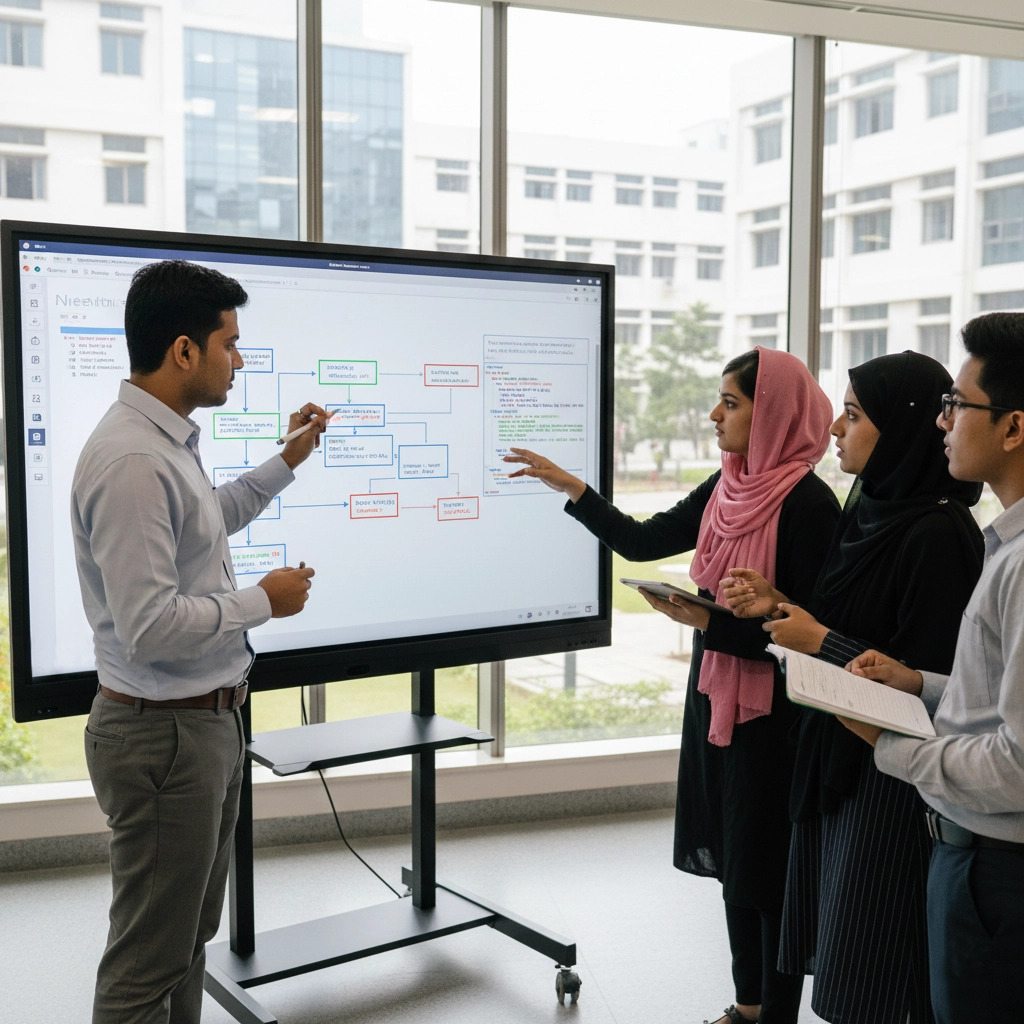 Product
Newline 75-inch Interactive Flat Panel – 4K Android
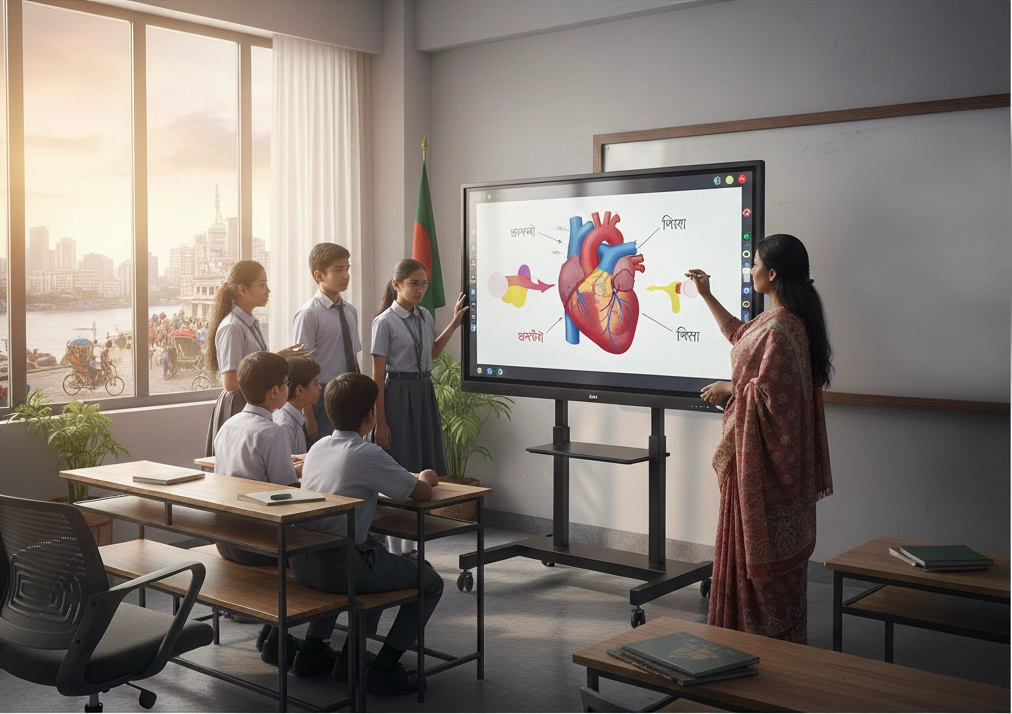 Product
Newline 86-inch Interactive Flat Panel – 4K UHD
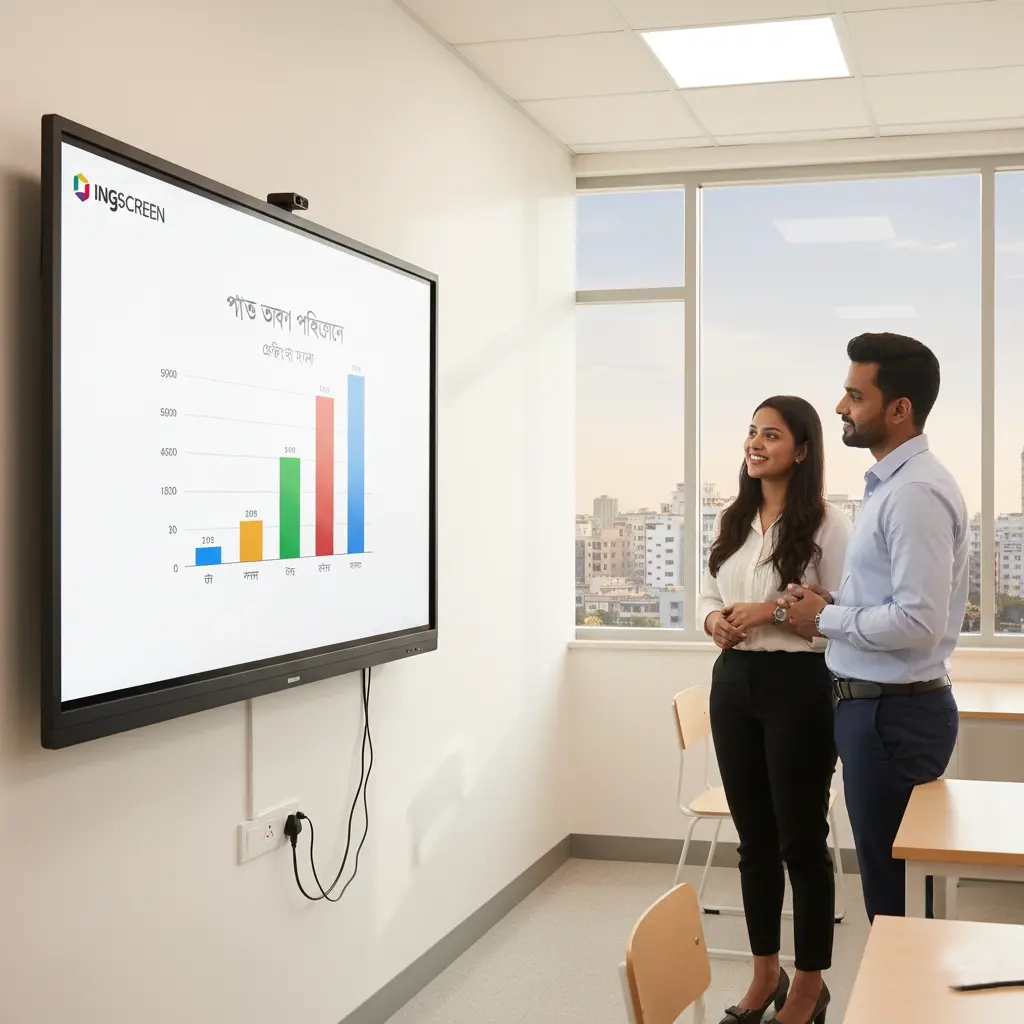 Product
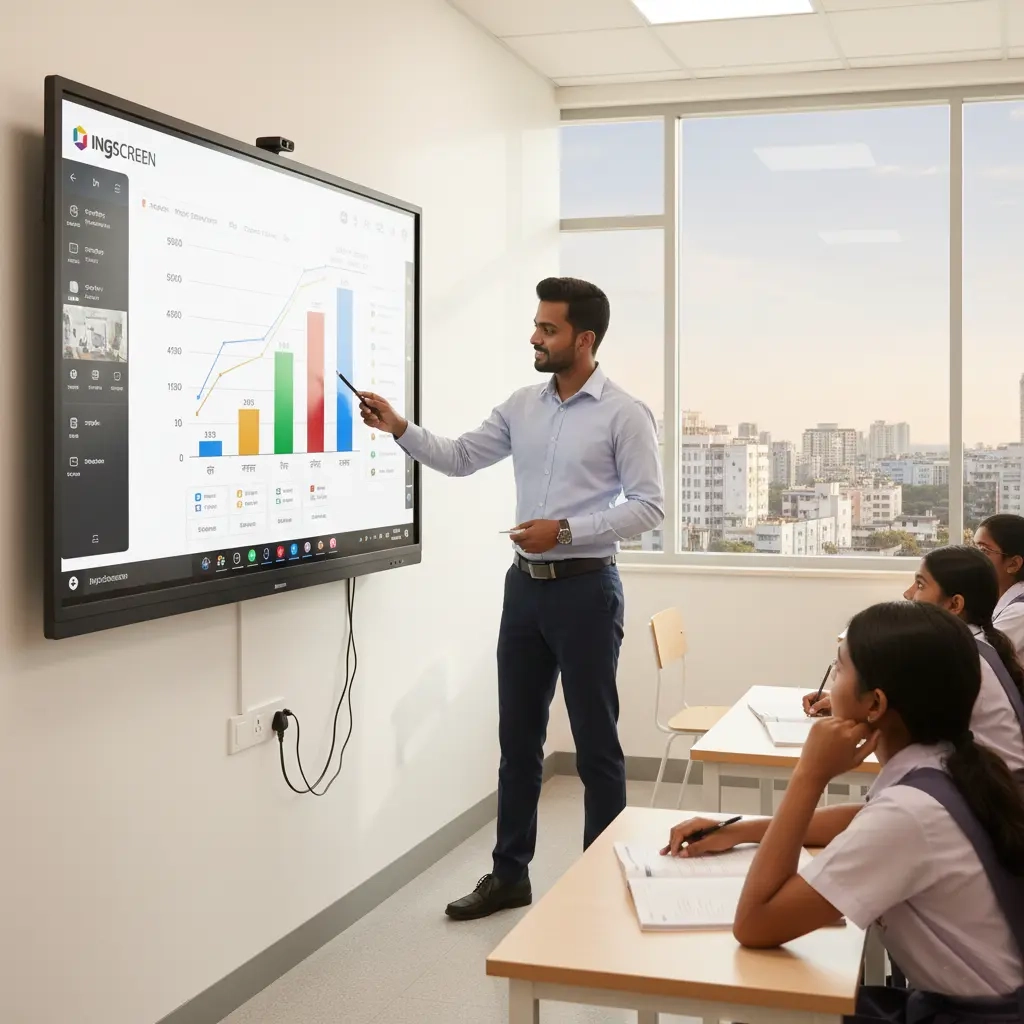
Ingscreen 65-inch Interactive Flat Panel – 4K Android
 Product
Ingscreen 75-inch Interactive Flat Panel – Smart Teaching Display
 Product
Ingscreen 86-inch Interactive Flat Panel – Android + OPS
.webp) Product
ProductiBoard 65-inch Interactive Flat Panel – 4K UHD
 Product
iBoard 75-inch Interactive Flat Panel – Smart Board
 Product
iBoard 86-inch Interactive Smart Panel – Android + OPS
 Product
iBoard 98-inch Interactive Flat Panel – Large Classroom Display
If you are searching for interactive flat panel price in Bangladesh, compare full project scope instead of only unit price. Final budget usually depends on screen size, Android/OPS configuration, mounting type, installation location and training/support scope.
An interactive flat panel (IFP) is a large 4K touch display used for teaching, training and collaboration. It works like a digital whiteboard where users can write, annotate, present slides and share content directly from Android apps or Windows (via OPS PC).
This page is designed for real procurement decisions, not generic product browsing. If your goal is to compare interactive flat panel price in Bangladesh, these trust factors help reduce specification mismatch and purchase risk.
Specification mapping, compliance sheet support and model selection aligned with procurement requirements.
Site-ready installation, cable management, setup verification and user handover for classroom or meeting use.
Options across LG, Samsung, Newline, iScreen and iBoard with practical recommendations by room size.
Post-installation support planning for software, accessory integration and operational stability.
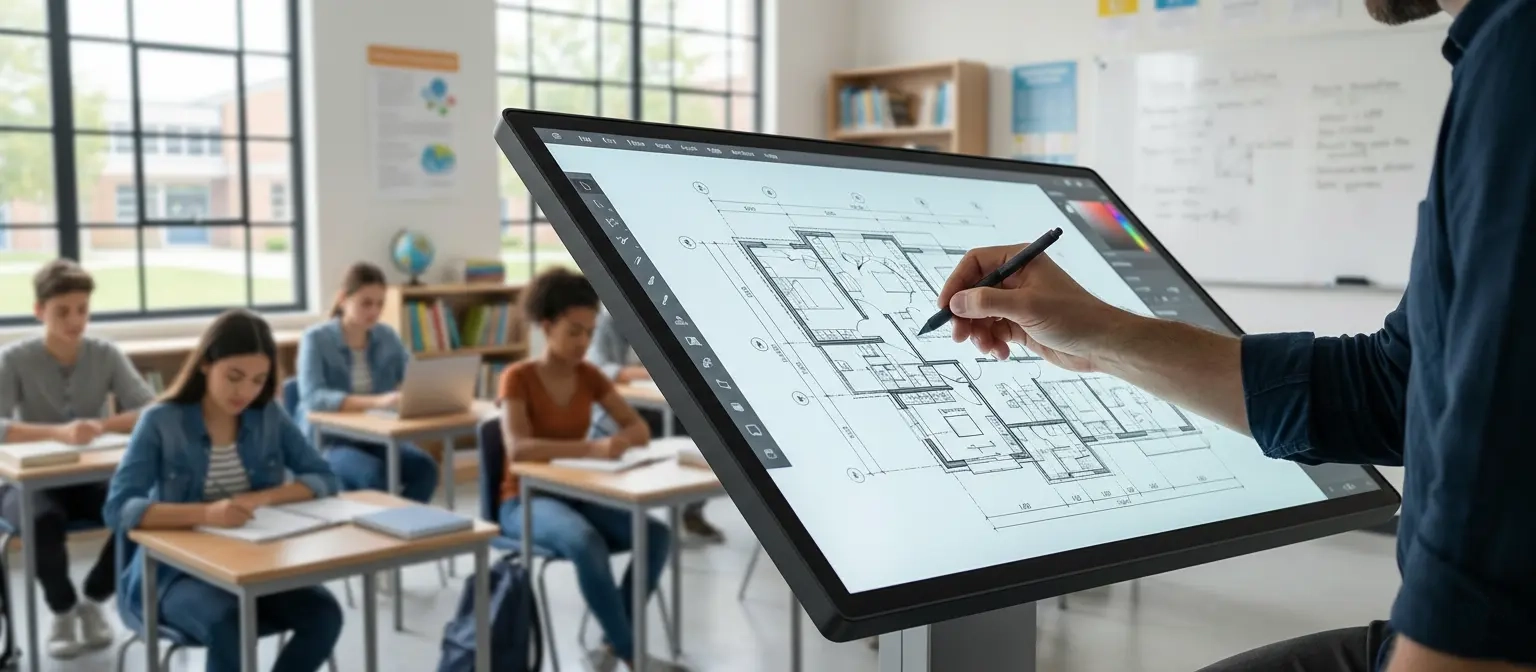
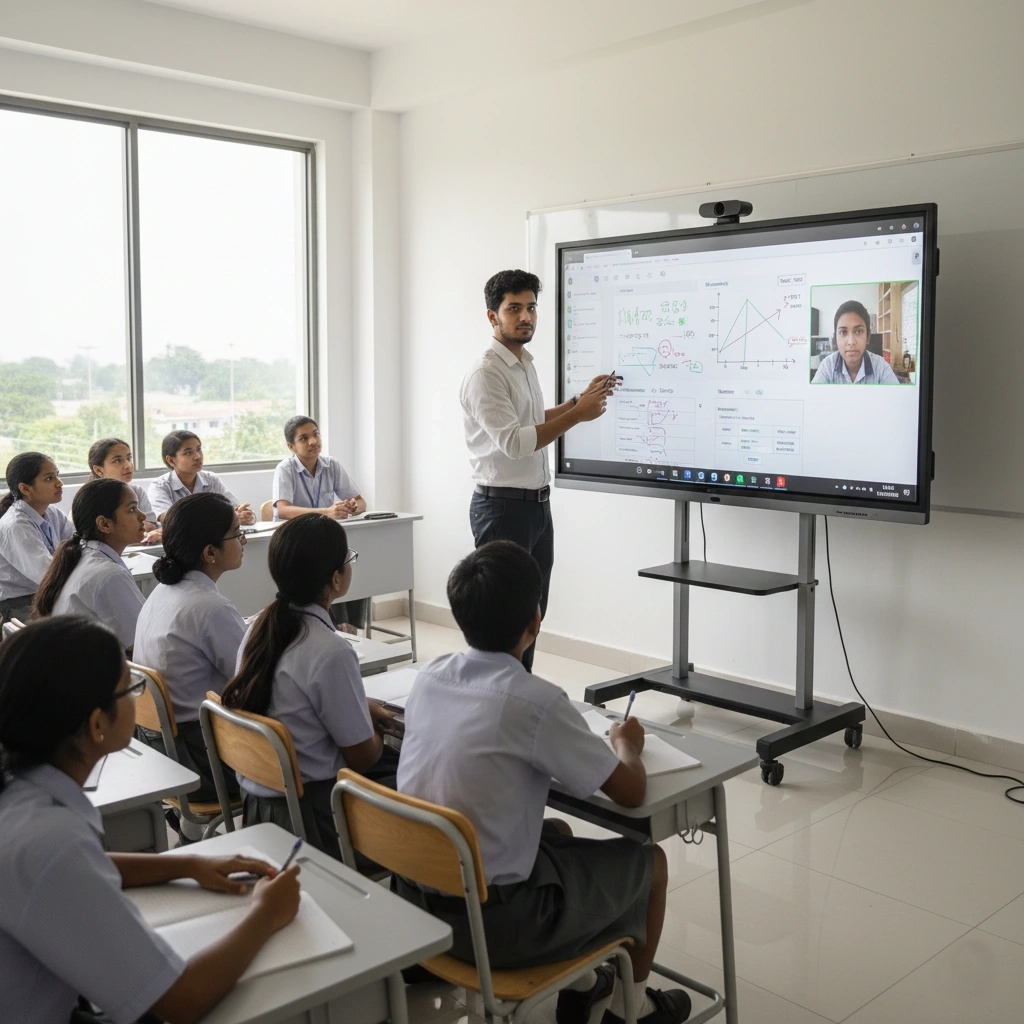
Interactive flat panel is now one of the most practical upgrades for smart classroom projects in Bangladesh. Schools, colleges, universities and coaching centres use it to replace projector-based teaching with a brighter, touch-enabled and easier-to-manage classroom display. Teachers can write directly on the screen, annotate slides, open PDF or PowerPoint files, play video content and combine whiteboard-style teaching with multimedia presentation in one device.
For classroom use, buyers usually compare 65 inch, 75 inch and 86 inch interactive flat panel options depending on room size and student seating distance. A proper smart classroom package may also include OPS PC, wall mount, teacher microphone, basic classroom sound support and cabling. The real value comes from choosing the right panel size, stable touch experience and user-friendly software rather than selecting a model by price alone.
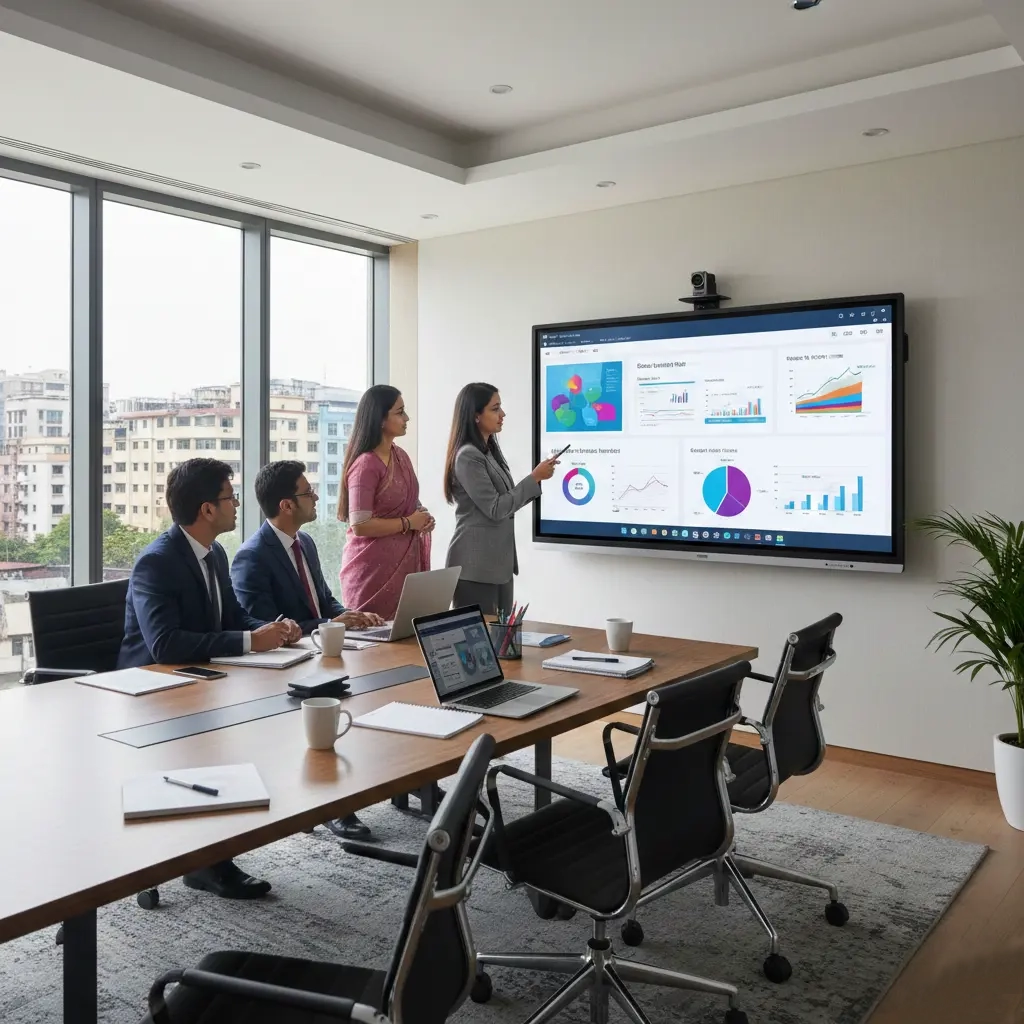
Interactive flat panel display is also used in meeting rooms, boardrooms, training rooms and conference spaces where presentation clarity and collaboration matter. Corporate users often need wireless screen sharing, annotation over live documents, video conferencing compatibility and a professional 4K display surface that remains readable in bright office environments. Compared with projector-based rooms, interactive flat panels reduce maintenance and simplify daily presentation workflow.
For corporate buyers, model selection depends on meeting-room depth, content type, number of participants and whether Windows workflow through OPS PC is required. Some rooms only need Android whiteboard and basic screen sharing, while others need full Microsoft Office, Teams, Zoom, browser and multi-user collaboration support. This is why a good meeting-room panel recommendation should follow actual usage pattern, not only brand preference.
Interactive flat panel price in Bangladesh changes based on brand, screen size, panel resolution, touch technology, Android performance, OPS PC configuration and accessory package. Installation floor height, bracket type, cable management, training scope and after-sales support can also affect the final quotation. Because of that, two 75-inch interactive flat panels may still have different commercial value depending on software features, warranty and service support.
A realistic quotation should clarify if the price covers only the panel or a complete smart classroom / meeting room package. Buyers should confirm wall mount or trolley, OPS PC, HDMI and USB accessories, installation, training and warranty terms before comparing vendors. This approach gives a more accurate budget picture and reduces the risk of buying a low-priced model that does not fit actual classroom or boardroom requirements.
The right interactive flat panel depends on who will use it, how far the audience sits and what software workflow is required. For example, a school classroom may prioritize teacher annotation, educational apps and durability, while a corporate boardroom may prioritize wireless presentation and conference integration. Screen size, touch response, glass quality, speaker output and OPS PC readiness should be matched to the intended use-case.
Before finalizing a purchase, it is useful to confirm room dimensions, user count, preferred brand, Android versus Windows workflow, document-sharing habits and support expectations. Buyers who define these points early usually get a better recommendation, a cleaner BOQ and a more practical installation result. This is especially important for smart classroom projects and institutional tenders where specification mismatch can create delays later.
Share these details to receive a faster and more accurate quotation with technical clarity.
Step 1
We confirm room type, user count, software use-case and budget range.
Step 2
We shortlist suitable models and prepare a BOQ-ready recommendation.
Step 3
Panel mounting, OPS setup, connectivity checks and first-run calibration.
Step 4
Basic user training with operational guidance and post-installation follow-up.
Interactive flat panel performance depends on OPS PC configuration. The recommendations below are based on room type and display size. All options support Windows 11 Pro, Zoom, Teams, Meet, Office, LMS and daily classroom/corporate workflows.
General classroom & training room
Ideal for built-in Windows PC on interactive flat panel — fully supports video conferencing, LMS, multimedia & smart classroom operations.
.webp)
Smart classroom + content work
Ideal for built-in Windows PC on interactive flat panel — fully supports video conferencing, LMS, multimedia & smart classroom operations.
.webp)
University & corporate boardroom
Ideal for built-in Windows PC on interactive flat panel — fully supports video conferencing, LMS, multimedia & smart classroom operations.
Many institutions now migrate from traditional projector and screen setups to interactive flat panel display because:
An interactive flat panel (IFP) is a large 4K touch display that combines a TV, digital whiteboard and computer in one device. Teachers and presenters can write, move objects, play video, open files and share content wirelessly in the classroom or meeting room.
Yes. We provide complete smart classroom solution including interactive flat panel, OPS PC, wall mount or trolley, basic sound system, document camera (optional) and installation, cabling and teacher training.
Yes. We support BOQ preparation, technical compliance sheet, product catalogue and warranty letter for government, semi-government and private tenders related to interactive flat panel and smart classroom solutions in Bangladesh.
Yes. Interactive flat panels are widely used in meeting rooms, boardrooms and training spaces for presentation, annotation, video conferencing and wireless content sharing. The right panel size depends on room depth and audience distance.
Interactive flat panel price in Bangladesh usually depends on brand, display size, Android and touch features, OPS PC specification, accessories, installation location, warranty and after-sales service scope.
For smart classroom projects in Bangladesh, 75-inch and 86-inch interactive flat panel models are usually the most practical because they balance classroom visibility, touch usability and budget. Final size depends on room depth, number of students and wall position.
Yes. Many interactive flat panels can run basic whiteboard, file viewing, annotation and wireless casting from the built-in Android system. OPS PC becomes important when you need full Windows software workflow.
For general school / college classroom in Bangladesh, 75" and 86" interactive flat panel are most popular. For small meeting room or principal room, 65" or 75" is usually enough. For large lecture hall or auditorium, 96" and 110" models give the best viewing comfort.
We supply LG CreateBoard, Samsung Flip Pro, Newline, iScreen / Ingscreen and iBoard interactive flat panel with full BOQ support, official warranty and after-sales service in Bangladesh.
In Bangladesh market, the terms interactive flat panel, smart board and smart classroom display are often used for the same type of large touch-enabled display. The practical differences usually depend on brand, software ecosystem, OPS PC option and classroom feature set.
Yes. Depending on project scope, we can provide OPS PC, wall mount, floor trolley, wireless presentation accessories and basic sound integration with the interactive flat panel.
For government and institutional projects, the best model is the one that matches tender specification, BOQ compliance, panel size requirement, operating system expectations and warranty conditions. Brand selection should follow the approved technical scope.
Yes. With Android apps or an OPS PC, interactive flat panels can support Zoom, Microsoft Teams, Google Meet, browser use, Office files, LMS portals and wireless screen sharing depending on the model and software setup.
Yes. We can provide installation, mounting, cable management, basic configuration, classroom-ready setup and teacher or user training depending on project scope.
Share your classroom size, preferred brand (LG / Samsung / Newline / iScreen / iBoard) and budget, and we will send aninteractive flat panel price and smart classroom proposal.