

Smart Classroom & Meeting Display
Interactive Flat Panel Price in Bangladesh 2026
Compare interactive flat panel price in Bangladesh for 65-inch, 75-inch, 86-inch, 98-inch and 110-inch models. Choose a smart classroom display or interactive smart board for schools, colleges, training rooms and corporate boardrooms. Renex provides Android and OPS PC options, wall mounting, installation, user training, compliance support, and a complete BOQ and project quotation.
Wireless Screen Sharing
Classroom & Meeting Ready
Installation & Training
Interactive Flat Panel Models in Bangladesh
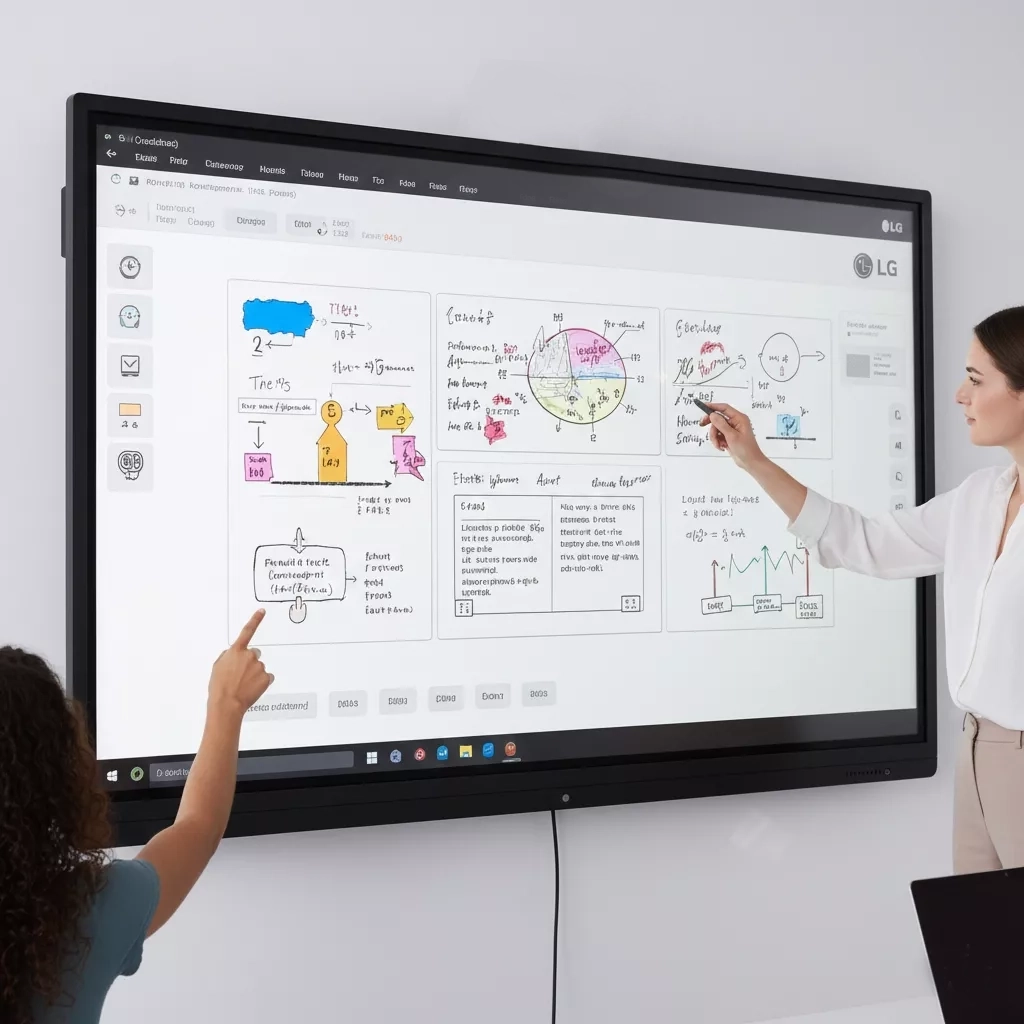
LG 65-inch Interactive Flat Panel - CreateBoard TR3DK Series
Tk 2,30,000 - 2,80,000
- - 65-inch 4K UHD display
- - 40-point touch writing
- - Built-in Android 11
- - 20W+20W speakers
LGInteractive DisplaySmart Classroom
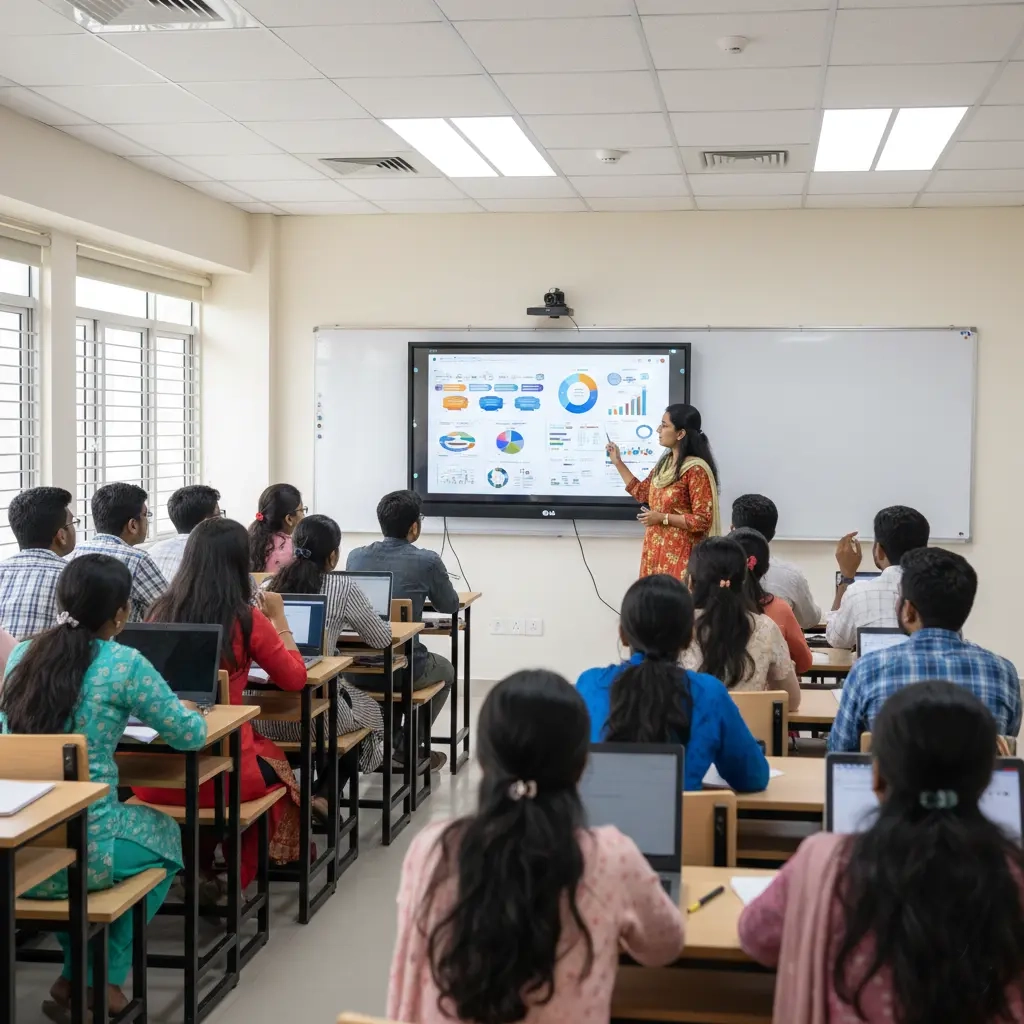
LG 75-inch Interactive Flat Panel - CreateBoard TR3DK Series
Tk 3,20,000 - 3,80,000
- - 75-inch 4K UHD panel
- - Multi-touch 40 points
- - Android 11
- - WiFi & screen share
LGInteractive PanelSmart Learning
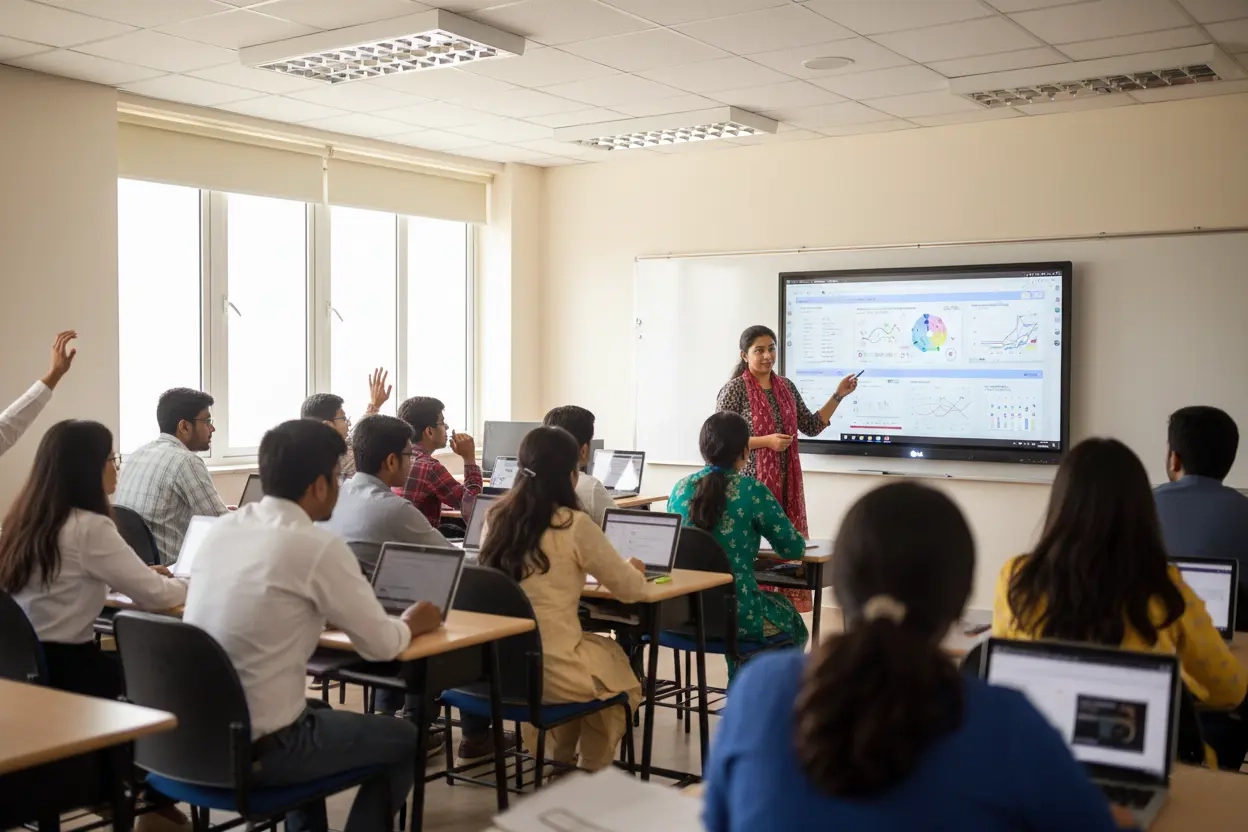
LG 86-inch Interactive Flat Panel - CreateBoard TR3DK Series
Tk 4,20,000 - 5,00,000
- - 86-inch 4K display
- - 40-point touch
- - Android + Windows (OPS optional)
- - Best for large classroom & boardroom
LG86-inch IFPConference Display
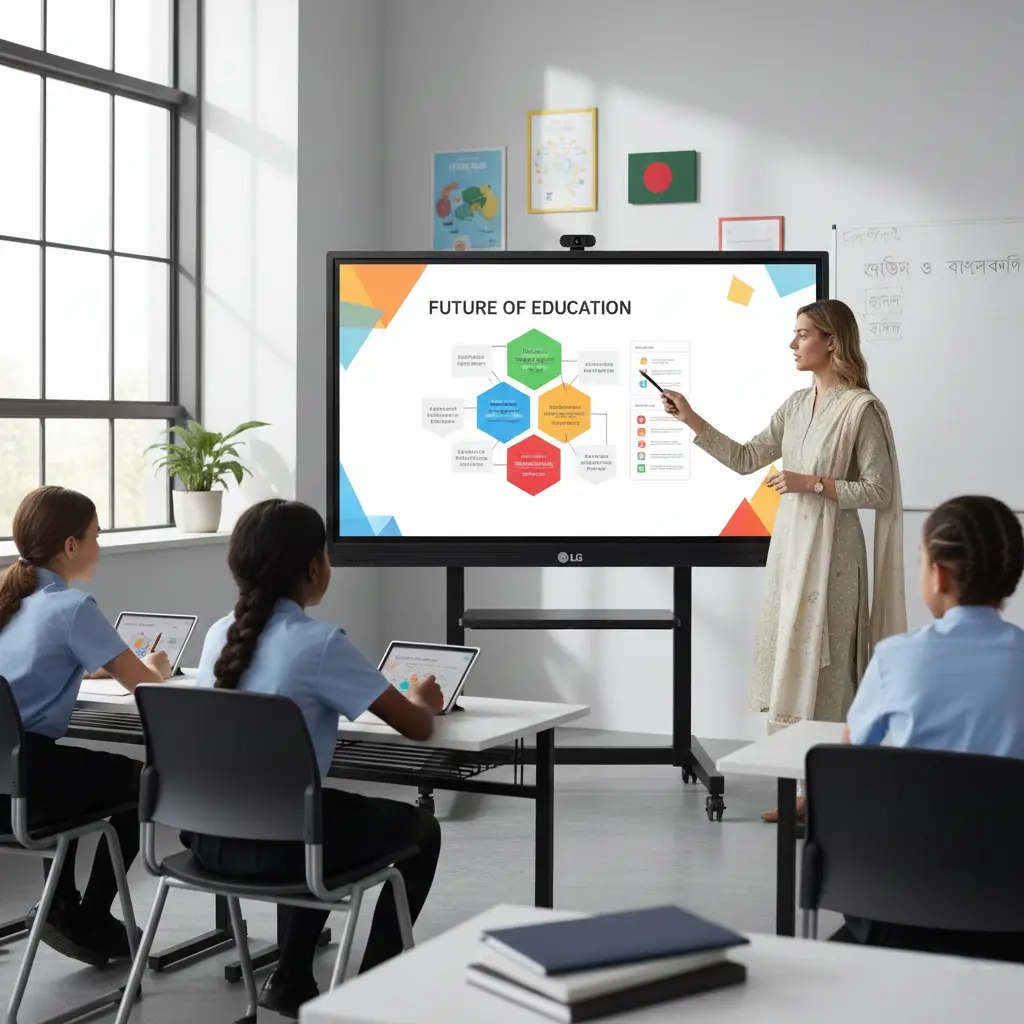
LG 96-inch Interactive Flat Panel - CreateBoard Ultra Series
Tk 6,80,000 - 7,80,000
- - Massive 96-inch 4K display
- - 40-point multi-touch
- - Advanced classroom & training usage
- - Ideal for auditorium & large training hall
LGLarge Format DisplayInteractive Board
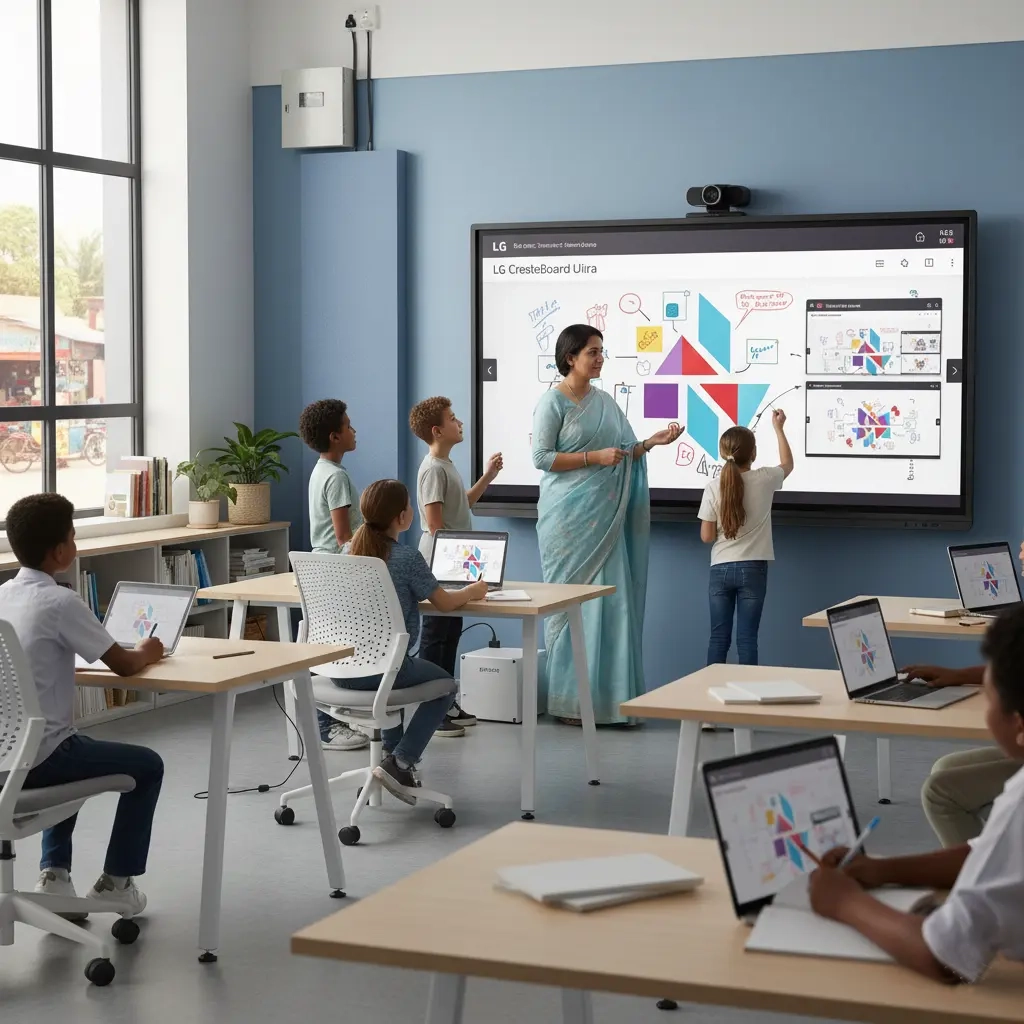
LG 110-inch Interactive Flat Panel - CreateBoard Ultra Series
Tk 8,50,000 - 9,50,000
- - Huge 110-inch 4K UHD screen
- - Premium touch writing
- - Best for flagship boardroom & auditorium
LG110-inch IFPLarge Format
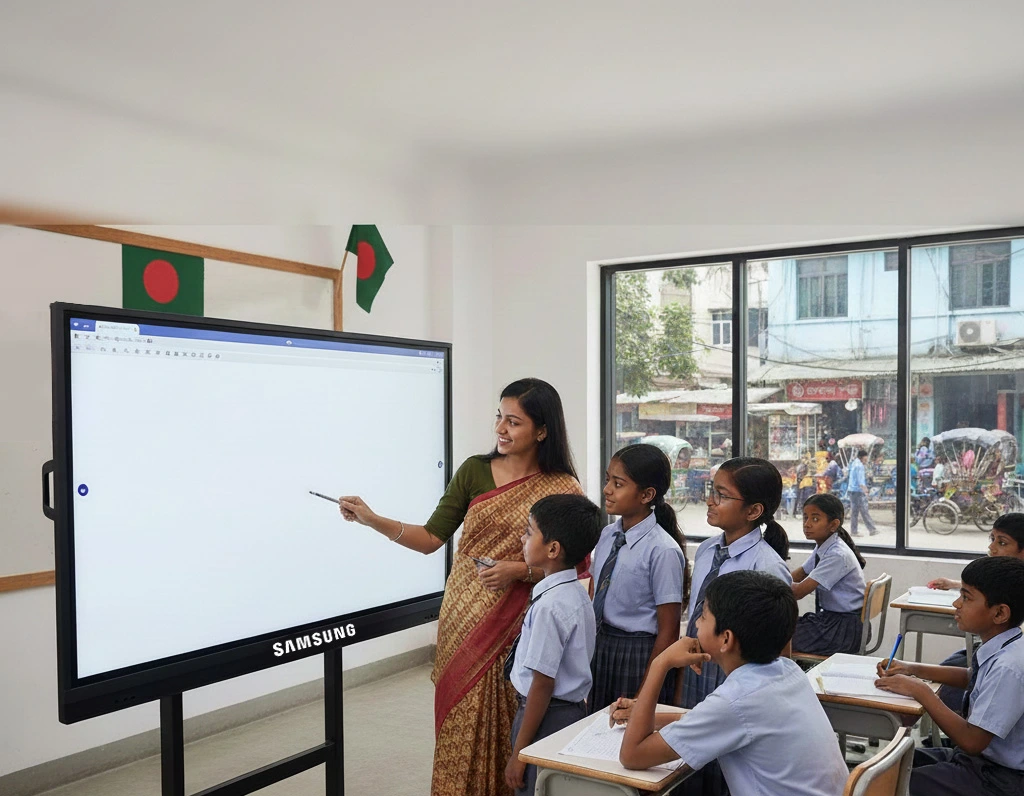
Samsung 65-inch Interactive Flat Panel - Flip Pro Series
Tk 2,30,000 - 2,80,000
- - 65-inch 4K display
- - 20-point multi-touch
- - Pen & brush mode
- - Screen sharing with mobile/PC
SamsungFlip ProInteractive Board
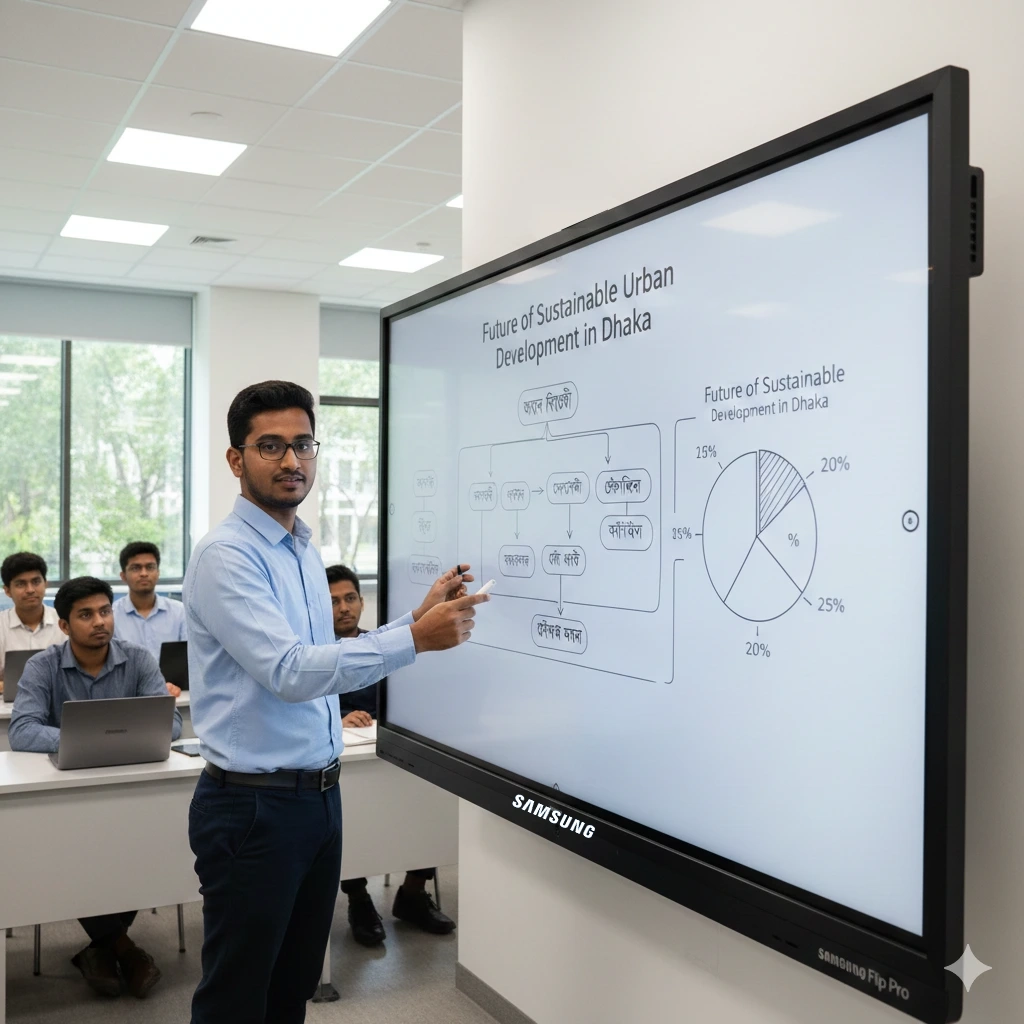
Samsung 75-inch Interactive Flat Panel - Flip Pro Series
Tk 3,20,000 - 3,80,000
- - 75-inch 4K UHD
- - Premium anti-glare glass
- - Fast touch latency
- - Teachers & trainers preferred model
SamsungSmart Classroom
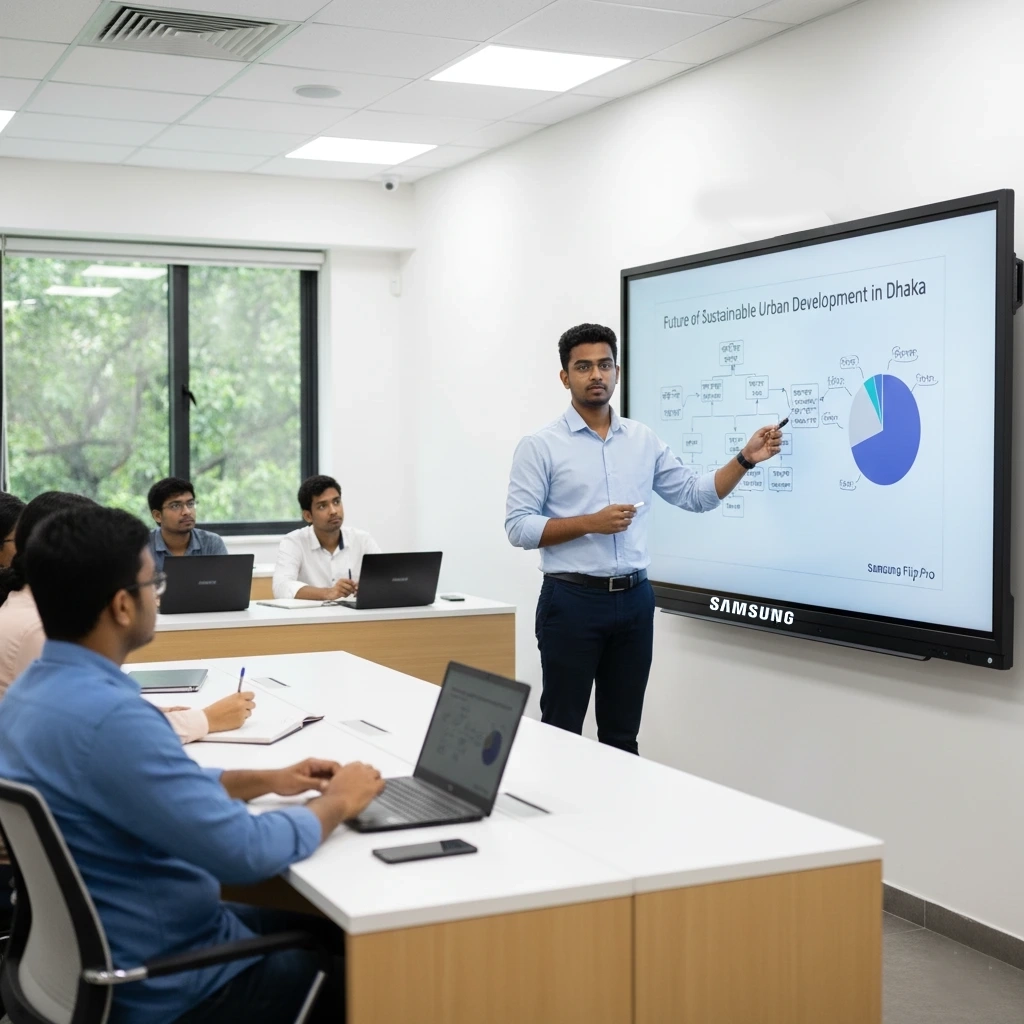
Samsung 86-inch Interactive Flat Panel - Flip Pro WMB
Tk 4,20,000 - 5,00,000
- - Ultra-large 86-inch teaching display
- - 4K anti-glare panel
- - Fast writing response
- - Wireless casting for class & training
Samsung86-inch IFPInteractive Display
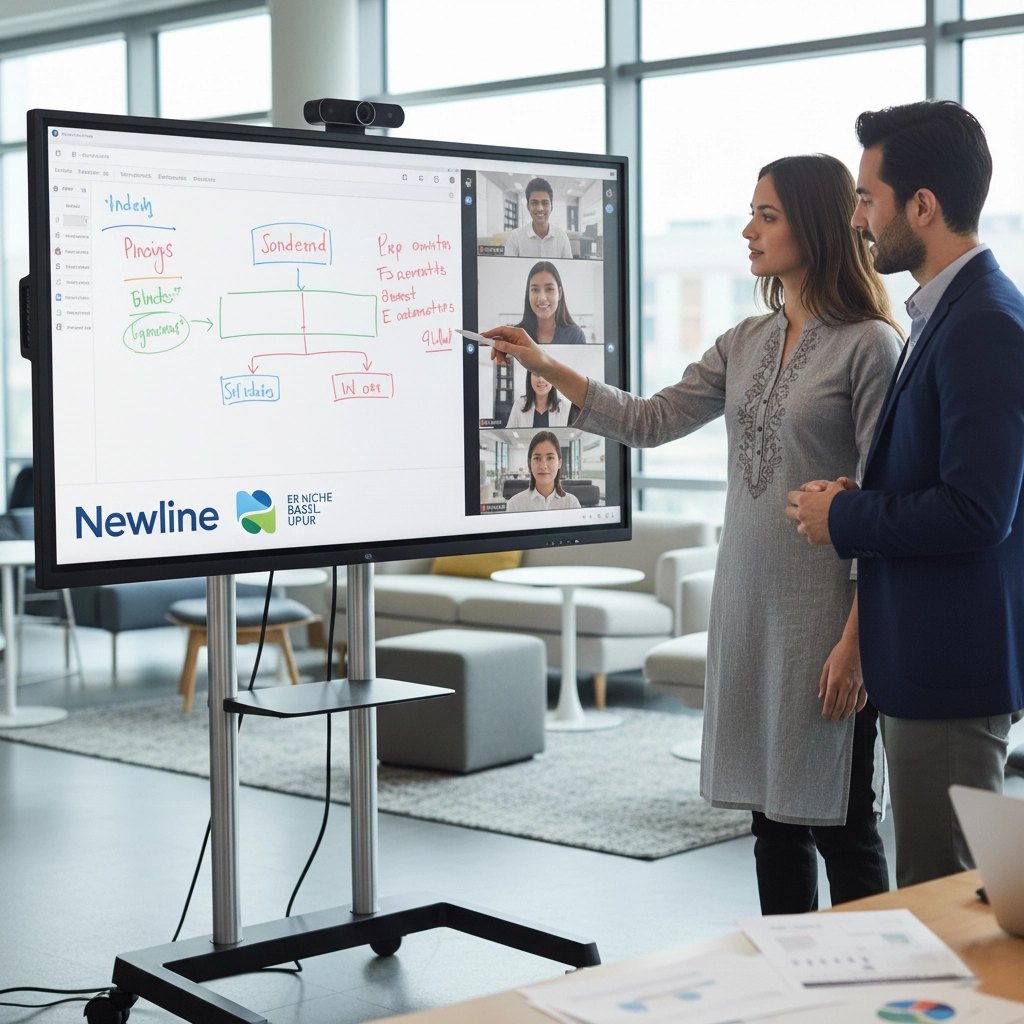
Newline 65-inch Interactive Flat Panel - 4K Android
Tk 2,30,000 - 2,80,000
- - 65-inch 4K UHD
- - Multi-touch writing
- - Android built-in + OPS support
- - Suitable for classroom & meeting room
NewlineInteractive PanelSmart Classroom
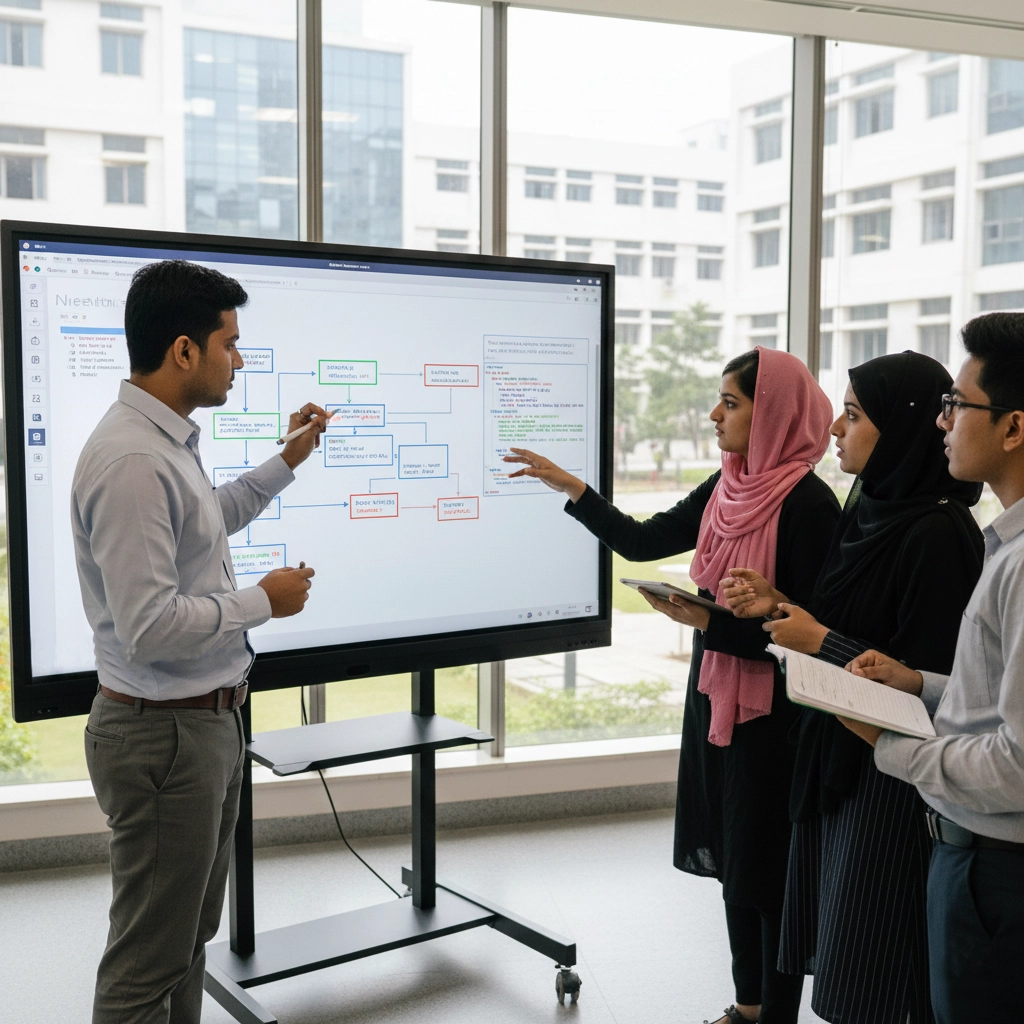
Newline 75-inch Interactive Flat Panel - 4K Android
Tk 3,20,000 - 3,80,000
- - 75-inch 4K display
- - Smooth multi-touch
- - Wireless screen sharing
- - Perfect for school & university
NewlineSmart Board
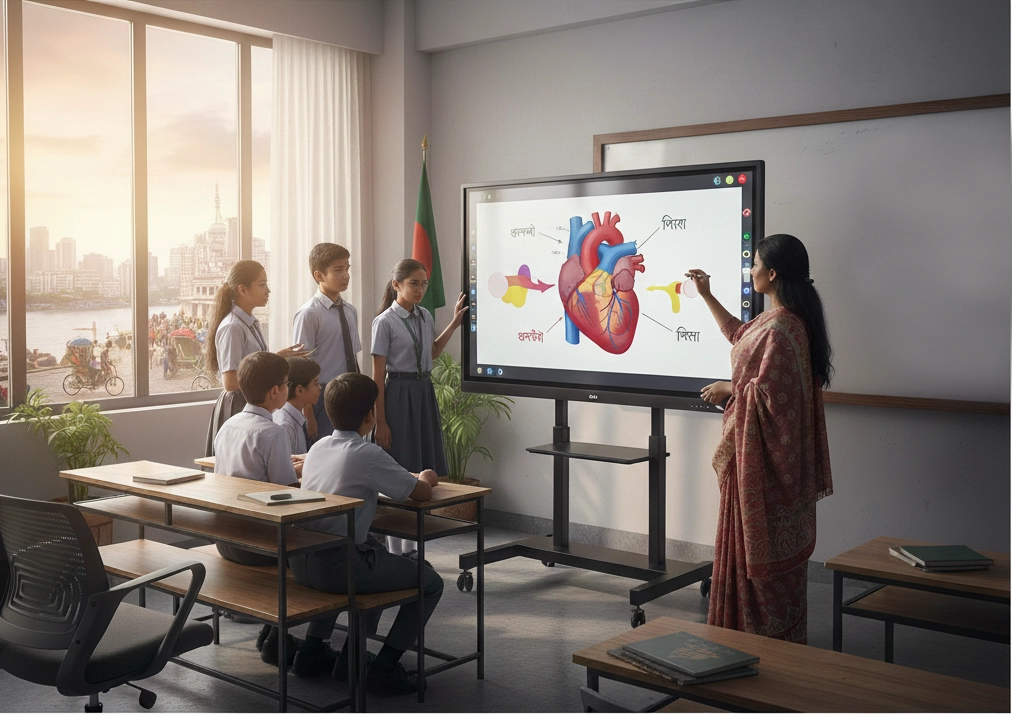
Newline 86-inch Interactive Flat Panel - 4K UHD
Tk 4,20,000 - 5,00,000
- - Large 86-inch 4K panel
- - Multi-touch classroom & conference use
- - Android + OPS support (model dependent)
Newline86-inch IFP
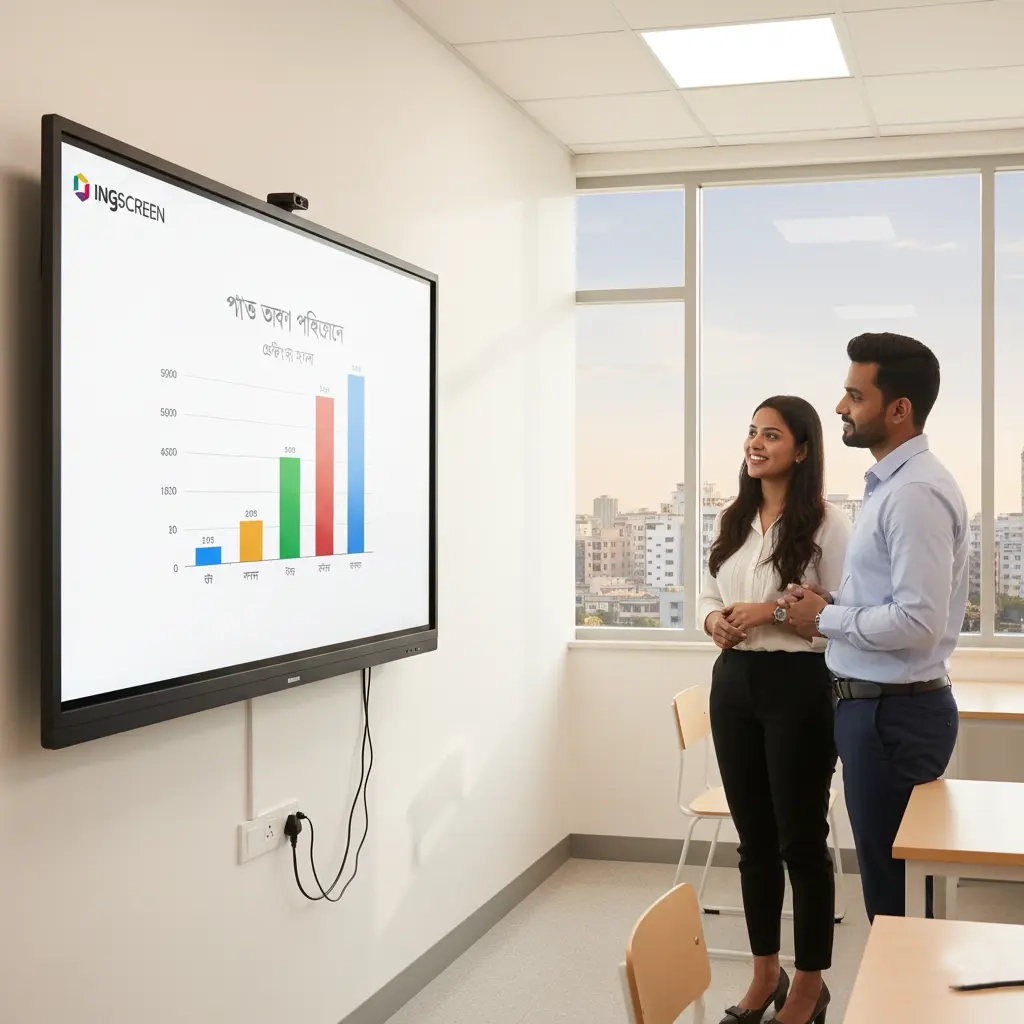
Ingscreen 65-inch Interactive Flat Panel - 4K Android
Tk 1,80,000 - 2,20,000
- - 65-inch 4K UHD
- - 20/40-point touch
- - Android 11
- - Best value model for coaching & school
IngscreenAffordable IFP
Browse all interactive flat panel models
Find a specific model, including products on later pages of the catalogue.
Interactive Flat Panel Price List in Bangladesh
Below is an indicative size-wise budget range for Bangladesh market. Final quotation may change based on brand, OPS PC, wall mount or trolley, installation floor height and project quantity.
| Screen Size | Price Range (BDT) | Best For |
|---|---|---|
| 65-inch | Tk 1,80,000 - 2,80,000 | Meeting room, principal room and small classroom |
| 75-inch | Tk 3,20,000 - 3,80,000 | School, college and standard smart classroom |
| 86-inch | Tk 3,20,000 - 5,00,000 | Large classroom, training room and boardroom |
| 96-inch | Tk 6,80,000 - 7,80,000 | Large training hall, premium classroom and flagship boardroom |
| 98-inch | Tk 6,80,000 - 7,80,000 | Seminar room, large classroom and premium collaboration space |
| 110-inch | Tk 8,50,000 - 9,50,000 | Auditorium, flagship boardroom and lecture hall |
Budget-friendly range
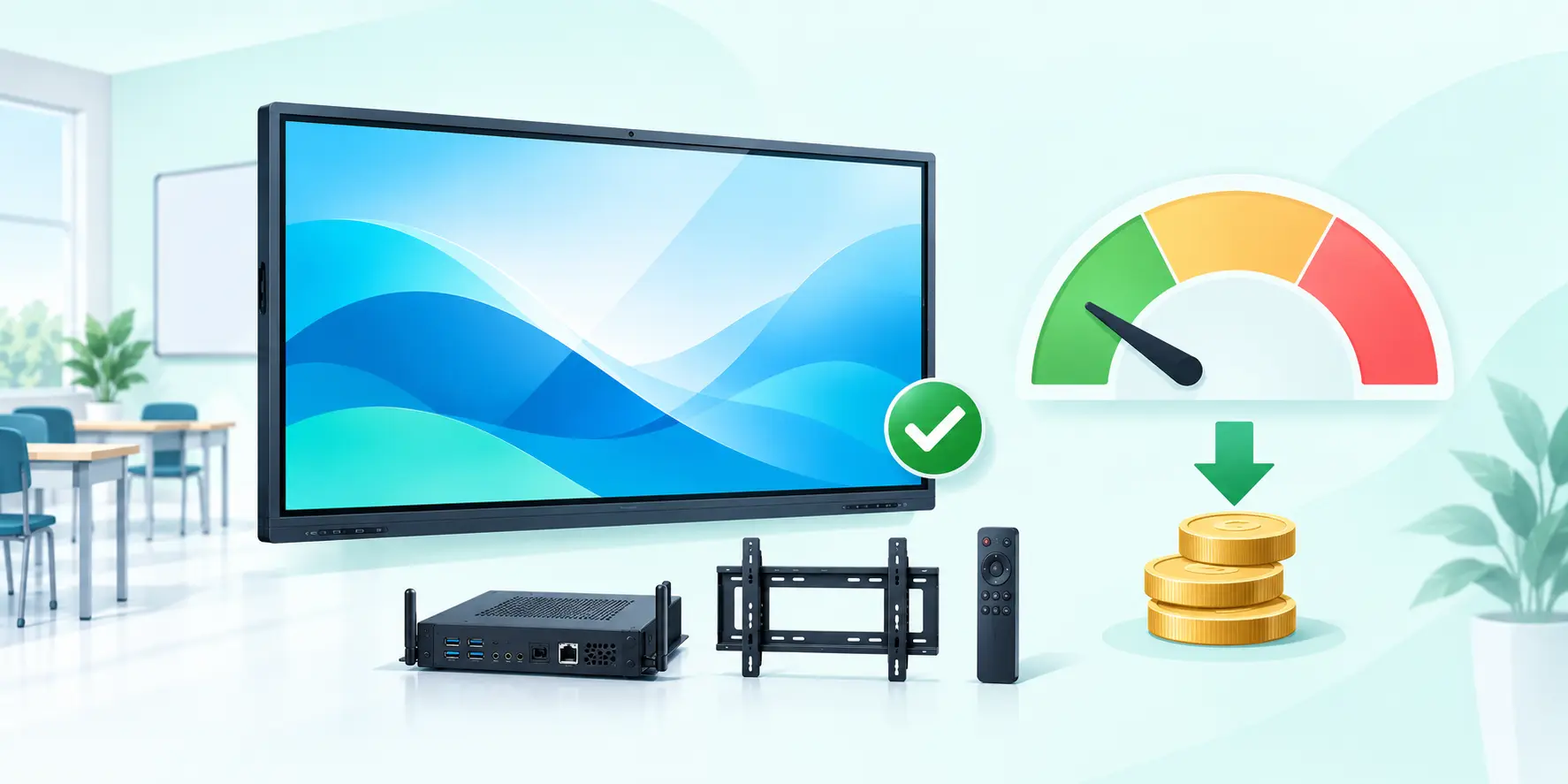
iBoard and Ingscreen models usually start from the lower budget side for school, coaching and routine meeting-room projects.

Mainstream classroom choice
75-inch and 86-inch panels are the most common for smart classroom and training room deployment in Bangladesh.
What changes the final quote
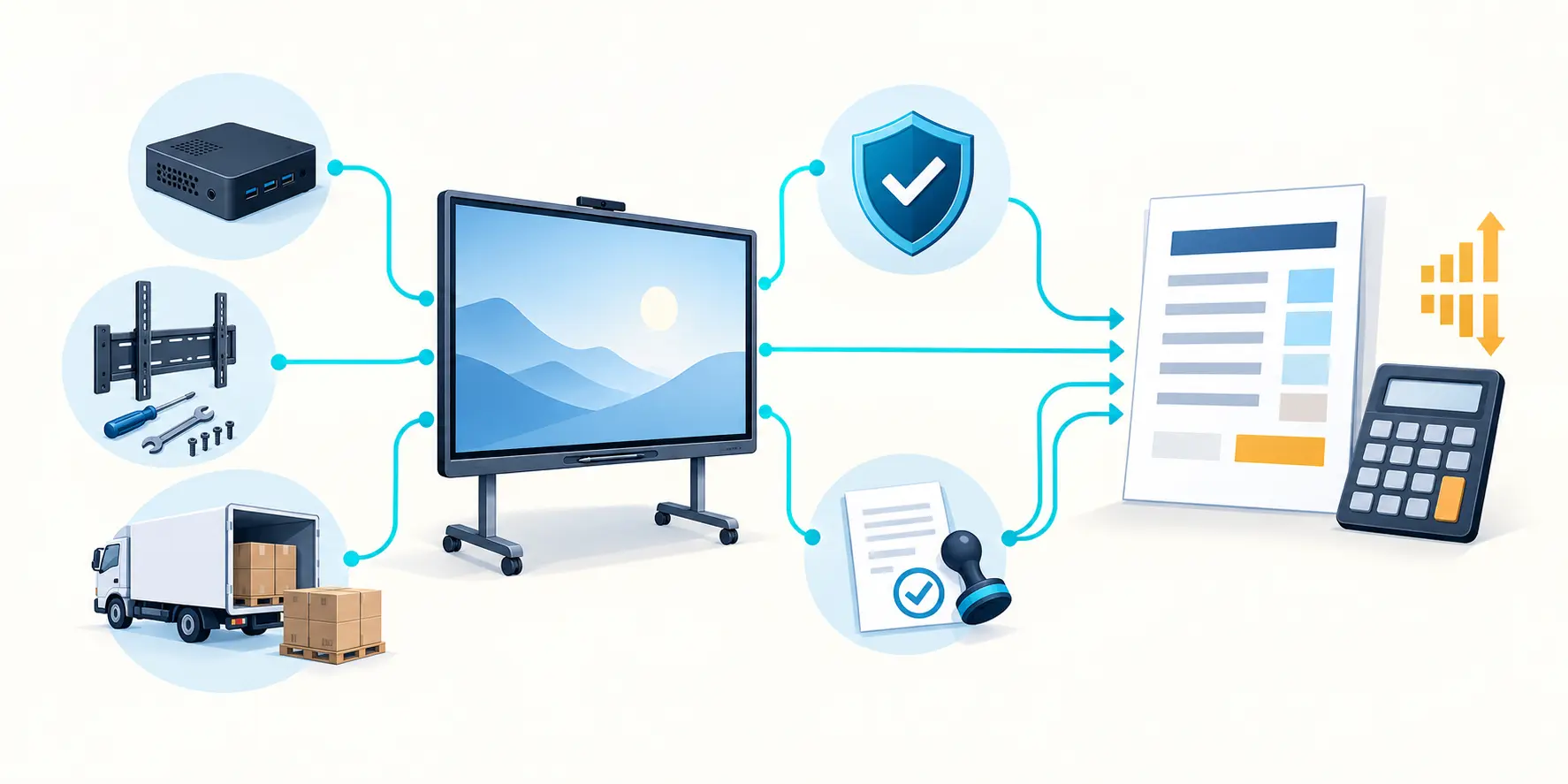
OPS PC, installation scope, transport, warranty coverage and tender compliance can shift the final commercial value beyond base panel price.
Interactive Flat Panel Buying Guide for Bangladesh
If you are searching for interactive flat panel price in Bangladesh, compare full project scope instead of only unit price. Final budget usually depends on screen size, Android/OPS configuration, mounting type, installation location and training/support scope.

What Is an Interactive Flat Panel?
An interactive flat panel (IFP) is a large 4K touch display used for teaching, training and collaboration. It works like a digital whiteboard where users can write, annotate, present slides and share content directly from Android apps or Windows (via OPS PC).
Why Choose Renex for Interactive Flat Panel Projects?
An interactive flat panel project in Bangladesh involves more than the display price. Compare the complete smart classroom or meeting-room setup, from model specifications and BOQ requirements to installation, user training and ongoing support. If you are reviewing interactive flat panel price in Bangladesh, these four areas help you choose a suitable system and request a clearer quotation.
BOQ and Tender Support
Compare interactive flat panel specifications by screen size, 4K resolution, touch performance, Android or OPS PC configuration, ports, mounting and warranty terms. A BOQ-ready model comparison helps schools, offices and tender teams check the complete equipment and installation scope before requesting a quotation.
Installation and Handover
A smart classroom or meeting-room installation needs the right screen position, secure mounting, power and network access, tidy cable routes and compatible accessories. Touch response, display audio, wireless sharing and OPS PC functions should be checked with users before the room is handed over.
Brand and Model Flexibility
Compare LG, Samsung, Newline, Ingscreen and iBoard interactive flat panel options against room depth, audience size, software workflow and budget. The best fit may differ between a 65-inch office display, a 75-inch classroom panel and a larger boardroom or lecture-hall screen; confirm current model availability before ordering.
After-Sales Continuity
Review warranty coverage, software updates, user training, accessory compatibility and service responsibilities as part of the project quotation. Clear after-sales arrangements make it easier for teachers and meeting-room teams to maintain everyday use and resolve display, touch or connectivity issues.
Interactive Flat Panel for Smart Classroom in Bangladesh
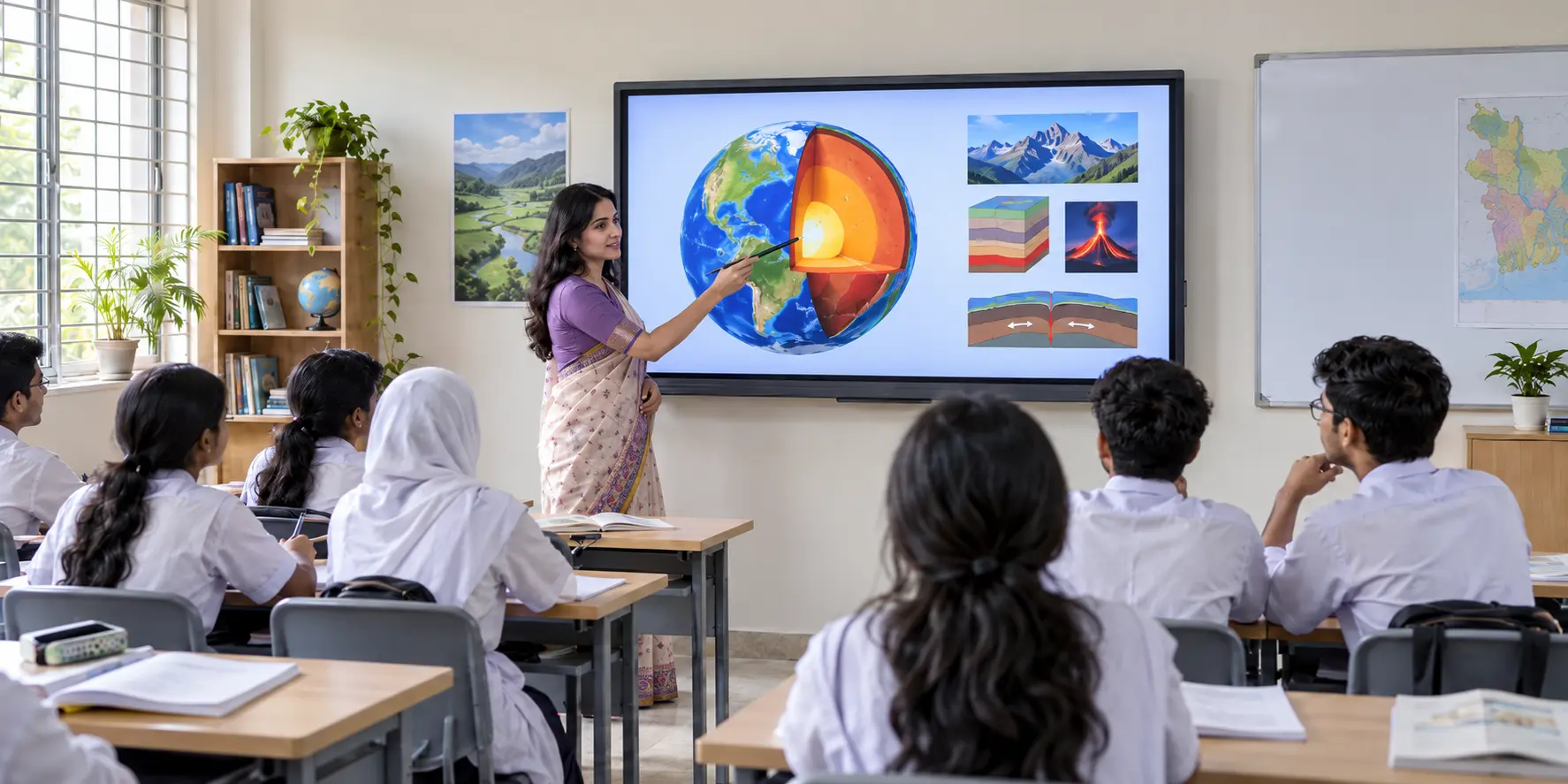
Interactive flat panel is now one of the most practical upgrades for smart classroom projects in Bangladesh. Schools, colleges, universities and coaching centres use it to replace projector-based teaching with a brighter, touch-enabled and easier-to-manage classroom display. Teachers can write directly on the screen, annotate slides, open PDF or PowerPoint files, play video content and combine whiteboard-style teaching with multimedia presentation in one device.
For classroom use, buyers usually compare 65 inch, 75 inch and 86 inch interactive flat panel options depending on room size and student seating distance. A proper smart classroom package may also include OPS PC, wall mount, teacher microphone, basic classroom sound support and cabling. The real value comes from choosing the right panel size, stable touch experience and user-friendly software rather than selecting a model by price alone.

Interactive Flat Panel for Meeting Room and Corporate Use
Interactive flat panel display is also used in meeting rooms, boardrooms, training rooms and conference spaces where presentation clarity and collaboration matter. Corporate users often need wireless screen sharing, annotation over live documents, video conferencing compatibility and a professional 4K display surface that remains readable in bright office environments. Compared with projector-based rooms, interactive flat panels reduce maintenance and simplify daily presentation workflow.
For corporate buyers, model selection depends on meeting-room depth, content type, number of participants and whether Windows workflow through OPS PC is required. Some rooms only need Android whiteboard and basic screen sharing, while others need full Microsoft Office, Teams, Zoom, browser and multi-user collaboration support. This is why a good meeting-room panel recommendation should follow actual usage pattern, not only brand preference.
What Affects Interactive Flat Panel Price?
Interactive flat panel price in Bangladesh changes based on brand, screen size, panel resolution, touch technology, Android performance, OPS PC configuration and accessory package. Installation floor height, bracket type, cable management, training scope and after-sales support can also affect the final quotation. Because of that, two 75-inch interactive flat panels may still have different commercial value depending on software features, warranty and service support.
A realistic quotation should clarify if the price covers only the panel or a complete smart classroom / meeting room package. Buyers should confirm wall mount or trolley, OPS PC, HDMI and USB accessories, installation, training and warranty terms before comparing vendors. This approach gives a more accurate budget picture and reduces the risk of buying a low-priced model that does not fit actual classroom or boardroom requirements.
How to Choose the Right Interactive Flat Panel
The right interactive flat panel depends on who will use it, how far the audience sits and what software workflow is required. For example, a school classroom may prioritize teacher annotation, educational apps and durability, while a corporate boardroom may prioritize wireless presentation and conference integration. Screen size, touch response, glass quality, speaker output and OPS PC readiness should be matched to the intended use-case.
Before finalizing a purchase, it is useful to confirm room dimensions, user count, preferred brand, Android versus Windows workflow, document-sharing habits and support expectations. Buyers who define these points early usually get a better recommendation, a cleaner BOQ and a more practical installation result. This is especially important for smart classroom projects and institutional tenders where specification mismatch can create delays later.
Buyer Checklist Before Requesting IFP Quotation
Share these details to receive a faster and more accurate quotation with technical clarity.
- Room size, seating distance and preferred panel size (65/75/86/96/98/110).
- 4K/UHD requirement and touch performance expectations.
- Android-only operation or OPS PC based Windows workflow.
- Required ports and accessories (HDMI, USB, Type-C, wall mount/trolley).
- Project timeline, installation location and support scope.
Supply, Installation and Handover Process
Our interactive flat panel installation process in Bangladesh covers requirement mapping, BOQ and model selection, secure mounting, OPS PC configuration, connectivity testing, user training and final project handover.
Step 1
Requirement Mapping
We confirm room type, user count, software use-case and budget range.
Step 2
Model and BOQ Alignment
We shortlist suitable models and prepare a BOQ-ready recommendation.
Step 3
Installation and Configuration
Panel mounting, OPS setup, connectivity checks and first-run calibration.
Step 4
Training and Support
Basic user training with operational guidance and post-installation follow-up.
Optional OPS PC Module for Interactive Flat Panel
Interactive flat panel performance depends on OPS PC configuration. The recommendations below are based on room type and display size. All options support Windows 11 Pro, Zoom, Teams, Meet, Office, LMS and daily classroom/corporate workflows.
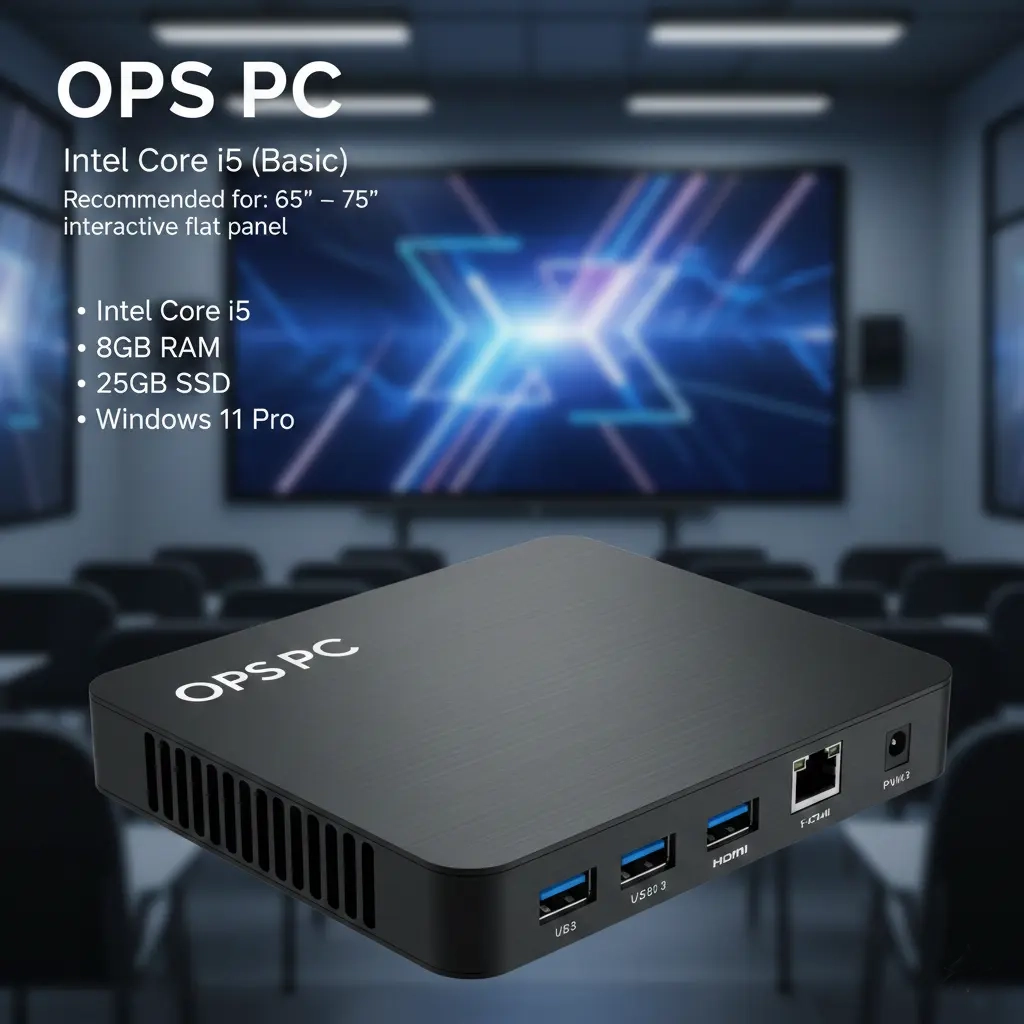
General classroom & training room
OPS PC – Intel Core i5 (Basic)
General classroom & training room
Recommended: 65" – 75" interactive flat panel
- ▸Intel Core i5
- ▸8GB RAM
- ▸256GB SSD
- ▸Windows 11 Pro
Ideal for built-in Windows PC on interactive flat panel — fully supports video conferencing, LMS, multimedia & smart classroom operations.
.webp)
Smart classroom + content work
OPS PC – Intel Core i5 (Standard)
Smart classroom + content work
Recommended: 75" – 86" classroom & seminar room
- ▸Intel Core i5
- ▸16GB RAM
- ▸512GB SSD
- ▸Windows 11 Pro
Ideal for built-in Windows PC on interactive flat panel — fully supports video conferencing, LMS, multimedia & smart classroom operations.
.webp)
University & corporate boardroom
OPS PC – Intel Core i7 (Pro)
University & corporate boardroom
Recommended: 86" – 110" boardroom & auditorium
- ▸Intel Core i7
- ▸16–32GB RAM
- ▸512GB–1TB SSD
- ▸Windows 11 Pro
Ideal for built-in Windows PC on interactive flat panel — fully supports video conferencing, LMS, multimedia & smart classroom operations.
Why choose interactive flat panel instead of projector?
Many institutions now migrate from traditional projector and screen setups to interactive flat panel display because:
- 4K resolution, high brightness and anti-glare glass provide clear visibility in daylight classrooms.
- Direct touch writing and annotation remove the need for a separate interactive whiteboard.
- Built-in Android + OPS PC can run YouTube, browser, PDF and PowerPoint from one screen.
- Lower maintenance with no projector lamp replacement and fewer alignment or dust issues.
Interactive Flat Panel - FAQ
Find practical answers about interactive flat panel prices in Bangladesh, suitable screen sizes, available brands, smart classroom applications, BOQ planning, installation and teacher training.
1What is an interactive flat panel?+
An interactive flat panel (IFP) is a large 4K touch display that combines a TV, digital whiteboard and computer in one device. Teachers and presenters can write, move objects, play video, open files and share content wirelessly in the classroom or meeting room.
2Which size interactive flat panel is best for classroom?+
For general school / college classroom in Bangladesh, 75" and 86" interactive flat panel are most popular. For small meeting room or principal room, 65" or 75" is usually enough. For large lecture hall or auditorium, 96" and 110" models give the best viewing comfort.
3How is interactive flat panel price calculated in Bangladesh?+
Interactive flat panel price in Bangladesh usually depends on brand, display size, Android and touch features, OPS PC specification, accessories, installation location, warranty and after-sales service scope.
4Which brands of interactive flat panel do you supply?+
We supply LG CreateBoard, Samsung Flip Pro, Newline, Ingscreen and iBoard interactive flat panel with full BOQ support, official warranty and after-sales service in Bangladesh.
5Do you provide complete smart classroom solution in Bangladesh?+
Yes. We provide complete smart classroom solution including interactive flat panel, OPS PC, wall mount or trolley, basic sound system, document camera (optional) and installation, cabling and teacher training.
6What is the difference between interactive flat panel and smart board?+
In Bangladesh market, the terms interactive flat panel, smart board and smart classroom display are often used for the same type of large touch-enabled display. The practical differences usually depend on brand, software ecosystem, OPS PC option and classroom feature set.
7Can interactive flat panel be used in meeting room and boardroom?+
Yes. Interactive flat panels are widely used in meeting rooms, boardrooms and training spaces for presentation, annotation, video conferencing and wireless content sharing. The right panel size depends on room depth and audience distance.
8Do you provide installation and teacher training with interactive flat panel?+
Yes. We can provide installation, mounting, cable management, basic configuration, classroom-ready setup and teacher or user training depending on project scope.
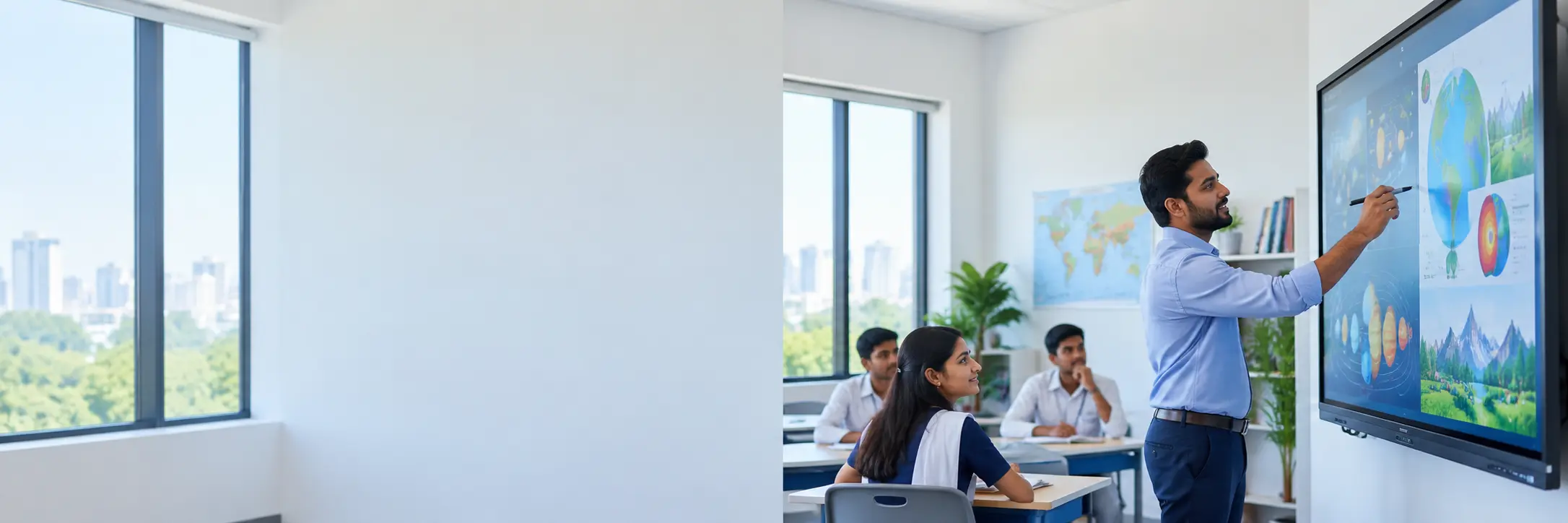
Need interactive flat panel for your institution?
Share your classroom size, preferred brand (LG / Samsung / Newline / Ingscreen / iBoard) and budget, and we will send an interactive flat panel price and smart classroom proposal.